Description
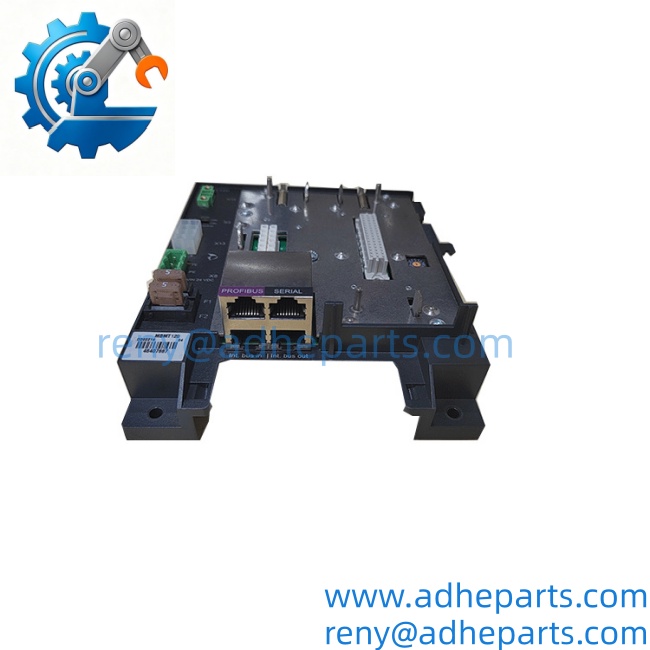
MBMT120
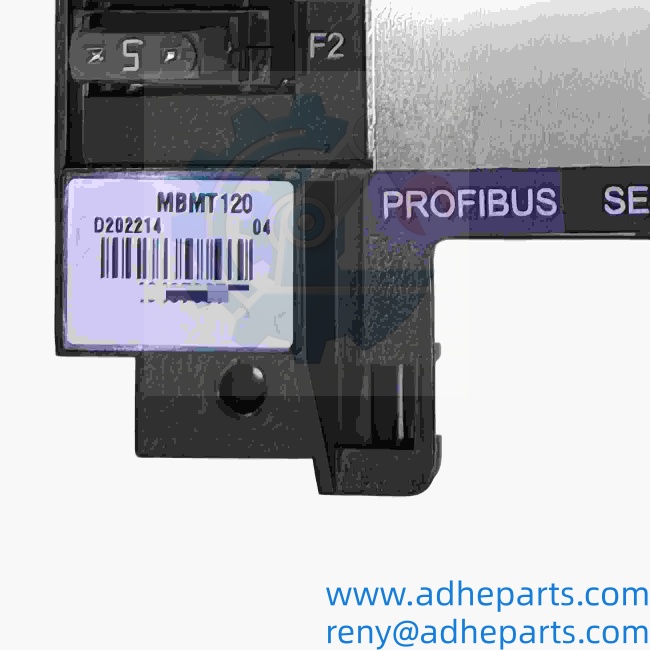
MBMT120
Key Technical Specifications
| Parameter | Specification |
|---|---|
| Manufacturer | Metso |
| Model | MBMT120 |
| Product Type | Industrial Automation Module |
| System Family | Metso Automation; exact family to be confirmed |
| Core Function | Requires confirmation |
| Input / Output Type | Not confirmed |
| Supply Voltage | Not confirmed |
| Communication Interface | Not confirmed |
| Mounting Arrangement | Not confirmed |
| Hardware Revision | Must be checked on the physical unit |
| Firmware Version | Must be checked if the module is programmable |
| Dimensions | Not confirmed |
| Net Weight | Not confirmed |
| Country of Origin | Must be confirmed from the actual unit documentation |
The available identification is not sufficient to confirm whether MBMT120 is an I/O module, communication board, power module, or another system-specific Metso assembly. The complete label, revision, and host-system information should be used before publishing detailed electrical specifications.
Product Introduction (Anti-Template)
In a Metso industrial control installation, a module with a short reference such as MBMT120 may be tied to a specific cabinet, controller generation, or application configuration. Without the full product label or system documentation, its exact role should not be described as a standard analog, digital, communication, or power module.
For procurement, the safest identification is the complete MBMT120 reference together with the hardware revision, connector-side photograph, and installed equipment model. Honestly, assigning voltage, channel count, or communication protocol from the short model number alone could lead to an incorrect replacement.
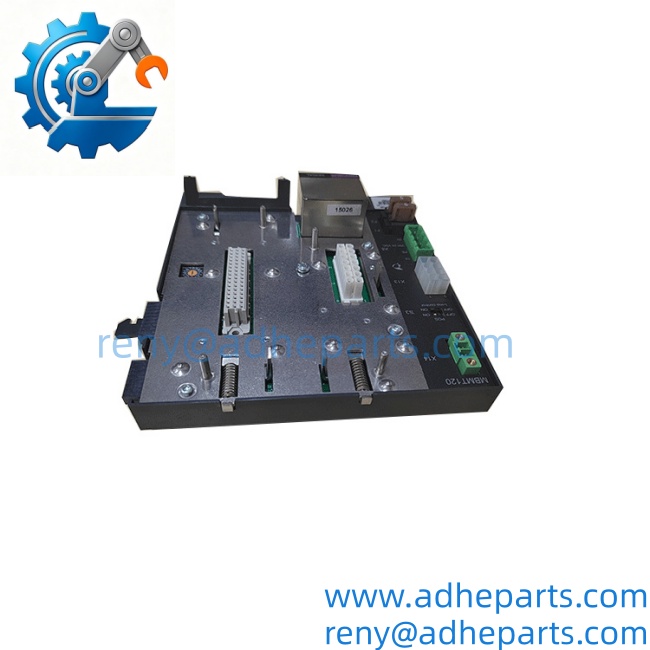
MBMT120
QC, Procurement & Logistics SOP
- Inbound Verification
Confirm the complete marking MBMT120, manufacturer label, serial number, revision code, connector arrangement, and any additional product or assembly number. - System Compatibility Verification
Identify the exact Metso control platform, rack, cabinet, and connected equipment. Verify whether MBMT120 is used as an I/O, communication, power, interface, or application-specific module. - Live Rig Testing
Testing should be performed only after the electrical function and pinout are confirmed. Depending on the verified function, checks may include power-up diagnostics, signal continuity, communication exchange, or controller recognition. - QA & Anti-Static Packaging
Protect the PCB, connectors, terminal blocks, and exposed electronic components against ESD, moisture, and impact. Use rigid internal support to prevent connector or board damage during transport. - Global Logistics & Export Compliance
Confirm the final packed dimensions and gross weight before freight booking. Select the customs classification according to the verified physical function of the module, not only the short model number.
Technical Pitfalls & Integration Warnings
- Firmware Revision Mismatch
Example: the replacement is from a different Metso controller generation and powers up but is not recognized by the installed system. Confirm firmware, hardware revision, and application compatibility where applicable. - DIP Switch / Configuration Errors
If the module uses address or mode settings, incorrect switch positions may cause communication or I/O faults. Photograph the original settings before removal and compare them with the replacement. - Wiring / Terminal Incompatibility
The electrical function and connector pinout are not confirmed for . Do not connect field wiring until the terminal assignment, supply voltage, signal type, and polarity have been verified. - ESD Destruction During Unboxing
Unprotected handling can damage exposed electronics before installation. Keep the module in anti-static packaging until the cabinet is ready, and handle it by the edges rather than the connector contacts.
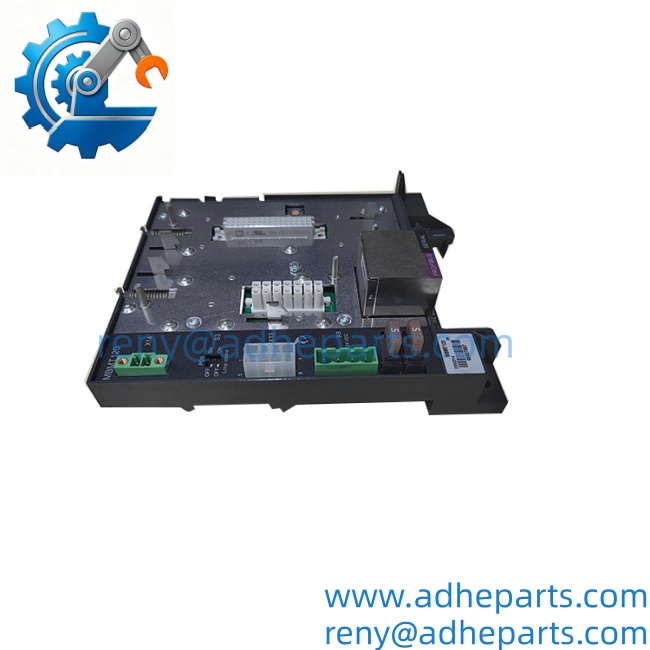
MBMT120
Frequently Asked Questions (FAQ)
Q1. What is Metso ?
is identified as a Metso industrial automation part, but its exact function cannot be confirmed from the short reference alone. A nameplate photograph or host-system model is required.
Q2. Is an I/O module?
That should not be assumed. The exact I/O type, channel count, and electrical ratings require confirmation from the product label or technical documentation.
Q3. What controller or system uses this part?
The compatible Metso platform has not been confirmed. Please provide the cabinet model, controller model, or a photograph of the installation location.
Q4. Can another Metso module replace ?
Not automatically. The replacement must match the hardware revision, connector arrangement, electrical function, system generation, and application configuration.
Q5. Can it be hot-swapped?
Do not assume hot-swapping is permitted. Isolate the relevant cabinet and follow the approved Metso maintenance procedure before removal or installation.
Q6. What information should I provide for a quotation?
Provide , clear photographs of the front and rear labels, connector-side photographs, the installed system model, and the requested condition.
Q7. What is the international lead time?
Lead time depends on actual stock and condition. Once the exact function and revision are confirmed, the unit can be checked for new surplus, used, or tested availability.