Description
Note: Many products are not yet listed. Please contact us for more product information. Our supply channels are constantly expanding, and we currently have 20 stable shared supply channels. Please confirm the model, product, price, and all other necessary information with customer service before placing an order. We offer new, refurbished, and used products, and prices are adjusted according to the year of the item you require.
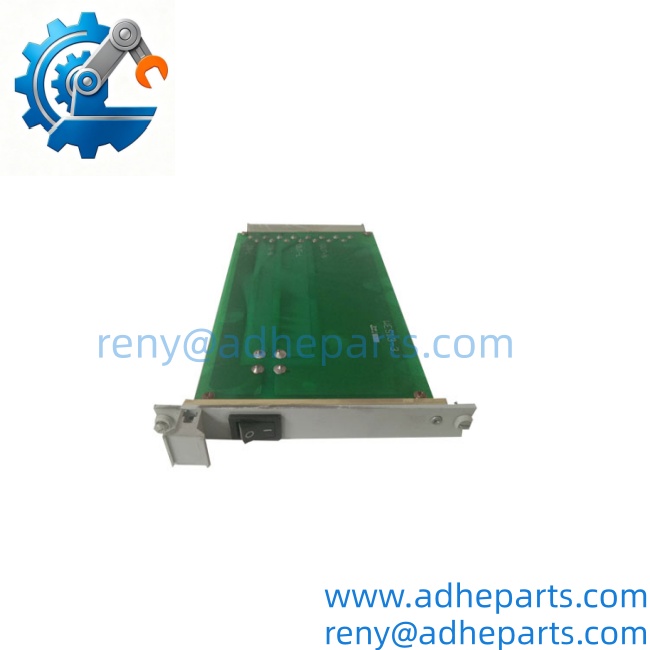
WES5302 WES5302-111
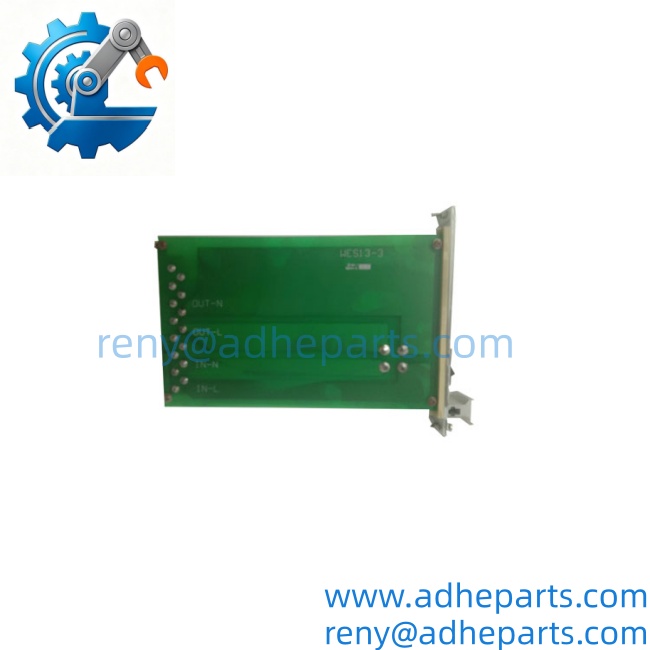
WES5302-150
3. Key Technical Specifications
Do not order against this table alone. The -111 suffix defines the port mix, power supply options, and firmware image. Confirm every line against the label on your existing unit and the OEM datasheet for the WES5302-111 build.
| Parameter | Value |
|---|---|
| Model | WES5302 |
| Build Code | WES5302-111 |
| Brand | GE Grid Solutions (Multilin) |
| Product Family | WES series |
| Switch Type | Managed Layer 2 Ethernet switch |
| Port Count | Verify with OEM datasheet — WES5302 class, confirm exact count on your build |
| Port Media Mix | Verify — fiber (multimode / single-mode) and copper (RJ45) combination varies by build |
| Port Speed | 10/100 Mbps and 1000 Mbps — verify per port |
| Switching Capacity | Verify with OEM datasheet |
| MAC Address Table | Verify |
| VLAN Support | Yes — 802.1Q, port-based, protocol-based — verify firmware |
| Redundancy Protocols | RSTP, MSTP, and vendor-specific ring protocols — verify |
| Multicast | IGMP snooping, static multicast — verify |
| Time Sync | SNTP, IEEE 1588 PTP — verify firmware |
| Management | Web interface, CLI via console, SNMP — verify |
| IEC 61850 Compliance | IEC 61850-3 (environmental), IEEE 1613 (substation) — verify on label |
| Power Supply | Redundant DC inputs — verify voltage range and connector type |
| Power Consumption | Verify with OEM datasheet |
| Alarm Contact | Relay output for power or link failure — verify |
| Mounting | 19″ rack or panel mount — verify bracket |
| Operating Temperature | –40 °C to +85 °C (typical for IEC 61850-3 class — verify) |
| Storage Temperature | –40 °C to +85 °C |
| Humidity | 5% – 95% RH, non-condensing |
| Weight | Verify with OEM datasheet |
| Certifications | IEC 61850-3, IEEE 1613, CE, UL — verify on the specific unit’s label |
4. Product Introduction
The GE WES5302 is a managed Layer 2 Ethernet switch built for substation duty. It carries IEC 61850 GOOSE, MMS, and SCADA traffic on a hardened platform rated to IEC 61850-3 and IEEE 1613 — meaning it survives the temperature swings, vibration, and electromagnetic environment inside a switchgear cabinet. The -111 suffix identifies the specific build: port mix, power supply configuration, and firmware image. That suffix is the part that matters when you order a replacement.
Here is the catch: on this switch, the port media mix is the one specification you cannot assume. Two WES5302 units with different suffixes can look the same on the front panel and differ in fiber type, transceiver wavelength, or port count. Before you order, read the full string off the existing unit and photograph the front panel. If you send us the label photo and the station’s network architecture, we will confirm the build against the OEM documentation instead of leaving you with a table of verification notes.
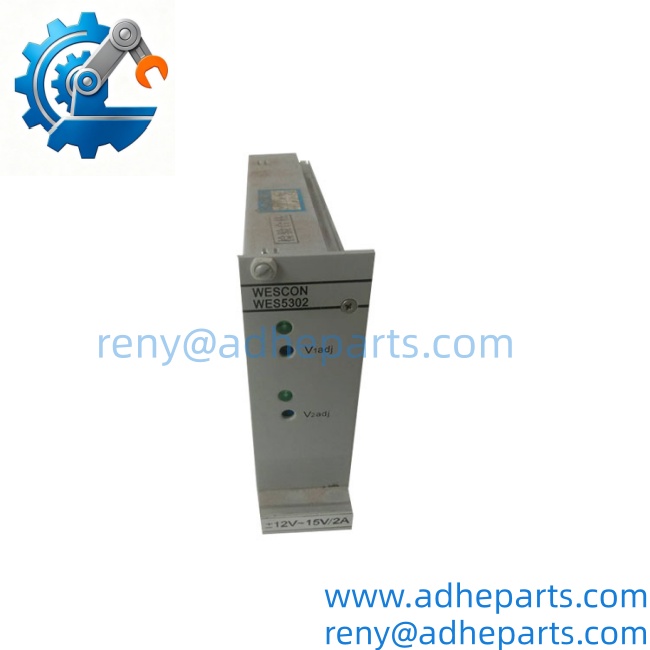
WES5302 WES5302-111
5. Application Scenarios & Field Experience
Part 1 – Narrative Paragraph
The failure that takes down a substation network is not usually the switch itself — it is the redundancy protocol failing to converge after a link goes down. I have seen a station lose its HMI because a ring protocol on a managed switch was misconfigured after a replacement, and the new unit came up with the wrong firmware image. The traffic looped, the network flooded, and the operator lost visibility. When you replace a , record the firmware revision, the ring protocol settings, and the VLAN configuration from the old unit before you pull it. A new switch with the same part number and a different firmware revision can come up clean and still break the network under a fault condition. That is the failure you do not see until you need the redundancy.
Part 2 – Numbered List (Application Scenarios)
- Transmission Substations – Station Bus Switch – The carries GOOSE messages between protection IEDs and the station controller. The switch’s IEC 61850-3 rating and redundant power inputs keep the station bus alive through a battery charger failure.
- Distribution Substations – Feeder Automation Network – Used to link feeder RTUs and protection relays to the SCADA gateway. The ring redundancy protocol keeps the network up when a single fiber span is cut by excavation.
- Wind Farms – Collector Network Switch – Aggregates turbine controller traffic at the collector substation. The wide temperature rating handles the uncontrolled climate inside a pad-mount enclosure.
- Industrial Plants – Process Network Segmentation – Used to segment process control traffic from corporate networks. The VLAN and multicast features keep GOOSE traffic off the business network and out of the IT domain.
Part 3 – Short Field Story
A utility had a 115kV substation that lost its HMI connection once a month, always on a weekend. The crew had replaced the station controller and the RTU, and the fault kept coming back. We asked for the switch firmware revisions before shipping anything. It turned out the replacement switch the utility had installed months earlier was running a different firmware image than the original — same base part number, different suffix. The ring protocol on the new firmware converged slower, and under the right traffic pattern it dropped frames during a link transition. We supplied a -111 with a matching firmware image. The station HMI ran clean for the next 90 days, and the weekend calls stopped.
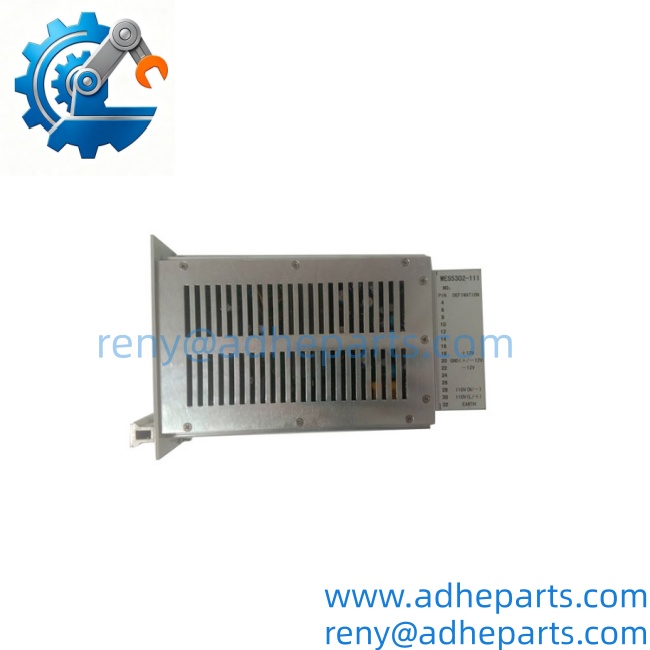
WES5302 WES5302-111
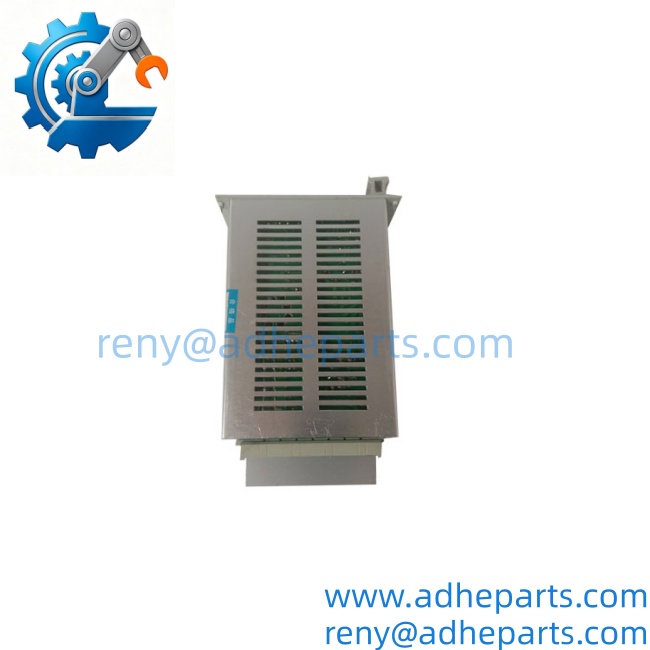
WES5302 WES5302-111
6. Standard Operating Procedure (SOP) for Quality Control
- Visual & Origin Inspection – We verify the GE marking, the model string, the -111 build code, and the date code. We inspect every port for bent pins and damaged cages, and check the housing for cracks or moisture ingress. A switch with a damaged port or evidence of rework is rejected.
- Build Code Documentation – We read and photograph the full model string, the firmware revision label, and the factory default configuration. That record ships with the switch so you can compare it against the unit you are replacing.
- Power-Up Self-Test – The switch is powered from a bench supply at rated DC voltage. We verify it completes its boot sequence, the status LEDs indicate normal operation, and the management interface is reachable.
- Port Verification – We connect each copper port to a test partner and confirm link at 10/100/1000 Mbps as specified. Each fiber port is verified with a calibrated transceiver and an optical power meter. We log the results per port.
- Managed Function Test – We load a test configuration and verify VLAN tagging, IGMP snooping, and the ring protocol on a test network. We also verify the firmware image matches the requested revision.
- Redundancy Test – We build a two-switch ring and physically break a link while running continuous traffic. The ring must reconverge within the specified time with zero data loss. A switch that passes static tests but fails reconvergence is rejected.
- Alarm Contact Test – We remove one power input and verify the alarm relay changes state. A switch that does not report a power loss is not acceptable for unattended substation service.
- ESD-Safe Packaging – The switch is wrapped in anti-static film, seated in a foam insert with all ports capped, and packed in a double-wall carton with static warning labels.
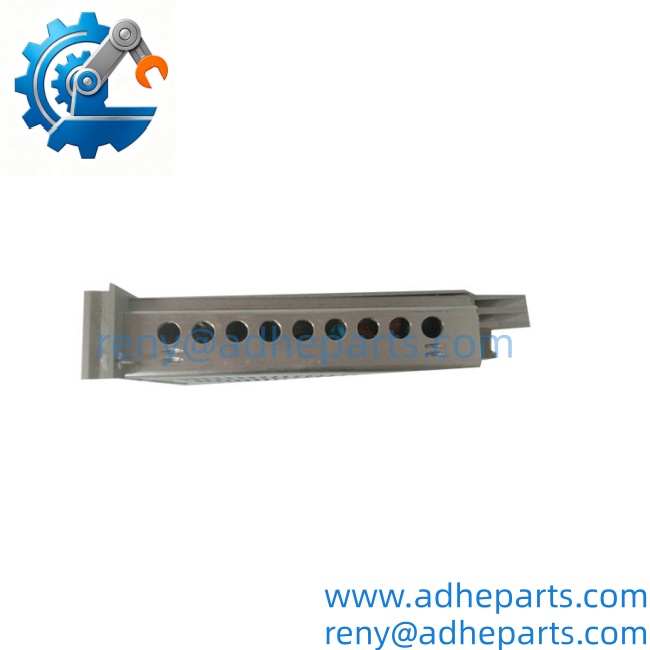
WES5302 WES5302-111
7. Frequently Asked Questions (FAQ)
Q1: What does the -111 suffix tell me?
A: On WES-series switches, the suffix defines the build — port count, media mix (fiber versus copper, multimode versus single-mode), power supply configuration, and firmware image. Two units with different suffixes may be physically compatible and functionally different. Match the full string, including the suffix, against the unit you are removing.
Q2: Can I replace just one switch in a redundant ring?
A: Yes, but with conditions. Power down the switch, swap it, and verify the ring reconverges before you return the network to full service. If your ring uses a vendor-specific protocol, the replacement must run a compatible firmware revision. A mismatched firmware image can converge slowly or not at all under fault conditions, which is the failure you do not see until you need the redundancy.
Q3: What is the warranty on this switch?
A: We offer a 12-month warranty from the ship date. It covers port failure, power supply failure, management processor failure, and firmware memory faults under normal operating conditions. It does not cover damage from connecting the wrong DC voltage, ESD damage from handling without a wrist strap, or physical damage to the ports. Every switch is bench tested through its managed functions and its redundancy protocol before it ships.
Q4: Do you have this exact build in stock?
A: Substation switch inventory moves and varies by build. Confirm availability before you plan an outage. If we do not have the -111 variant, we will tell you what we do have and whether a different build would suit your network. Do not assume any will configure the same way — the suffix governs the port mix and the firmware.
Q5: Any installation pitfalls I should watch for?
A: Four. First, record the firmware revision, ring protocol settings, and VLAN configuration from the old switch before you remove it — these are not always stored in the network management system. Second, verify the power supply voltage and polarity on the label before you connect it; reversed DC input will destroy the power board. Third, cap any unused fiber ports to keep dust off the optics. Fourth, after the swap, verify the ring reconverges and the management interface is reachable before you leave the station. A switch that powers up is not necessarily carrying GOOSE traffic correctly.