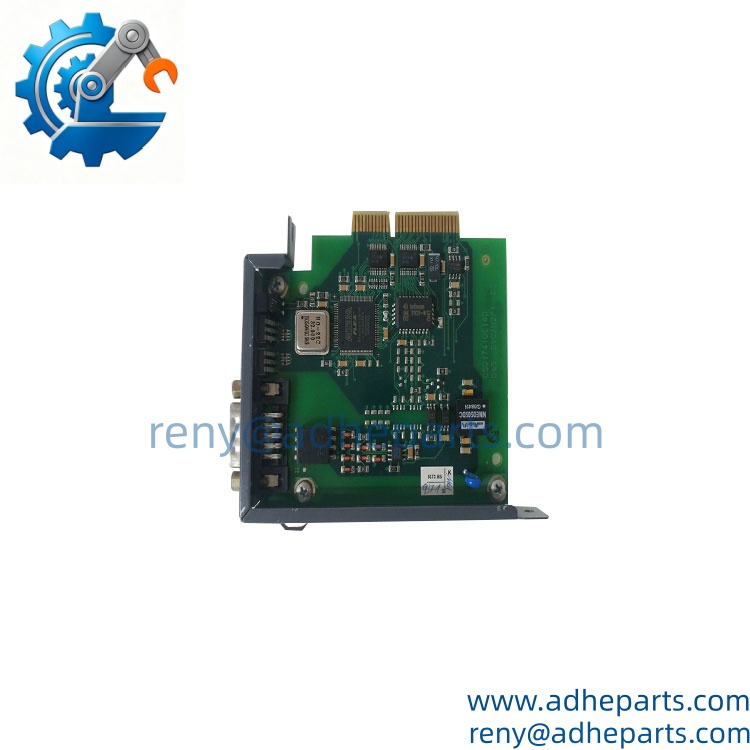
Description
Note: Many products are not yet listed. Please contact us for more product information. Our supply channels are constantly expanding, and we currently have 20 stable shared supply channels. Please confirm the model, product, price, and all other necessary information with customer service before placing an order. We offer new, refurbished, and used products, and prices are adjusted according to the year of the item you require.
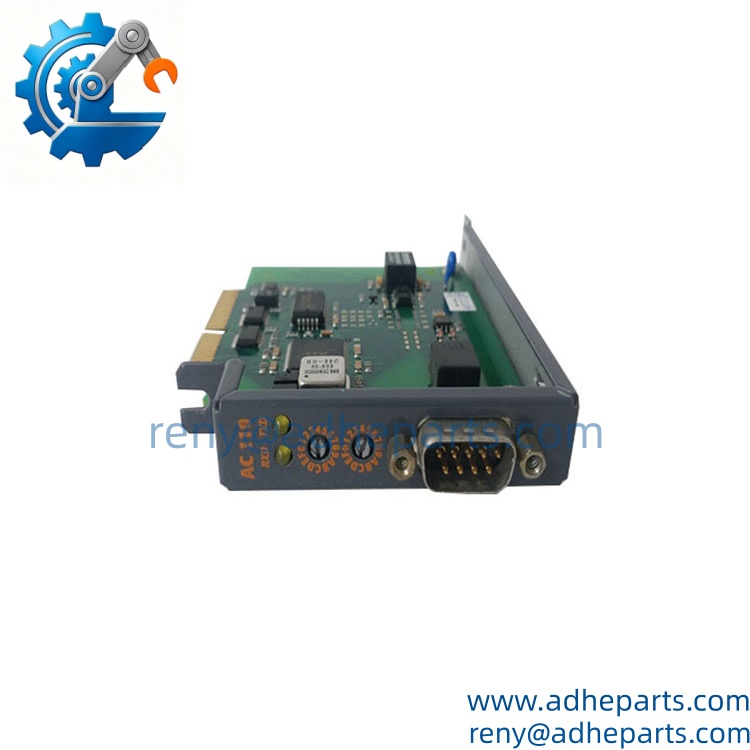
Key Technical Specifications
| Parameter | Value |
|---|---|
| Manufacturer | B&R |
| Model | 8AC110 |
| Product Type | ACOPOS Plug-In Module |
| Interface | CAN |
| CAN Channels | 1 |
| Communication Speed | 500 kbit/s |
| Module-Side Connector | 9-pin D-Sub male |
| Electrical Isolation | Yes |
| Maximum Communication Distance | 60 m |
| Status Indicators | RXD / TXD LEDs |
| Bus Termination | External termination resistor |
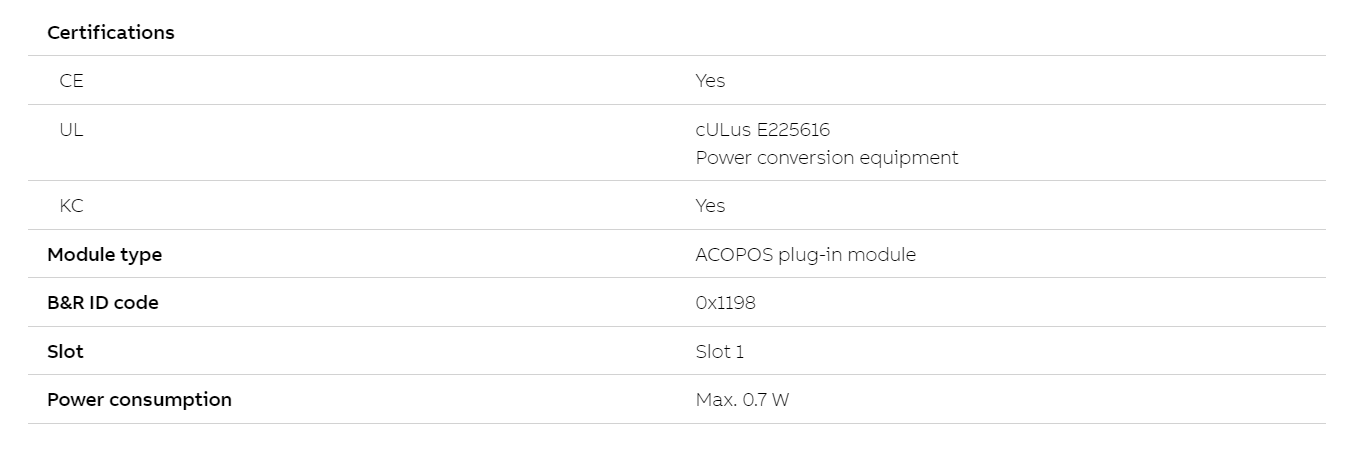
| Maximum Power Consumption | 0.7 W |
| Installation Position | ACOPOS Slot 1 |
| B&R ID Code | 0x1198 |
| Certifications | CE, cULus, KC |
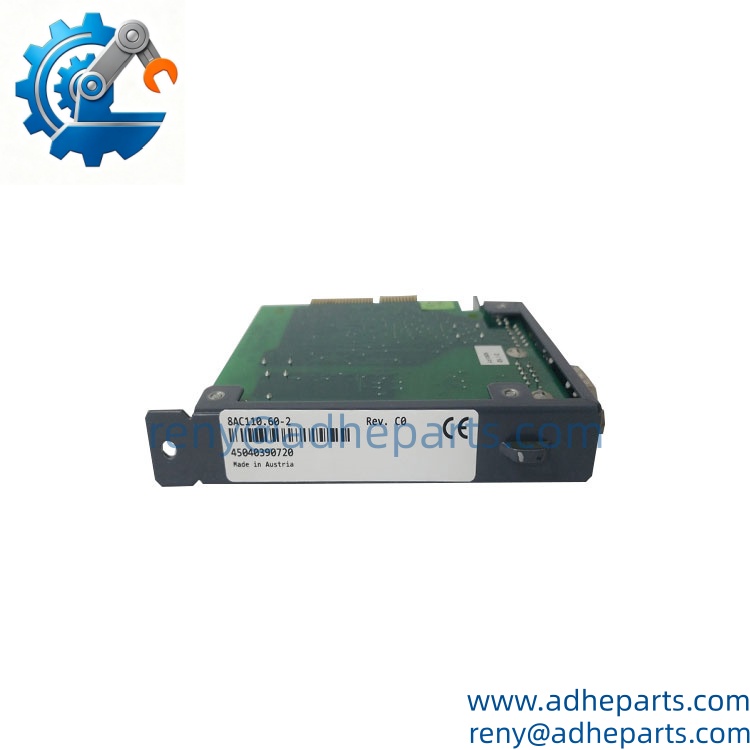
B&R documentation identifies 8AC110.60-2 as an ACOPOS plug-in module with a CAN interface. It provides one electrically isolated CAN interface, uses a 9-pin D-Sub connector, operates at 500 kbit/s, and supports a maximum communication distance of 60 m.
Datasheet Uploads
The broader 8AC110 family includes different suffix configurations, so the exact full ordering code matters. For example, 8AC110.60-2 is specifically documented as the CAN interface version with the 9-pin D-Sub connection.
Product Introduction (Anti-Template)
A CAN interface is often the difference between an ACOPOS drive that can communicate with the control system and one that simply sits on the bench. The B&R 8AC110 is an ACOPOS plug-in communication module designed to provide CAN-based communication and parameterization for compatible ACOPOS servo drives. Its documented interface uses a 9-pin D-Sub connection and a 500 kbit/s communication rate.
Do not confuse the 8AC110 with later CANopen-oriented ACOPOS modules. B&R community discussions specifically distinguish the older 8AC110 CAN interface from newer communication-module generations, and compatibility can depend on the ACOPOS revision and installed software.
QC, Procurement & Logistics SOP
- Inbound Verification
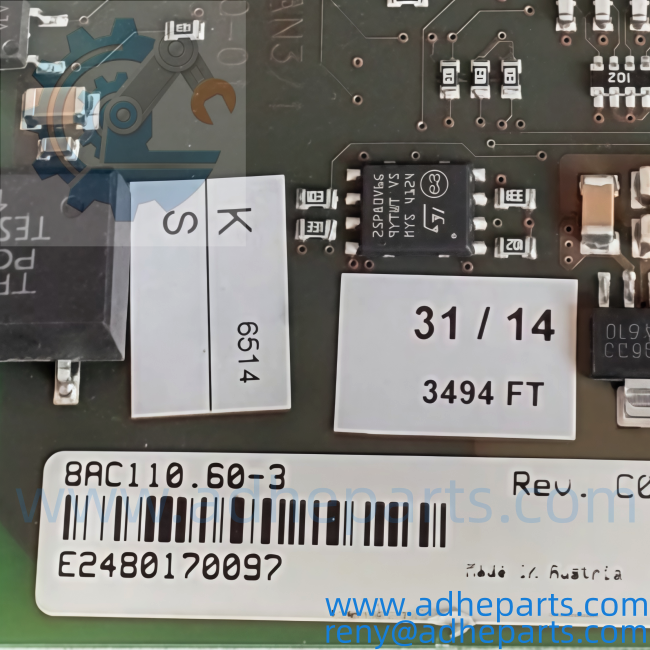
Check the module label against B&R 8AC110 and, where applicable, the complete suffix such as 8AC110.60-2. Inspect the connector, PCB, housing, mounting interface, LEDs, and identification markings. - Live Rig Testing
On a compatible ACOPOS test setup, verify module recognition, CAN communication, RXD/TXD activity, parameterization access, and communication with the associated drive. A simple power-on check is not enough to confirm CAN communication. - QA & Anti-Static Packaging
Handle the plug-in card using ESD precautions. The D-Sub connector should be protected against impact and deformation, while the PCB should remain inside anti-static packaging throughout packing and shipment. - Global Logistics & Export Compliance
Export documents should identify the item as a B&R 8AC110 ACOPOS CAN Interface Plug-In Module and include the complete suffix when available. HS classification should be reviewed according to the actual product function and destination customs requirements. For urgent machine repairs, air freight is generally preferable; sea freight is more suitable for planned consolidated shipments.
Technical Pitfalls & Integration Warnings
- 8AC110 vs. 8AC114 Compatibility
Do not substitute an 8AC114 merely because both modules provide CAN-related communication. B&R technical discussions distinguish the older 8AC110 interface from newer communication modules, and the supported protocol and ACOPOS firmware generation must be checked. - Full Suffix Mismatch
“8AC110” alone may not identify the exact physical variant. The documented 8AC110.60-2, for example, has a 9-pin D-Sub connector and specific hardware characteristics. Match the complete original part number whenever possible. - CAN Termination Errors
The documented module requires an externally wired bus termination resistor. A replacement card can be perfectly functional while the network remains offline because termination or node configuration is incorrect. - Software / Configuration Mismatch
B&R community guidance shows that older ACOPOS hardware can have communication limitations depending on the installed firmware and software generation. One documented case specifically required an older Powerlink configuration and ACP10 version when working with legacy hardware.
Frequently Asked Questions (FAQ)
Q1: “What is the B&R 8AC110 used for?”
The 8AC110 is an ACOPOS plug-in CAN interface module. It provides CAN communication for compatible ACOPOS servo drives, including communication and parameterization functions.
Q2: Is 8AC110 a PLC CPU?
No. It is a communication plug-in module for ACOPOS servo drives, not a standalone PLC CPU. Some third-party listings classify it incorrectly as a CPU module, but B&R documentation identifies it as an ACOPOS plug-in module with a CAN interface.
Q3: What is the communication speed?
The documented 8AC110.60-2 configuration operates at 500 kbit/s. The maximum stated communication distance is 60 m.
Q4: “Does 8AC110 support CANopen?”
Do not assume that it does. The 8AC110 is an older CAN interface, and B&R technical discussions distinguish it from the newer CANopen-capable communication module family. If CANopen functionality is required, the exact ACOPOS generation and module should be checked before ordering.
Q5: Can I hot-swap the 8AC110?
Do not remove or insert the communication module while the ACOPOS drive is energized unless the specific drive documentation explicitly permits that procedure. Power down and isolate the drive according to the approved maintenance procedure before replacing the plug-in card.
Q6: “My existing card says 8AC110.60-2. Is that the same as 8AC110?”
It belongs to the 8AC110 family, but the complete suffix identifies the specific configuration. The 8AC110.60-2 is documented as a CAN interface with a 9-pin D-Sub connector, 500 kbit/s communication, electrical isolation, and external bus termination.
Q7: What should I provide when ordering a replacement?
Please provide:
- Complete 8AC110 nameplate photo
- Full ordering number and suffix
- ACOPOS drive model
- Drive hardware revision
- Installed firmware/software version, if available
- CAN connector and wiring information
- Existing node configuration
- Quantity required
- Destination country
- Required delivery date
For this part, the complete suffix is important. If the customer’s original unit is marked 8AC110.60-2, use that full designation when sourcing the replacement rather than quoting only “8AC110.”
Same Series Can Check Together:
B&R-8AC110.60-3
B&R-8AC120