Description
Note: Many products are not yet listed. Please contact us for more product information. Our supply channels are constantly expanding, and we currently have 20 stable shared supply channels. Please confirm the model, product, price, and all other necessary information with customer service before placing an order. We offer new, refurbished, and used products, and prices are adjusted according to the year of the item you require.
3. Key Technical Specifications
Do not order against this table alone. I cannot confirm the item type from the model number. Match every line against the OEM documentation for your specific system.
| Parameter | Value |
|---|---|
| Model | FBMSSW |
| Brand | Foxboro (Schneider Electric) |
| Product Family | I/A Series — verify |
| Item Type | Verify — confirm whether this is a hardware module, a software license, a firmware package, or a service item |
| Compatible System | Verify — confirm the I/A Series release and the controller or workstation |
| Compatible Hardware | Verify — if this is a software item, confirm the hardware platform it supports |
| License Type | Verify — if this is a license, confirm node-locked, floating, or site license |
| License Duration | Verify — perpetual or subscription |
| Media Type | Verify — if this is a software item, confirm the delivery method |
| Revision / Version | Verify with OEM documentation |
| Power Supply | Verify — if this is a hardware module |
| Connector Type | Verify — if this is a hardware module |
| Operating Temperature | Verify — if this is a hardware module |
| Storage Temperature | Verify — if this is a hardware module |
| Humidity | Verify — if this is a hardware module |
| Mounting | Verify — if this is a hardware module |
| Weight | Verify with OEM documentation |
| Certifications | Verify on the specific item’s label or certificate |
4. Product Introduction
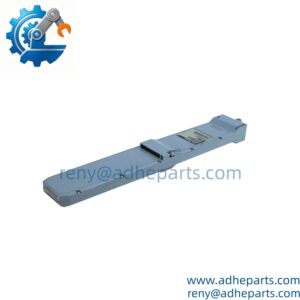
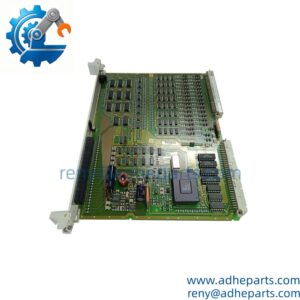
The Foxboro FBMSSW is a Foxboro I/A Series item whose exact type I cannot confirm from the model number alone. The FBM prefix is used across the I/A Series fieldbus module family, but those part numbers carry numeric suffixes. The SSW suffix does not match that pattern. It could be a software license, a firmware package, a software option, or a service item — and I am not going to guess which one you are looking at.
Here is what I can tell you as a straight answer: on Foxboro I/A Series hardware and software, compatibility is release-specific and often node-specific. A software license that works on one I/A Series release may not activate on another. A firmware package that fits one FBM baseplate may not load on a different revision. Before you order, read the label or the license certificate and cross-reference it against the OEM documentation for your system. If you send me a photo of the label or the certificate, I will confirm what you are looking at.
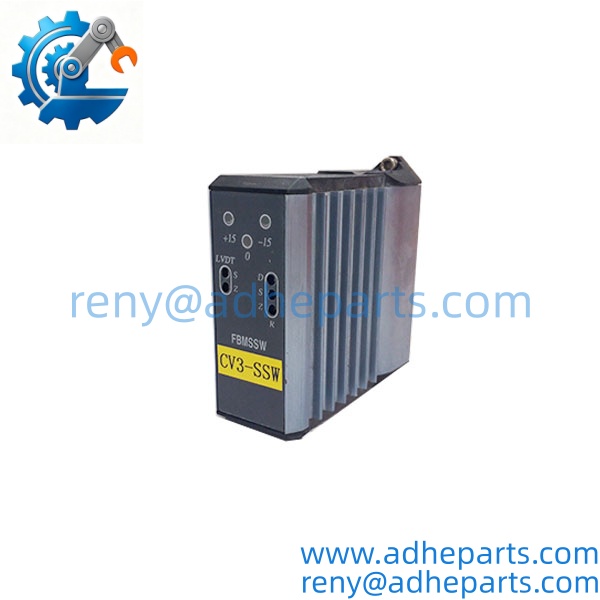
FBMSSW
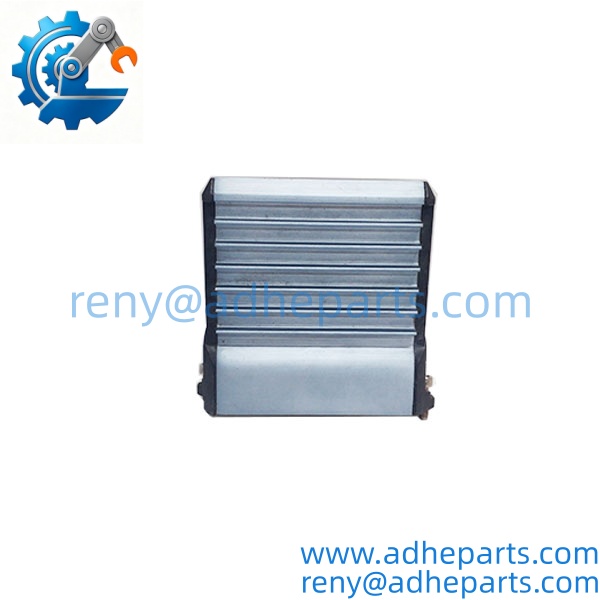
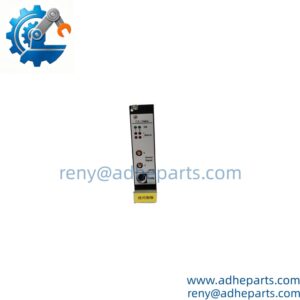
FBMSSW
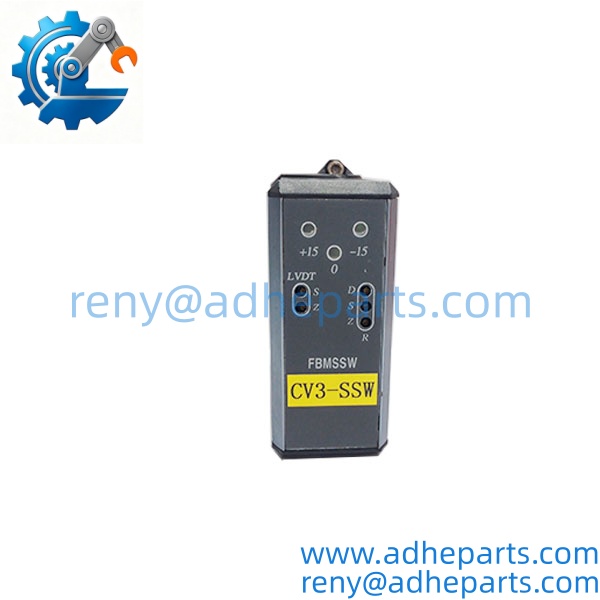
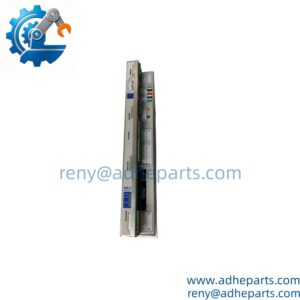
FBMSSW
5. Application Scenarios & Field Experience
Part 1 – Narrative Paragraph
The failure that costs the most on a legacy I/A Series item is a compatibility mismatch that looks like a hardware fault. I have seen a plant install a replacement FBM and then chase a “communication fault” for a week because the firmware revision on the new module did not match the baseplate. The module was fine. The system would not recognize it. On I/A Series hardware and software, the revision suffix and the release level are not cosmetic details — they govern the firmware image, the license activation, and sometimes the connector keying. That is the rule that matters more than any single specification on the datasheet.
Part 2 – Numbered List (Application Scenarios)
- Power Generation – Legacy I/A Series Maintenance – The item is used in an I/A Series control system for turbine or boiler auxiliary monitoring. A mismatched revision or license causes the controller to reject the item, and the operator loses visibility on the affected points.
- Oil & Gas – Compressor Station Control – Used to condition or communicate signals from field instruments. The item must match the system release and the hardware platform, or the reading will be scaled incorrectly.
- Water Treatment – Plant-Wide Instrumentation – The item interfaces transmitters to the control system. A failed channel or license shows up as a frozen value or a disabled point on the operator station.
- Industrial Plants – Legacy Control Retrofit – Used where an I/A Series system is still in service and the OEM no longer stocks the exact revision. Replacement is often the only path short of a full control system migration.
Part 3 – Short Field Story
A power plant had a legacy I/A Series system on a boiler auxiliary that started logging intermittent “I/O fault” alarms. The crew had replaced the field transmitter and the cable. The fault kept coming back. We asked for the item revision and the system release level before shipping anything. It turned out the replacement item the plant had installed months earlier was a different revision than the original — same base part number, different suffix. The controller was rejecting the item under load, and the fault only appeared when the boiler was at high fire. We supplied a matching revision, and the alarms stopped. The hardware had been fine — the revision was wrong.
6. Standard Operating Procedure (SOP) for Quality Control
- Visual & Origin Inspection – For hardware items, we verify the Foxboro marking, the model string, and the date code. We inspect connectors and the housing for cracks or moisture ingress. A module with a damaged connector or evidence of rework is rejected. For software or license items, we verify the certificate, the media, and the license terms.
- Item Documentation – We read and photograph the full model string, the revision suffix, and any serial number, date code, or license key. That record ships with the item so you can compare it against what you are replacing.
- Compatibility Cross-Check – We verify the item against the OEM documentation for the system release and hardware platform you specify. An item that does not match the requested application is set aside rather than shipped.
- Power-Up Self-Test (hardware items) – The module is powered on a bench fixture at the specified rail voltage. We verify it initializes without a fault and that the status indicators show normal operation.
- Signal Path Verification (hardware items) – For signal conditioning modules, we apply a known input and measure the output against the OEM specification.
- License Verification (software items) – We confirm the license key is valid and the certificate matches the item. We do not ship a license without documentation of its transfer terms.
- ESD-Safe Packaging (hardware items) – The module is wrapped in anti-static film, seated in a conductive foam insert with the connectors protected, and packed in a double-wall carton with static warning labels.
7. Frequently Asked Questions (FAQ)
Q1: What is the FBMSSW?
A: I cannot confirm the exact item type from the model number alone. The FBM prefix appears in the I/A Series fieldbus module family, but those numbers carry numeric suffixes. FBMSSW does not match that pattern. It could be a software license, a firmware package, a software option, or a service item. Send us a photo of the label, the certificate, or the invoice line, and we will confirm it against the OEM documentation before you order.
Q2: Is this item compatible with all Foxboro I/A Series systems?
A: No. Foxboro I/A Series hardware and software is release-specific and often node-specific. A module or license that works on one release may not activate on another. Confirm compatibility against your system’s release level and hardware platform before ordering.
Q3: What is the warranty or return policy on this item?
A: For hardware items, we offer a 12-month warranty from the ship date covering manufacturing defects under normal operating conditions. For software or license items, the terms depend on the license agreement and the transfer rules. We will state the specific terms in writing before you order. We do not sell licenses without documented transfer terms.
Q4: Do you actually have this in stock?
A: This is legacy inventory, and I will not pretend otherwise. Stock on Foxboro items of this class varies by revision, and the exact item you need may not be available. Confirm availability before you plan an outage. If we are out, we will tell you what we actually have rather than quote a date we cannot hold.
Q5: Any installation pitfalls I should watch for?
A: Four. First, for hardware modules, power down the rack before inserting or removing the item — these modules are not hot-swap capable. Second, record the revision suffix and any jumper or switch settings from the old item before you remove it. Third, for software or license items, verify the license terms and the transfer rules before you install. Fourth, after the swap or installation, verify the item is recognized by the system and that the signal path or license is correct before you return the system to service. An item that installs is not necessarily working correctly.