Description
Note: Many products are not yet listed. Please contact us for more product information. Our supply channels are constantly expanding, and we currently have 20 stable shared supply channels. Please confirm the model, product, price, and all other necessary information with customer service before placing an order. We offer new, refurbished, and used products, and prices are adjusted according to the year of the item you require.
Key Technical Specifications
| Parameter | Value |
|---|---|
| Product Type | Siemens Industrial Ethernet Communication Module |
| ControlLogix Compatibility | Single-slot 1756 ControlLogix backplane |
| Communication Role | Ethernet client |
| Supported Siemens PLCs | S7-200, S7-300, S7-400, S7-1200, S7-1500 |
| Maximum Siemens Connections | 20 PLCs |
| Data Exchange | Read and write |
| Supported Data Types | Data Blocks (DB), Inputs, Outputs, Flags, Counters, Timers |
| Data Memory Mapping | Up to 5,000 16-bit registers |
| Ethernet Interface | 10/100 Base-T, RJ45 |
| Backplane Current Load | 800 mA @ 5 VDC; 3 mA @ 24 VDC |
| Operating Temperature | 0°C to 60°C |
| Storage Temperature | -40°C to 85°C |
| Relative Humidity | 5% to 95%, non-condensing |
| Diagnostics | ERR, APP, and OK LEDs; four-character scrolling display |
The module uses scheduled I/O data to exchange information with the ControlLogix processor. It also supports configuration and diagnostics through its Ethernet port.
Product Introduction
The ProSoft MVI56E-SIE is a Siemens Industrial Ethernet Communication Module designed for Rockwell Automation ControlLogix PAC systems. It enables a ControlLogix processor to act as an Ethernet client and exchange data with up to 20 Siemens S7 PLCs, including the S7-200, S7-300, S7-400, S7-1200, and S7-1500 families.
Its configurable data mapping supports up to 5,000 16-bit registers, while ladder-logic commands allow communication tasks to be enabled or disabled without rebuilding the module configuration for every application. This makes it useful in plants where Rockwell and Siemens control systems need to share process data.
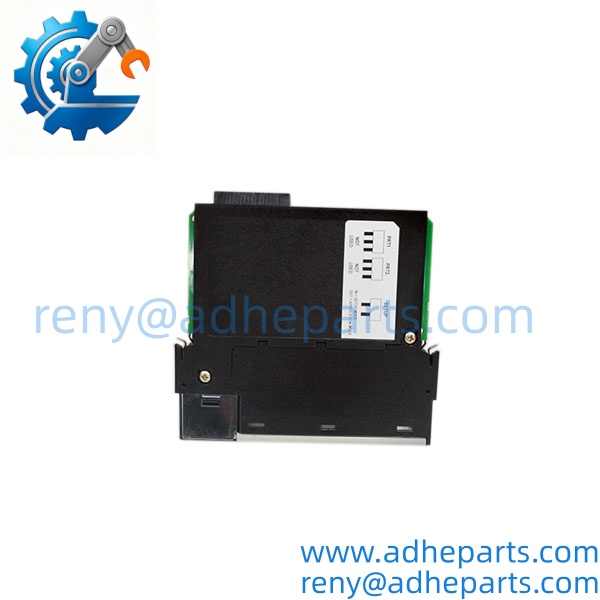
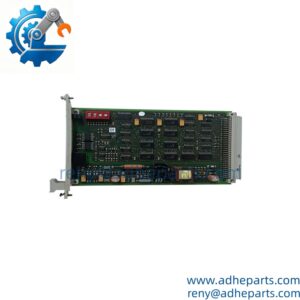
MVI56E-SIE
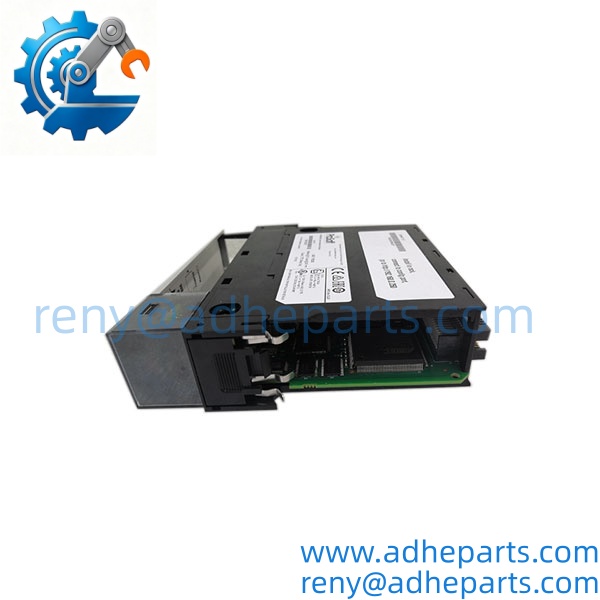
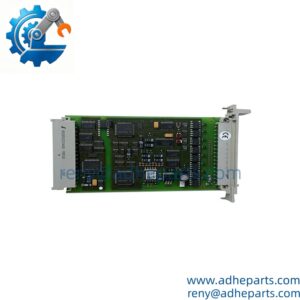
MVI56E-SIE
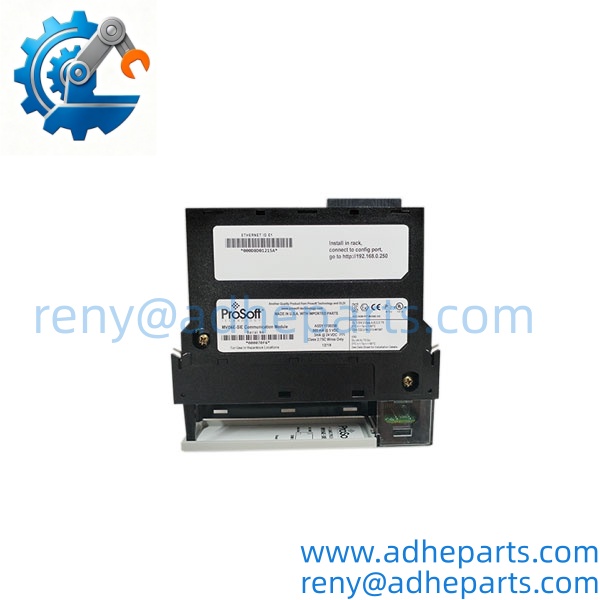
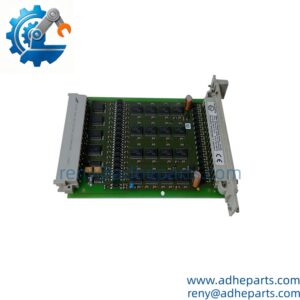
MVI56E-SIE
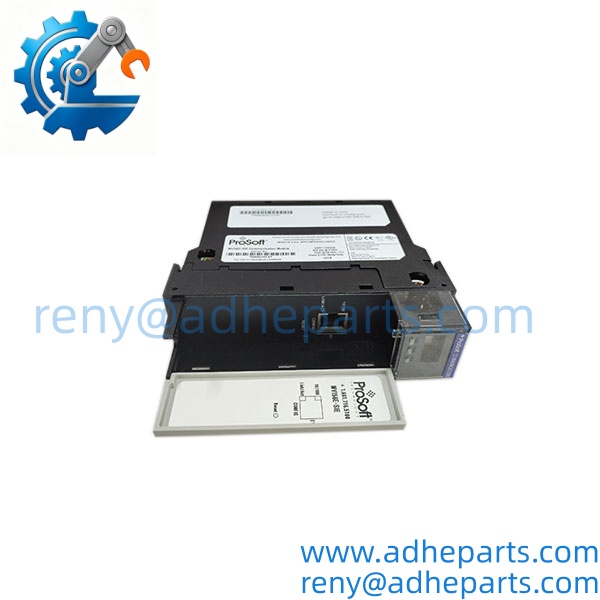
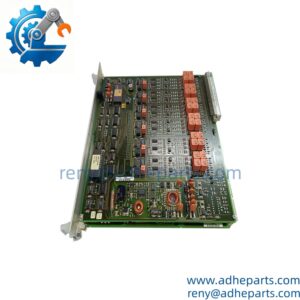
MVI56E-SIE
Application Scenarios & Field Experience
When a facility operates both Rockwell ControlLogix and Siemens S7 equipment, exchanging process data between the two control environments can become a practical integration challenge. The MVI56E-SIE provides a dedicated communication path: the ControlLogix system initiates Ethernet client connections, reads or writes configured Siemens data areas, and transfers the information through the ControlLogix backplane to the processor. Correct IP settings, data mapping, command configuration, and PLC-side communication settings are essential.
Typical application scenarios
- Water and Wastewater Treatment — ControlLogix-based supervisory control exchanging pump status, tank levels, and operating commands with Siemens S7 controllers.
- Manufacturing Lines — A central ControlLogix PAC collecting machine status and production signals from Siemens-controlled stations.
- Power and Utilities — Integration of auxiliary equipment data from Siemens PLCs into a Rockwell-based monitoring or control architecture.
- Material Handling Systems — Sharing conveyor, transfer, and equipment-ready signals between Siemens machine controllers and a ControlLogix system.
Illustrative engineering scenario, not a documented customer installation: A production facility needs to replace a failed communication module while maintaining data exchange between its ControlLogix rack and several Siemens PLCs. Before replacement, the engineer records the existing module configuration, IP settings, register mapping, and ladder-logic interface. The replacement module is then configured and tested against the actual Siemens data areas before the system is returned to service. This approach helps avoid errors caused by mismatched addresses or an incomplete configuration transfer.
Standard Operating Procedure (SOP) for Quality Control
1. Visual & Origin Inspection
- Inspect the module housing, backplane connector, Ethernet port, labels, and model identification.
- Check OEM labels, serial number details, packaging, and available origin documentation.
- Review the included Personality Module (industrial CompactFlash card), if supplied with the unit.
2. Functional Testing
- Where a suitable ControlLogix test rack is available, verify module startup and backplane communication.
- Check the OK, APP, and ERR indicators and the scrolling diagnostic display.
- Where a Siemens test PLC is available, verify Ethernet connectivity and configured read/write data exchange.
- Review communication counters and error status during the test.
3. Configuration & Firmware Verification
- Record the module hardware and firmware revisions shown by the diagnostic interface or configuration software.
- Check the configuration file, IP address, subnet mask, gateway settings, and register mapping.
- Confirm that the Add-On Instruction and controller project are compatible with the installed system.
- Verify that the replacement configuration matches the application requirements; do not assume that a module swap alone restores communication.
4. ESD-Safe Packaging
- Handle the module using appropriate electrostatic-discharge precautions.
- Protect the backplane connector and Ethernet port against physical damage.
- Pack the module in suitable anti-static material with protective cushioning.
5. Pre-Shipment Documentation
- Provide available inspection records and clear product photos.
- Confirm the supplied accessories and Personality Module status before shipment.
- Share test results only for checks actually completed on the specific unit.
Frequently Asked Questions (FAQ)
Q1: Can the MVI56E-SIE communicate with different Siemens S7 PLC families?
A: Yes. It supports data exchange with Siemens S7-200, S7-300, S7-400, S7-1200, and S7-1500 PLCs. Confirm the specific CPU, Ethernet settings, data areas, and communication configuration before integration.
Q2: What warranty is available for this module?
A: We offer a 12-month warranty, subject to confirmed order terms. Warranty coverage and product condition should be stated on the quotation and order confirmation.
Q3: Is the MVI56E-SIE available, and how soon can it ship?
A: Availability and condition must be confirmed against current inventory. For confirmed available stock, our usual arrangement is shipment within one week after payment. Photos and a live video inspection can be arranged before shipment.
Q4: Can a firmware mismatch affect replacement compatibility?
A: Yes. Check the module firmware, ControlLogix processor firmware, RSLogix 5000 project requirements, and Add-On Instruction version. Also verify the configuration file and communication settings. Do not assume that two modules with the same part number will operate correctly with an unchanged project until these details are checked.
Q5: What should engineers check before installing a replacement MVI56E-SIE?
A: Confirm the available 1756 rack slot and power budget, record the existing configuration, and verify the IP address and Siemens data mapping. Check whether the Personality Module is included and whether its configuration is appropriate for the replacement. Follow the site’s approved shutdown and installation procedures rather than assuming that the module can be hot-swapped.