Description
Note: Many products are not yet listed. Please contact us for more product information. Our supply channels are constantly expanding, and we currently have 20 stable shared supply channels. Please confirm the model, product, price, and all other necessary information with customer service before placing an order. We offer new, refurbished, and used products, and prices are adjusted according to the year of the item you require.
3. Key Technical Specifications
Confirm each line against the OEM datasheet and the label on your existing unit before ordering. The wireless standard, antenna type, and environmental rating vary by build.
| Parameter | Value |
|---|---|
| Model | 6105-WA-PDPS |
| Brand | ProSoft Technology |
| Product Family | 6105 industrial wireless access point |
| Module Type | Wireless access point with Profibus DP slave interface |
| Wireless Standard | Verify with OEM datasheet — confirm the 802.11 variant on your unit label |
| Profibus DP Interface | RS-485, DP slave — verify connector type and baud rate on your build |
| Antenna Connector | Verify — confirm connector type and antenna gain on your unit label |
| Power Supply | 24V DC nominal — verify input range and current draw |
| Power Consumption | Verify with OEM datasheet |
| Protection Rating | Verify — confirm IP rating on the unit label |
| Operating Temperature | Verify — confirm range for your enclosure ambient |
| Mounting | Verify — confirm bracket or DIN rail option on your build |
| Certifications | CE, UL, FCC — verify on the specific unit’s label |
4. Product Introduction
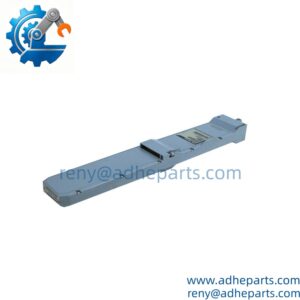
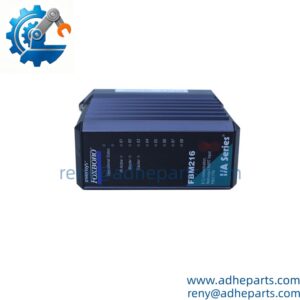
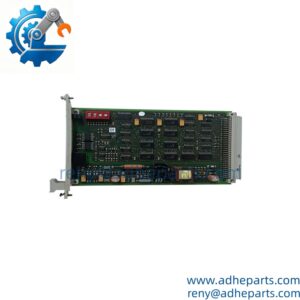
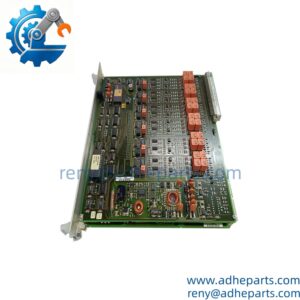
The ProSoft 6105-WA-PDPS is an industrial wireless access point with a Profibus DP slave interface. It connects Profibus DP devices to a wireless Ethernet backbone, so a mobile or rotating machine can report data without a trailing cable. The engineering value is the protocol bridge inside the access point: the DP slave port handles the fieldbus exchange, while the wireless side carries the data to the plant network. Verify the wireless standard, antenna type, and power range on your unit label.
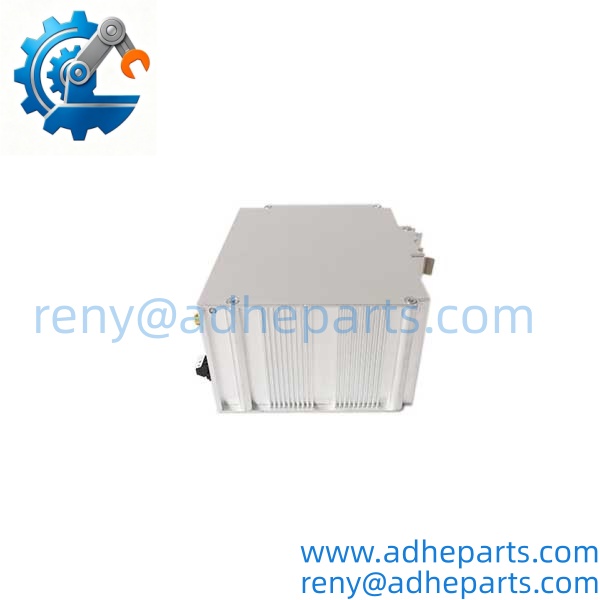
6105-WA-PDPS
6105-WA-PDPS
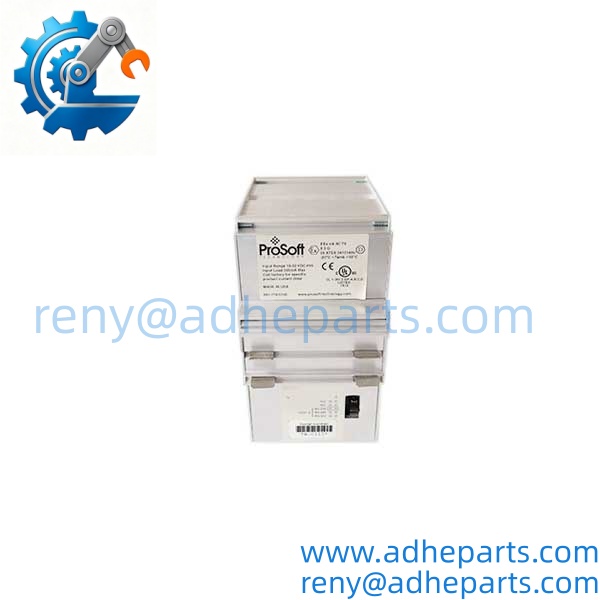
6105-WA-PDPS
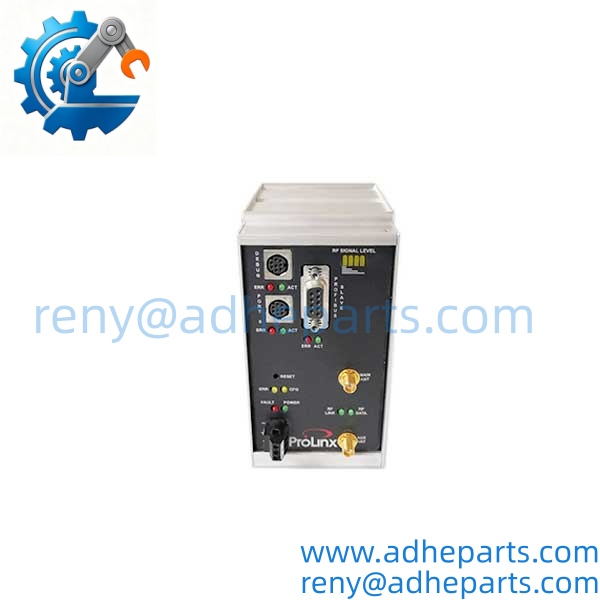
6105-WA-PDPS
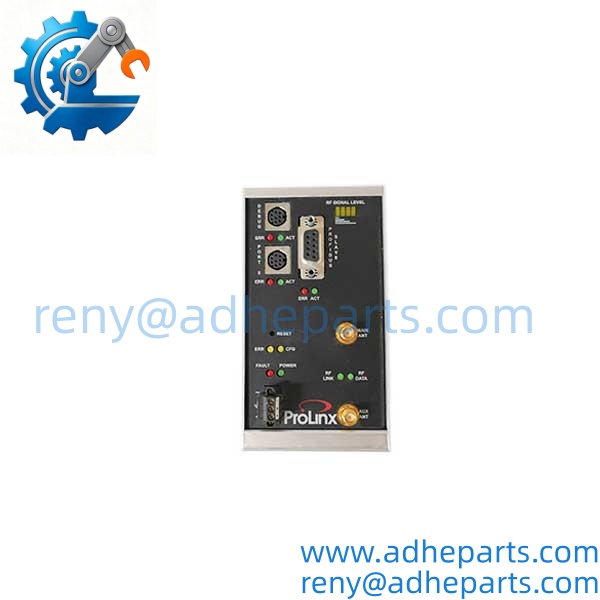
6105-WA-PDPS
5. Application Scenarios & Field Experience
Part 1 – Narrative Paragraph
The cable that fails most often on a moving machine is the one that flexes. A transfer car, a rotating test stand, or a rail-mounted gantry can run a Profibus DP cable for months and then fail at the flex point, taking the device offline. The 6105-WA-PDPS removes that cable from the data path. The DP device stays wired to the access point, and the access point links to the plant network over wireless. The maintenance crew stops replacing cable and starts troubleshooting the device.
Part 2 – Numbered List (Application Scenarios)
- Automotive Assembly – Rotating Test Stand – The access point mounts on the rotating stand, connects to Profibus DP instruments, and sends data wirelessly. This removes the slip ring or trailing cable from the data path and eliminates the flex-point failure that stops the test.
- Material Handling – Rail-Mounted Gantry – The access point travels with the gantry and bridges the onboard Profibus DP I/O to the fixed network. The festoon cable and its wear points are removed from the data circuit.
- Water Treatment – Remote Valve Site – The access point at a valve site connects Profibus DP actuator data to the plant network over wireless. This avoids trenching cable across a road or a wet area.
- Packaging – Mobile Palletizer – The access point on the moving carriage carries Profibus DP sensor data to the line network. The wireless link reduces cable wear on the carriage and the cable track.
Part 3 – Short Field Story
A foundry had a rotating test stand that used a Profibus DP cable through a slip ring. The cable failed every few months at the flex point, and each failure stopped the test. The plant installed a 6105-WA-PDPS on the stand and connected the DP instruments to its slave port. The wireless link carried the data to the fixed network. The cable failures stopped, and the test stand ran through the next two quarters without a data loss.
6. Standard Operating Procedure (SOP) for Quality Control
- Visual & Origin Inspection – We verify the ProSoft marking, the 6105-WA-PDPS model string, and the date code. We inspect the Profibus connector, the antenna connector, and the housing for damage or moisture ingress. A unit with a cracked connector or a damaged antenna port is rejected.
- Power-Up Self-Test – The unit is powered on a bench fixture at 24V DC. We verify it completes its boot sequence and that the power and status LEDs show normal operation.
- Profibus DP Communication Test – We connect the unit to a Profibus DP master simulator and verify slave data exchange at the configured baud rate and slave address. We log any framing or parity errors.
- Wireless Link Test – We connect the unit to a test wireless network and verify association, throughput, and encryption settings. We record the wireless standard and firmware revision.
- Firmware Verification – We read and record the firmware revision. A unit that does not match the requested revision is flagged before shipping.
- Configuration Backup – Where the unit carries an existing configuration, we extract and archive it before shipping.
- Environmental and Antenna Check – We verify the IP rating on the label, inspect the antenna connector threads, and confirm the antenna is seated correctly. A unit with a damaged antenna thread is rejected.
- ESD-Safe Packaging – The unit is wrapped in anti-static film, seated in a foam insert with the connectors protected, and packed in a double-wall carton with static warning labels.
7. Frequently Asked Questions (FAQ)
Q1: Will this access point work with my existing Profibus DP master?
A: It presents as a Profibus DP slave, so the master needs the matching GSD file and the correct slave address and baud rate. Verify the DP configuration against the OEM documentation before you order. The wireless side must also match your plant network. Do not assume any ProSoft wireless unit will configure the same way — the wireless standard and the DP settings are build-specific.
Q2: What is the warranty on this unit?
A: We offer a 12-month warranty from the ship date. It covers hardware failure under normal operating conditions — power supply failure, Profibus port failure, and wireless radio failure. It does not cover damage from lightning or surge on the antenna, incorrect supply voltage, reversed Profibus wiring, or physical damage to the antenna connector. We test every unit on a Profibus simulator and a test wireless network before it ships.
Q3: Do you have this in stock?
A: ProSoft 6105 inventory moves and varies by build. Confirm availability before you plan an outage. If we are out of the 6105-WA-PDPS variant, we will tell you what we actually have rather than quote a date we cannot hold. Do not assume any 6105 unit will substitute — the wireless standard and the Profibus configuration matter.
Q4: What happens if the firmware revision does not match my system?
A: The unit may power up and associate with the network, but the Profibus slave configuration or the wireless security settings may not match your master or your access point controller. A firmware mismatch is a common reason a replacement unit does not integrate cleanly. Pull the configuration from your old unit before you remove it, and send us the firmware revision so we can match it if possible.
Q5: Any installation pitfalls I should watch for?
A: Four. First, verify the Profibus bus termination at both ends of the segment — a missing terminator causes intermittent DP faults that look like a radio problem. Second, mount the antenna with a clear path to the associated access point; a metal enclosure or a nearby drive cabinet will block the signal. Third, verify the supply voltage and polarity before you power up; reversed 24V DC will damage the input. Fourth, after the swap, verify the DP slave exchange and the wireless link before you return the machine to service. A unit that powers up is not necessarily passing Profibus data over the wireless link.