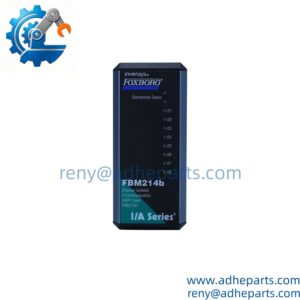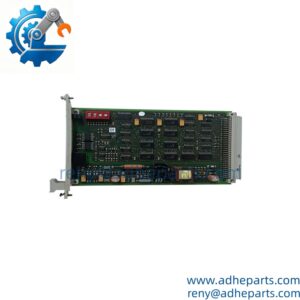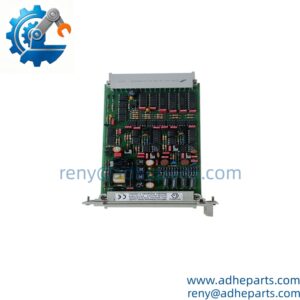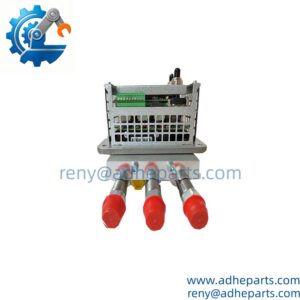
Description
Note: Many products are not yet listed. Please contact us for more product information. Our supply channels are constantly expanding, and we currently have 20 stable shared supply channels. Please confirm the model, product, price, and all other necessary information with customer service before placing an order. We offer new, refurbished, and used products, and prices are adjusted according to the year of the item you require.
Key Technical Specifications
| Parameter | Specification |
|---|---|
| Manufacturer | FOXBORO |
| Model | FBM232 |
| Part Number | P0926GW |
| Product Type | Field Device System Integrator Module |
| System | Foxboro I/A Series DCS |
| Ethernet Speed | 10 Mbps / 100 Mbps |
| Ethernet Interface | Single copper Ethernet |
| Connector | RJ-45 |
| Communication Protocol | UDP/IP or TCP/IP |
| External Device Capacity | Up to 64 devices |
| DCI Block Capacity | Up to 2,000 connections |
| Supply Voltage | 24 VDC +5% / -10% |
| Maximum Power Consumption | 7 W |
| Approx. Weight | 284 g |
| Dimensions | 102 × 45 × 104 mm |
| Mounting | Modular baseplate |
| Ethernet Cable Length | 1–100 m |
The technical documentation identifies the FBM232 as a Field Device System Integrator module with 10/100 Mbps Ethernet. It connects to a single copper Ethernet network and can communicate with one external device or up to 64 external devices through an Ethernet switch or hub. The module is mounted on a modular baseplate.
Product Introduction (Anti-Template)
Operating as a Field Device System Integrator (FDSI) in a Foxboro DCS architecture, the FBM232 P0926GW provides the communication path between Ethernet-based field equipment and the Foxboro control database. The module supports 10 Mbps or 100 Mbps copper Ethernet and uses downloadable I/O software drivers to accommodate supported device communication protocols. A single FBM232 can communicate with up to 64 external devices through the appropriate Ethernet network infrastructure.
The P0926GW is therefore better understood as a communication and protocol-integration module, rather than a conventional process I/O card. It can handle DCI data connections for integration into the Foxboro system, with documentation specifying support for up to 2,000 DCI block connections. For a replacement, the installed driver and field-device protocol are just as important as the physical part number.
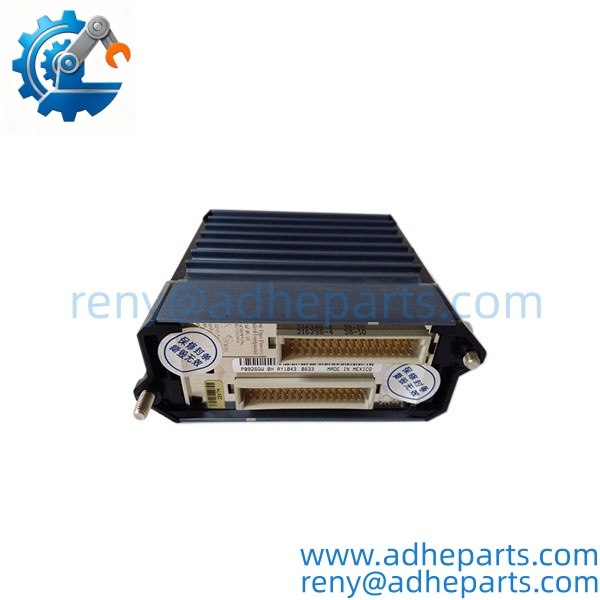
FBM232
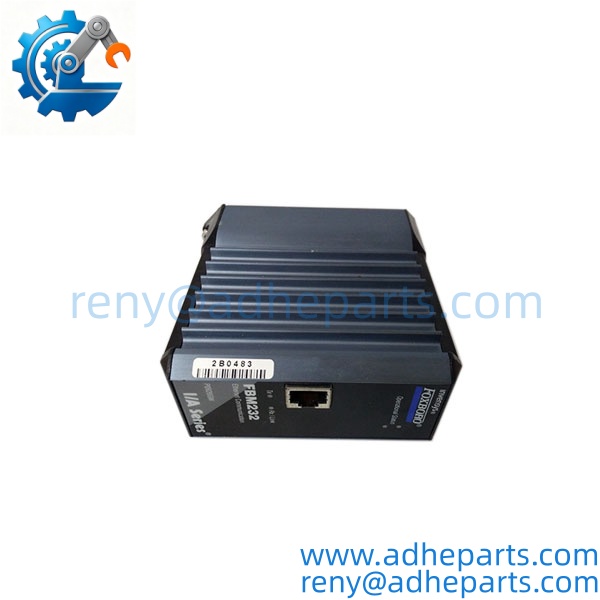
FBM232
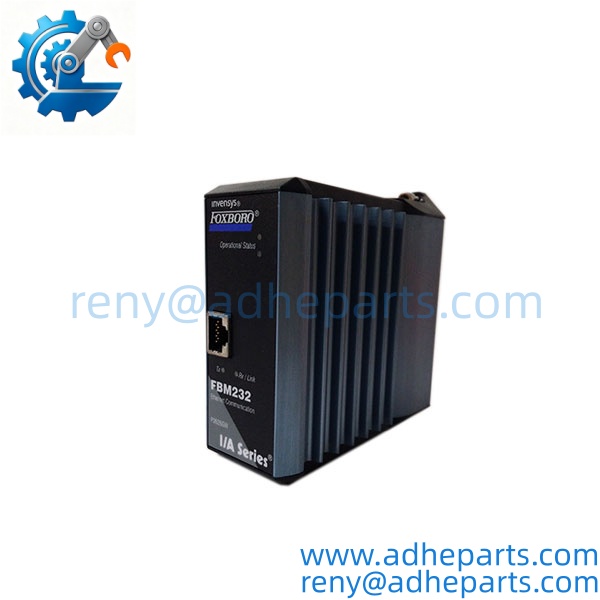
FBM232
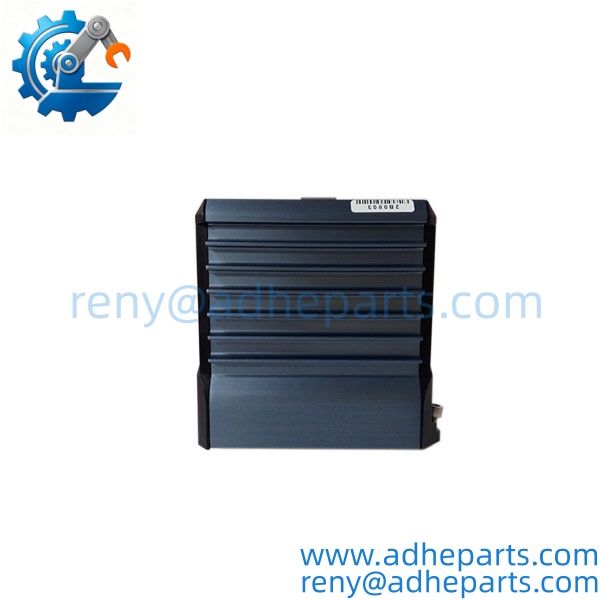
FBM232
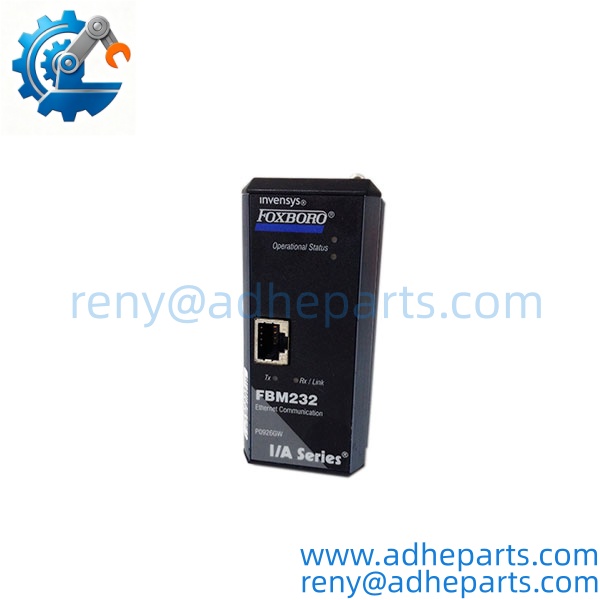
FBM232
QC, Procurement & Logistics SOP
- Inbound Verification
Verify the module marking FBM232, part number P0926GW, serial information, hardware revision, RJ-45 connector, and baseplate interface. Confirm whether the customer’s requirement is for the module only or a complete module/baseplate assembly. - Live Rig Testing
Where a compatible Foxboro test environment is available, verify startup diagnostics, Ethernet link status, communication with the DCS, and communication with a compatible external device. Test the configured protocol driver rather than relying only on a basic power-on test. - QA & Anti-Static Packaging
Inspect the enclosure, Ethernet connector, status LEDs, and baseplate contacts. Check for corrosion, contamination, or physical damage. Use ESD-safe packaging and protect the RJ-45 interface from impact during transportation. - Global Logistics & Export Compliance
Confirm the customer’s exact Foxboro system, communication protocol, driver requirement, and baseplate configuration before dispatch. Use rigid protective packaging for international air or sea freight and describe the item accurately as an industrial DCS communication/FDSI module on shipping documentation.
Technical Pitfalls & Integration Warnings
- Firmware / Driver Mismatch
The FBM232 relies on downloadable I/O software drivers for communication with external devices. A replacement with the same hardware part number may still require the correct driver configuration. For example, if the existing application uses a specific TCP/IP or UDP/IP device driver, the replacement should be configured with the corresponding driver before commissioning. - IP Address / Network Configuration Errors
The communicates through Ethernet at 10 or 100 Mbps. Incorrect IP addressing, subnet configuration, network topology, or switch settings can make a physically healthy module appear to be defective. Check the existing network configuration before replacing hardware. - Wiring / Interface Incompatibility
The field-device connection uses copper Ethernet through an RJ-45 interface, with documented cable lengths from approximately 1 to 100 m. Do not substitute a different communication interface or assume that a serial field device can connect directly without the appropriate gateway or interface arrangement. - ESD Damage During Unboxing
The contains communication electronics that can be damaged by static discharge. Keep the module in ESD-safe packaging until installation, and avoid touching connector contacts or exposed electronic areas during inspection.
Frequently Asked Questions (FAQ)
Q1. What is the FOXBORO P0926GW used for?
It is a Field Device System Integrator (FDSI) module used to connect Ethernet-based field devices with a Foxboro DCS control environment.
Q2. Is P0926GW an analog input/output module?
No. Its primary function is Ethernet-based field-device integration. It provides communication and data integration rather than acting as a conventional multi-channel analog or digital I/O module.
Q3. What Ethernet speed does support?
The documented communication rates are 10 Mbps and 100 Mbps over a single copper Ethernet connection.
Q4. How many external devices can one communicate with?
The technical documentation specifies communication with one external device or up to 64 external devices when connected through an Ethernet switch or hub.
Q5. How many DCI connections can support?
The available technical references specify up to 2,000 DCI block connections, allowing substantial field-device data to be integrated into the Foxboro control database.
Q6. What power supply does the require?
The documented requirement is 24 VDC +5% / -10%, with maximum power consumption of approximately 7 W.
Q7. What should I provide when requesting a replacement ?
Provide the complete part number, hardware revision if available, a photograph of the existing module label and baseplate, the Foxboro system version, the external device protocol, and the current driver/configuration information. This is particularly important because the module’s function depends on the configured communication driver.