Description
Note: Many products are not yet listed. Please contact us for more product information. Our supply channels are constantly expanding, and we currently have 20 stable shared supply channels. Please confirm the model, product, price, and all other necessary information with customer service before placing an order. We offer new, refurbished, and used products, and prices are adjusted according to the year of the item you require.
3. Key Technical Specifications
Do not order against this table alone. I cannot confirm the line interface, data rate, or connector type from the model numbers. Match every line below against the marking on your existing card and the OEM datasheet for your specific build.
| Parameter | Value |
|---|---|
| Models | N897163510Q / N897163050Q / N897163100U |
| Brand | ALSTOM |
| Module Type | Modem and interface cards — verify each function individually |
| Host Equipment | Verify — confirm the shelf, rack, or RTU these cards serve |
| Line Interface | Verify — could be leased line, pilot wire, or voice-band; confirm with OEM datasheet |
| Data Rate | Verify — depends on the interface and firmware build |
| Modulation Scheme | Verify with OEM datasheet |
| Channel Count | Verify — one or more channels per card depending on build |
| Connector Type | Verify — field connector varies by build suffix |
| Backplane Interface | Proprietary Alstom bus — verify pinout and slot assignment |
| Power Supply | From shelf backplane — verify voltage rail and current draw |
| Power Consumption | Verify with OEM datasheet |
| Isolation | Verify — line side to logic side |
| Status Indicators | Verify — LED arrangement varies by revision |
| Operating Temperature | 0 °C to +55 °C (typical for this class — verify) |
| Storage Temperature | –40 °C to +85 °C (typical — verify) |
| Humidity | 5% – 95% RH, non-condensing |
| Mounting | Rack or shelf slot, plug-in card |
| Weight | Verify with OEM datasheet |
| Certifications | Verify on the specific unit’s label |
4. Product Introduction
The Alstom N897163510Q, N897163050Q, and N897163100U appear to be a modem and its associated interface cards for a telecontrol or telecom communication shelf. The N897163100U is labeled as a modem. The two Q-suffix cards are most likely the line interface or channel cards that pair with it in the same rack.
Here is the catch, and it is why I am not handing you a clean spec sheet: on this class of Alstom hardware, the suffix governs the line interface and the firmware image. Two cards with the same base number and different suffixes can look identical and behave differently. Before you order, read the full string off your existing card character for character, and note the slot it occupies. If you can send a photo of the card labels and the shelf they came out of, I will confirm the set against the OEM documentation instead of leaving you with a table of verification notes.
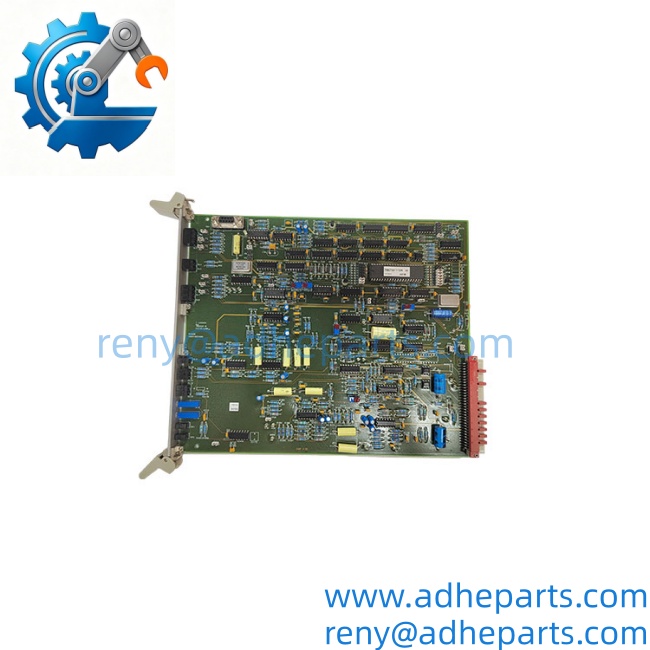
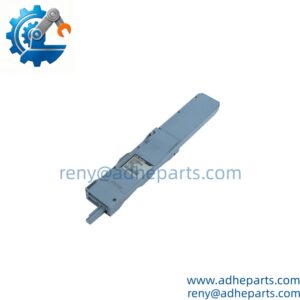
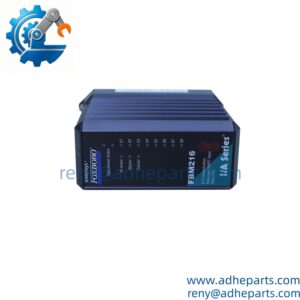
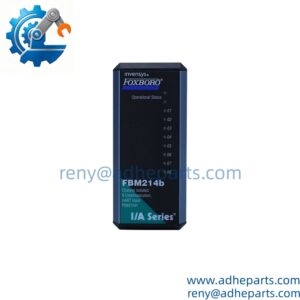
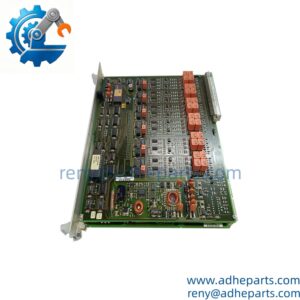
ALSTOM N897163510Q N897163050Q MODEM N897163100U
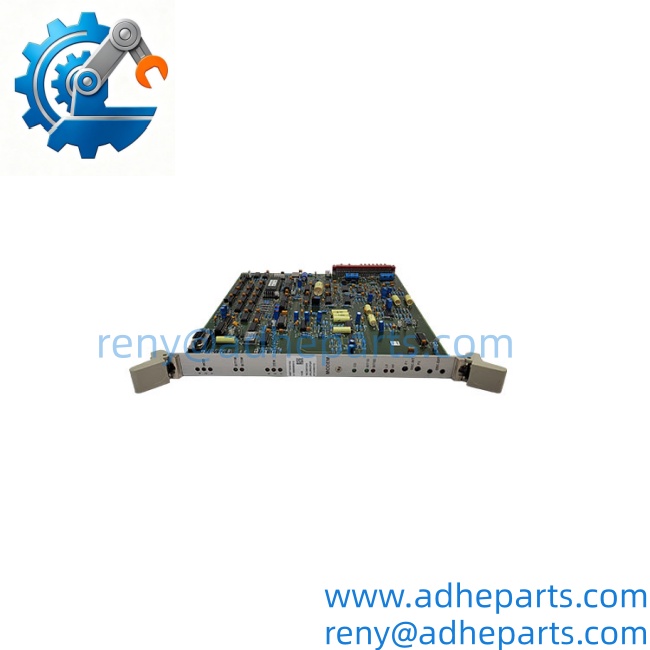
ALSTOM N897163510Q N897163050Q MODEM N897163100U
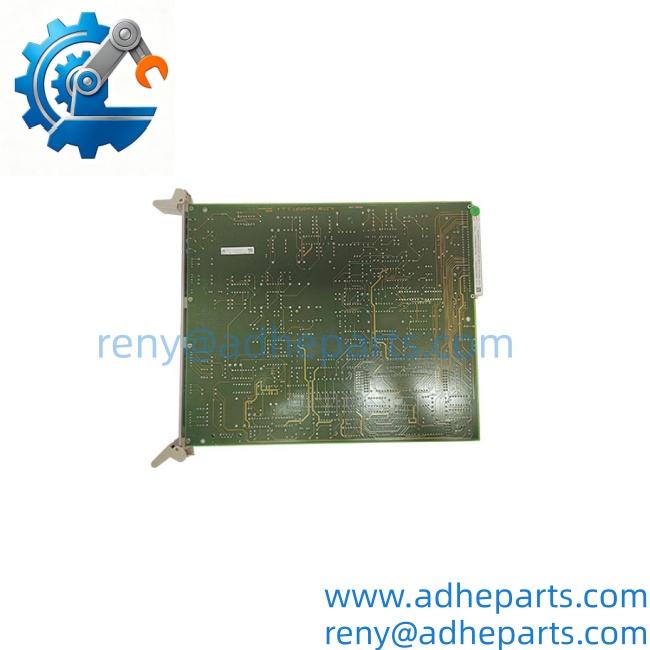
ALSTOM N897163510Q N897163050Q MODEM N897163100U
5. Application Scenarios & Field Experience
Part 1 – Narrative Paragraph
The failure mode that wastes the most time on a telecontrol modem card is a link that drops and recovers. The SCADA system logs a communication loss, the link comes back on its own, and no card ever fails a self-test. In my experience, the modem card is rarely the first suspect, and by the time it is pulled, the crew has already replaced the antenna, the cable, and the radio. When you replace a card in this class, record the firmware revision and the line settings before you pull the old one. A new card with the same part number but a different firmware revision can fail to train on the same line, and the fault will look like a bad card when it is actually a build mismatch.
Part 2 – Numbered List (Application Scenarios)
- Power Transmission – Telecontrol RTU Links – The modem card carries SCADA data between a substation RTU and the master station over a leased line or pilot wire. A failing card shows up as intermittent telemetry loss on the operator’s alarm summary.
- Water and Wastewater – Remote Pump Station Telemetry – The card links remote pump stations to a central control room over a voice-band or dedicated line. Link dropouts freeze level and flow readings without tripping the process.
- Rail and Transit – Signaling Communication – Alstom signaling shelves used modem cards to carry status and control data between interlockings and the control center. Replacement is often the only path when the OEM no longer stocks the build.
- Pipeline – Compressor Station Telemetry – The card carries pressure and flow data from remote stations to the dispatch center. The line interface must match the leased circuit, so the build suffix matters more than the base number.
Part 3 – Short Field Story
A utility had a telecontrol link to a remote substation that would drop for a few minutes every evening, always around the same time. The crew had replaced the radio, the antenna cable, and the RTU communication card. The link still dropped. We asked for the card labels and the shelf model before shipping anything. It turned out the installation had a card with the wrong build suffix for that shelf — same base number, different line interface. We supplied the correct variant, and the evening dropouts stopped. The old card had been training on the wrong line characteristic and losing sync under the evening load.
6. Standard Operating Procedure (SOP) for Quality Control
- Visual & Origin Inspection – We verify the Alstom marking, the full model string including suffix, and the date code. We inspect the backplane connector and the field connector for bent pins or corrosion. A card with a damaged connector shroud or evidence of rework is rejected.
- Build Code Verification – We read and photograph the full model string, the firmware revision label, and every jumper and switch setting. That record ships with the card so you can compare it against the unit you are replacing.
- Power-Up Self-Test – The card is inserted into a compatible test shelf. We verify it initializes without a bus fault and that the shelf controller recognizes the card type.
- Line Interface Test – We connect the card to a line simulator and verify it trains and holds sync at the specified data rate. We log the training time and the bit error rate over a continuous run.
- Loopback Test – We run a continuous data loopback for one hour and log any framing or parity errors. Zero errors is the pass criterion.
- Connector Integrity Test – We mate and unmate the backplane connector ten times to confirm the contacts do not deform and the retention mechanism holds. A loose card causes intermittent faults that are hard to diagnose in the field.
- ESD-Safe Packaging – The card is wrapped in anti-static film, seated in a conductive foam insert with the connectors protected by rigid shrouds, and packed in a double-wall carton with static warning labels.
7. Frequently Asked Questions (FAQ)
Q1: Are these three part numbers a matched set?
A: They may be. The pattern — a modem card plus two interface cards with different suffixes — is consistent with a modem and its associated line or channel cards for the same shelf. But I cannot confirm that without the shelf model and the slot assignment. If you send us the rack model and a photo of the card labels, we will confirm whether they belong together.
Q2: What is the difference between the Q and U suffixes?
A: On this class of hardware, the suffix typically denotes a build variant — line interface type, connector arrangement, or firmware image. A Q-suffix card and a U-suffix card with the same base number may be physically compatible but functionally different. Match the full string, not just the base number, and record the suffix from your existing card before ordering.
Q3: What is the warranty on these cards?
A: We offer a 12-month warranty from the ship date. It covers component failure, backplane connector failure, line interface failure, and firmware memory faults under normal operating conditions. It does not cover damage from hot-swapping the card with the shelf energized, bent pins from forced insertion, or ESD damage from handling without a wrist strap. We test every card in a live shelf before it ships.
Q4: Do you actually have these in stock?
A: This is legacy inventory and I will not pretend otherwise. Stock on Alstom communication cards varies by build, and the exact suffix you need may not be on the shelf. Confirm availability before you plan an outage. If we are out, we will tell you what we actually have rather than quote a date we cannot hold.
Q5: Any installation pitfalls I should watch for?
A: Four. First, power down the shelf before inserting or removing any of these cards — they are not hot-swap capable. Second, record every jumper and switch setting and the firmware revision from the old card before you remove it; the line settings are not always stored in the shelf. Third, confirm the build suffix on the replacement matches the card you are removing. Fourth, after the swap, verify the link trains and holds sync before you return the telemetry circuit to service. A card that powers up is not necessarily communicating correctly.