Description
Note: Many products are not yet listed. Please contact us for more product information. Our supply channels are constantly expanding, and we currently have 20 stable shared supply channels. Please confirm the model, product, price, and all other necessary information with customer service before placing an order. We offer new, refurbished, and used products, and prices are adjusted according to the year of the item you require.
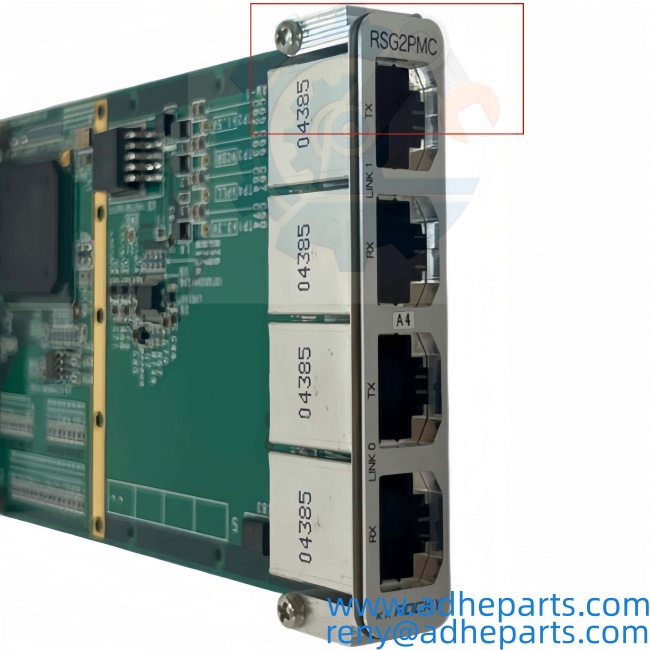
RSG2PMCF-NK2
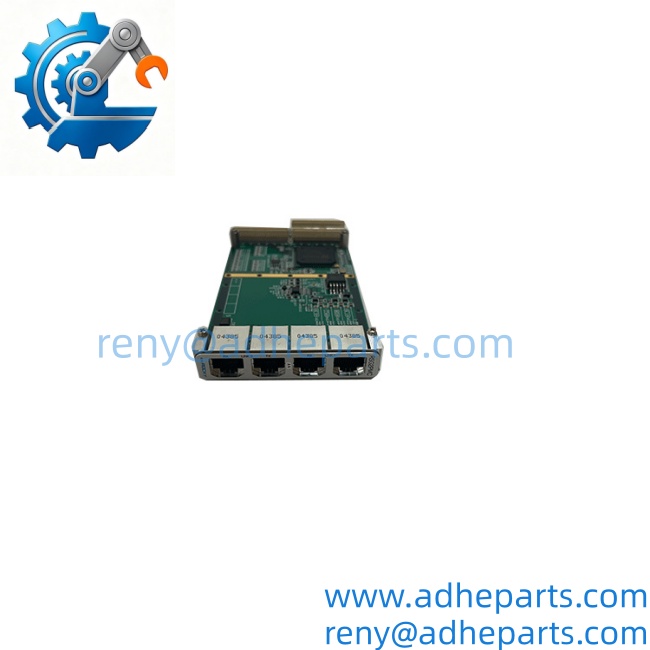
RSG2PMCF-NK2
3. Key Technical Specifications
Do not order against this table alone. I cannot confirm the bus interface, channel count, or connector type from the model number. Every line below must be matched against the marking on your existing card and the OEM datasheet for the RSG2PMCF-NK2 build.
| Parameter | Value |
|---|---|
| Model | RSG2PMC |
| Build Code | RSG2PMCF-NK2 |
| Brand | Motorola |
| Module Type | PMC mezzanine card — verify exact function |
| Host Interface | PMC connector set (P11/P12/P13/P14) — verify which are populated |
| Bus Standard | PCI or PCI-X via PMC — verify signaling voltage (3.3V / 5V) |
| Function | Verify — could be communication, processing, or interface; confirm with OEM datasheet |
| Front Panel I/O | Verify — connector type and count vary by build |
| On-Board Memory | Verify with OEM datasheet |
| Processor / Logic | Verify with OEM datasheet |
| Power Consumption | Verify — sourced from the host carrier card |
| Isolation | Verify — field side to host side |
| Status Indicators | Verify — LED arrangement varies by revision |
| Operating Temperature | Verify for your chassis ambient |
| Storage Temperature | –40 °C to +85 °C (typical — verify) |
| Humidity | 5% – 95% RH, non-condensing |
| Form Factor | Single-width PMC per IEEE 1386 |
| Weight | Verify with OEM datasheet |
| Certifications | Verify on the specific unit’s label |
4. Product Introduction
The Motorola RSG2PMC is a PMC-format mezzanine module, and RSG2PMCF-NK2 identifies a specific build. A PMC card does not operate on its own — it mounts on a host carrier card or single-board computer and draws power and bus access from that host. Without knowing the host platform, I cannot tell you what this card does.
Here is the catch, and it is the reason I am flagging this page: the build suffix on a PMC module usually determines the front-panel connector type, the signaling voltage, and sometimes the firmware image. Two cards with the same base number and different suffixes can be physically compatible but functionally different. Before you order, read the full string off your existing card and compare it character for character. If you can send me a photo of the label and the host chassis model, I will confirm what you are working with instead of leaving you with a table full of verification notes.
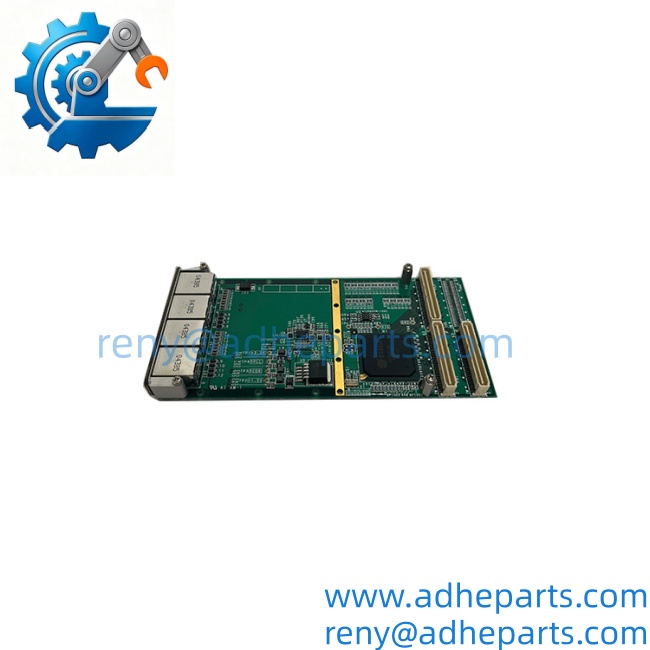
RSG2PMCF-NK2
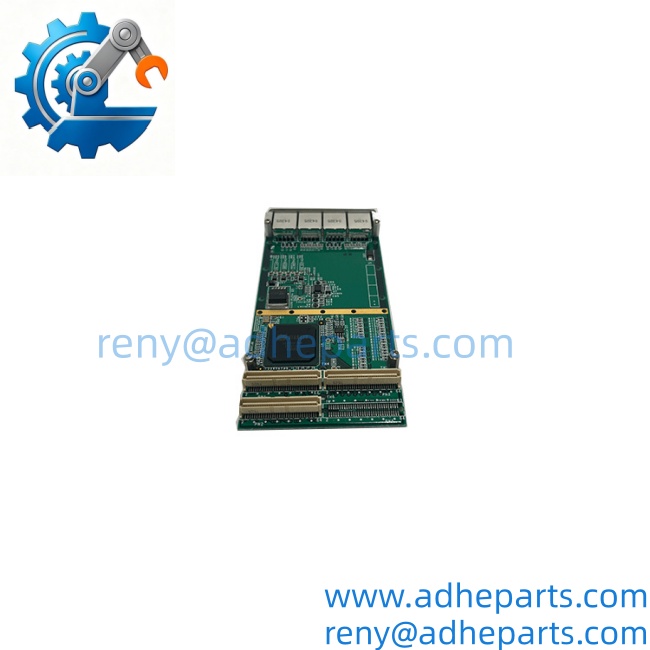
RSG2PMCF-NK2
5. Application Scenarios & Field Experience
Part 1 – Narrative Paragraph
The failure mode that wastes the most time on a PMC module is a mismatch that looks like a hardware fault. The card seats, the host powers up, and the system reports a device that will not initialize. I have watched a crew reseat the card three times and swap the host carrier before anyone checked the build suffix. In many cases the card was fine — the build was wrong for the slot. PMC carriers also draw their power budget from the host, so a card with a higher current draw than the carrier was specified for will brown out under load and fault intermittently. Check the host’s power budget before you assume the card is bad.
Part 2 – Numbered List (Application Scenarios)
- Telecom Central Office Equipment – Motorola built PMC-format modules for carrier-grade shelves in central office and cell site equipment. The card extends the host’s I/O or communication capability inside the same chassis.
- Industrial Computing Platforms – Used in rack-mounted industrial computers where a PMC carrier provides expansion without a full-size slot. Replacement is often the only path when the OEM no longer stocks the build.
- Legacy Communication Gateways – PMC modules in this class were used as protocol or line interface cards in older telecom and data acquisition equipment. The build suffix determines which interface you have.
- Test and Simulation Racks – Deployed in bench and simulation systems that use PMC carriers for flexible I/O. The host carrier determines the available bus and power budget.
Part 3 – Short Field Story
A telecom equipment refurbisher had a shelf that would not recognize a replacement PMC card. The card seated cleanly, the host powered up, and the management interface reported an unknown device. The crew assumed the card was dead and ordered a second one — same result. The actual problem was the build suffix. The shelf’s firmware expected a specific RSG2PMC build, and both replacement cards were a different variant. Once the correct build was supplied, the card initialized on the first power-up. The lesson is simple: on PMC modules, the suffix is not a cosmetic detail.
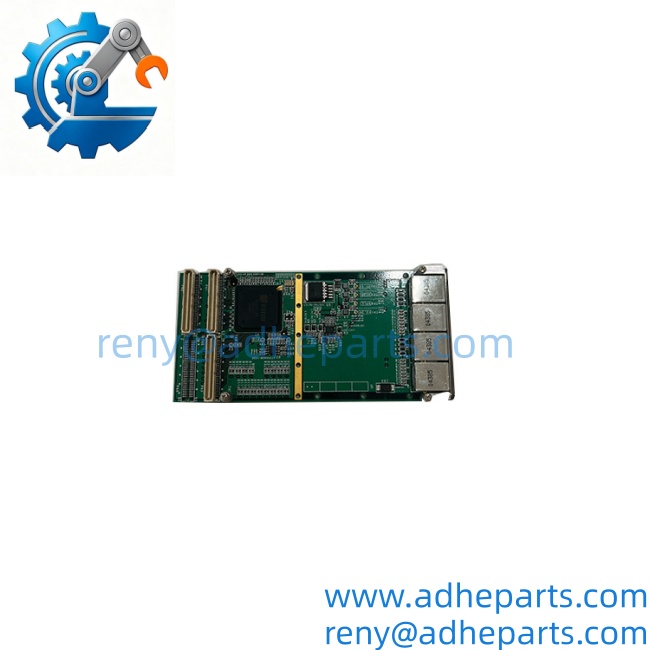
RSG2PMCF-NK2
6. Standard Operating Procedure (SOP) for Quality Control
- Visual & Origin Inspection – We verify the Motorola marking, the RSG2PMC model string, the RSG2PMCF-NK2 build code, and the date code. We inspect the PMC connectors for bent pins and the front panel for damage. A card with a cracked connector or missing retaining hardware is rejected.
- Build Code Verification – We read and photograph the full model string and the build suffix. Cards that do not match a requested build code are set aside rather than shipped.
- PMC Connector Continuity Test – We buzz out each populated PMC connector against the OEM pinout to confirm no open traces or shorts between adjacent contacts.
- Host Carrier Fit Test – Each card is seated on a test carrier to confirm the connectors engage fully and the standoffs align. A card that fits loosely will cause intermittent bus faults in service.
- Power-On Test – The card is powered through the test carrier at the specified rail voltage. We verify current draw stays within the datasheet limit and that the card does not brown out under load.
- Firmware Revision Documentation – Where the build includes firmware, we read and record the revision string. We do not ship a card without documenting its firmware state.
- ESD-Safe Packaging – The card is wrapped in anti-static film, seated in a conductive foam insert with the PMC connectors protected by a rigid shroud, and packed in a double-wall carton with static warning labels.
7. Frequently Asked Questions (FAQ)
Q1: What does the RSG2PMC actually do?
A: I cannot confirm the exact function from the model number alone. A PMC module can be a communication interface, a processing card, a memory card, or a specialized I/O device, and the build suffix determines which. Send us a photo of the card label and the host chassis model, and we will identify it against the OEM documentation before you commit to an order.
Q2: What is the difference between RSG2PMC and RSG2PMCF-NK2?
A: appears to be the base model, and RSG2PMCF-NK2 identifies a specific build or configuration. On PMC modules, the build suffix typically determines front-panel connector type, signaling voltage, and firmware image. Two cards with the same base number but different suffixes may be physically compatible but functionally different. Match the full string, not just the base number.
Q3: What is the warranty, and what does it cover?
A: We offer a 12-month warranty from the ship date. It covers component failure, PMC connector failure, and firmware memory faults under normal operating conditions. It does not cover damage from inserting the card with the host powered, bent pins from forced seating, or ESD damage from handling without a wrist strap. Every card is powered on a test carrier before it ships.
Q4: Do you actually have this in stock?
A: This is legacy inventory, and I will not pretend otherwise. Stock on Motorola PMC builds varies and the exact build code you need may not be on the shelf. Confirm availability before you plan an outage. If we are out, we will tell you what we actually have rather than quote a date we cannot hold.
Q5: Any installation pitfalls I should watch for?
A: Four. First, power down the host before inserting or removing the card — PMC modules are not hot-swap capable. Second, verify the host carrier’s power budget against the card’s current draw; an under-budgeted carrier causes intermittent faults that look like a bad card. Third, confirm the build suffix on the replacement matches the card you are removing. Fourth, seat the card fully and torque the retaining screws evenly — a partially seated PMC card will pass a visual check and still fail to initialize. If the host reports an unknown device after power-up, check the build suffix before you assume the card is dead.