Description
Note: Many products are not yet listed. Please contact us for more product information. Our supply channels are constantly expanding, and we currently have 20 stable shared supply channels. Please confirm the model, product, price, and all other necessary information with customer service before placing an order. We offer new, refurbished, and used products, and prices are adjusted according to the year of the item you require.
3. Key Technical Specifications
Confirm each line against the OEM datasheet and the option code on your board label before ordering. Processor speed, memory size, and feature set vary by build.
| Parameter | Value |
|---|---|
| Model | MVME6100 |
| Brand | Motorola Computer Group |
| Product Family | MVME6100 series |
| Processor | PowerPC 7457 class — verify exact type and speed on the board label |
| Processor Speed | Up to 1.267 GHz — verify by option code |
| L2 Cache | Verify — depends on processor variant |
| DRAM | 512 MB DDR SDRAM (typical) — verify on the board label |
| Flash / Boot Memory | 128 MB (typical) — verify on the board label |
| NVRAM | Battery-backed — verify size and battery type |
| VMEbus Interface | VME64x, A16/A24/A32/A64, D8/D16/D32/D64, master and slave |
| VMEbus Transfer Modes | 2eSST and 2eVME supported — verify firmware |
| Ethernet | 2 x 10/100/1000Base-T (RJ45) — verify port count on your build |
| Serial Ports | 2 x EIA-232 (front panel) — verify |
| USB Ports | Verify — some builds include USB |
| PMC Expansion | 2 x PMC slots (64-bit, 33/66 MHz) — verify |
| Real-Time Clock | Battery-backed TOD clock with NVRAM |
| Debug Interface | Onboard firmware monitor via serial port |
| Form Factor | 6U double-height Eurocard, 160 mm x 233 mm |
| Power Requirements | +5V, +12V, -12V — verify current draw on the OEM datasheet |
| Operating Temperature | 0 °C to +55 °C (standard build — verify) |
| Storage Temperature | –40 °C to +85 °C |
| Humidity | 5% – 95% RH, non-condensing |
| Weight | Approx. 1.0 kg (2.2 lb) — verify |
4. Product Introduction
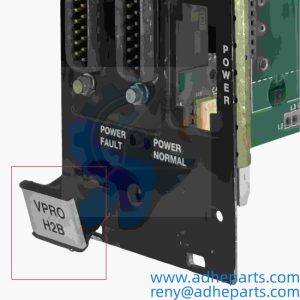
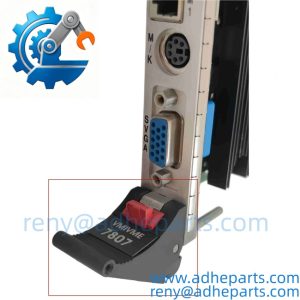
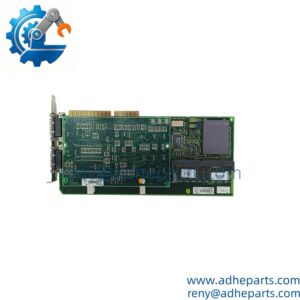
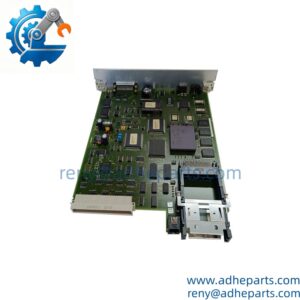
The Motorola MVME6100 is a 6U VMEbus single-board computer built around the PowerPC 7457 class processor. It puts the CPU, DDR SDRAM, flash, NVRAM, dual Gigabit Ethernet, serial I/O, two PMC expansion slots, and a VME64x interface on one double-height Eurocard. It is the board that brings modern processing and network throughput to a legacy VME chassis without changing the backplane.
The engineering value is the VME64x 2eSST interface and the dual Gigabit Ethernet. The 2eSST transfer mode moves data across the VMEbus at rates that earlier VME boards could not reach, and the dual Gigabit ports let the board handle control traffic and data collection on separate network paths. In my experience, that combination is what lets a plant keep a VME-based control system in service while adding modern network connectivity and more processing headroom.
Two things decide whether a swap works. First, the option code on the board label. The MVME6100 was built in several memory and processor configurations, and the option code identifies which one you have. Second, the firmware monitor revision. A board with a newer monitor revision may not boot an application compiled for an older revision.
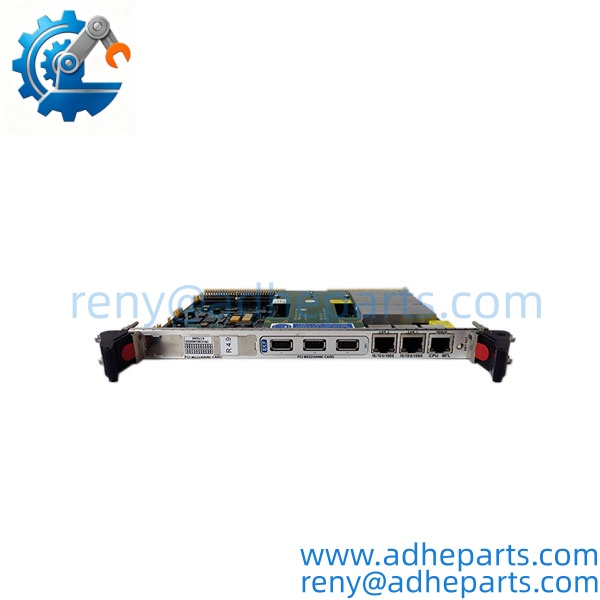
MVME6100
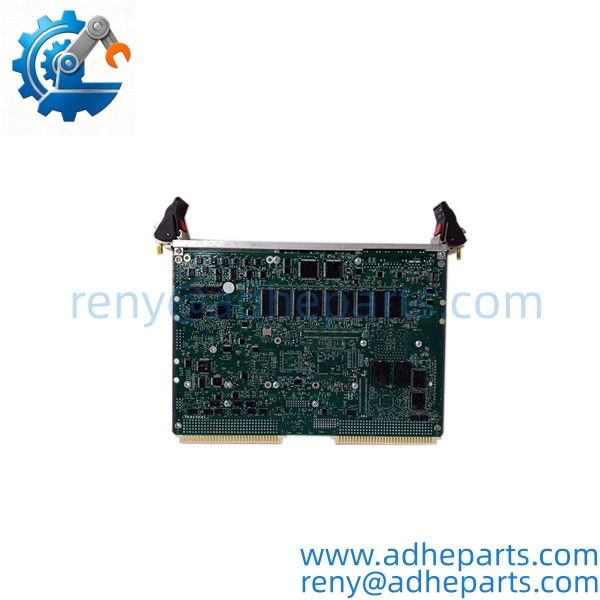
MVME6100
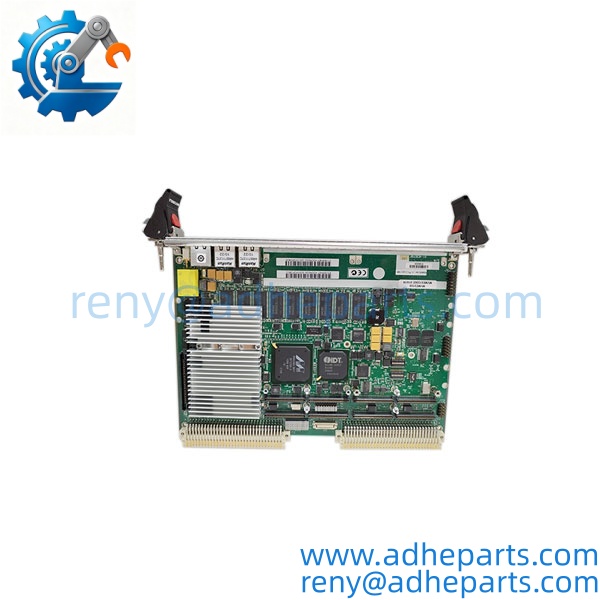
MVME6100
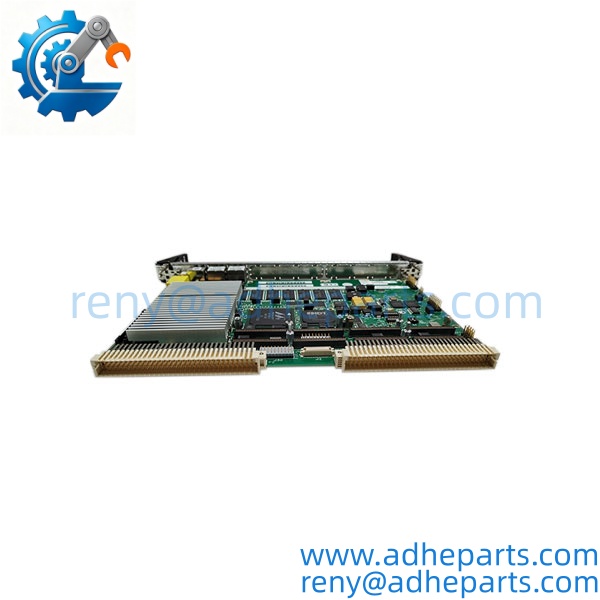
MVME6100
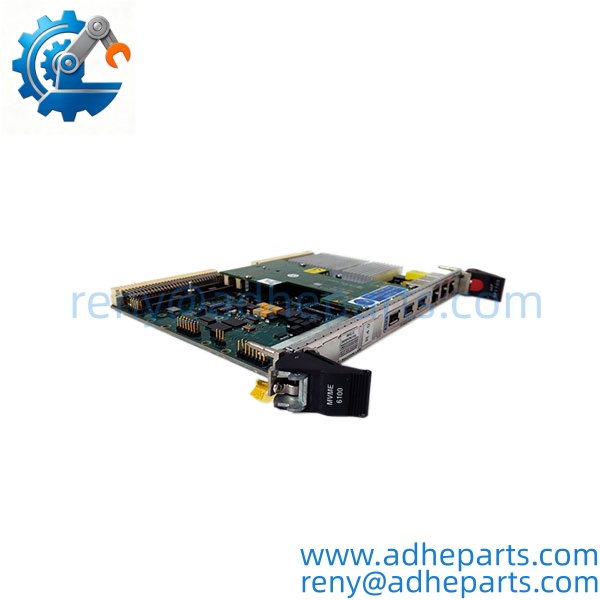
MVME6100
5. Application Scenarios & Field Experience
Part 1 – Narrative Paragraph
The problem with legacy VME racks is not that they fail — it is that they fail one card at a time, and every card removed is a chance to discover that the backplane has been running at spec limit for a decade. A 6U chassis with a high-performance CPU card pulling several amps on the +5V rail has very little headroom left once you add I/O. The MVME6100 solves the replacement problem directly: it drops into the same slot, speaks the same VME64x protocol, and boots from the same flash image, so the OEM application software does not need to be rebuilt. In my experience, that last point is what decides whether a line comes back up in four hours or four weeks.
Part 2 – Numbered List (Application Scenarios)
- Telecom Central Office Equipment – The board runs signaling and call processing tasks in carrier-grade shelves. The dual Gigabit Ethernet ports connect to the management network and the data network separately, and the PMC slots host specialized telecom interfaces.
- Industrial Control – Data Concentrator Node – The board polls legacy VMEbus analog input cards, runs a control or logging algorithm, and pushes results over Ethernet to a supervisory system. The VME64x 2eSST interface keeps the polling loop under budget.
- Test and Measurement – Instrument Controller – Used in rack-mounted test systems where the VMEbus backplane hosts multiple instrument cards. The PowerPC handles the data acquisition, and the dual Gigabit ports stream the results to a data server.
- Medical Imaging – Legacy Scanner Control – Deployed in older imaging systems where the VME chassis controls the gantry and acquisition hardware. Replacement is often the only path when the OEM no longer stocks the board.
Part 3 – Short Field Story
A telecom equipment refurbisher had a central office shelf running a signaling node on an MVME6100 board. The board failed a POST check and refused to boot — no fan, no output, dead. The shelf had no spare and the OEM quoted a long lead time. We shipped an with a matching option code the same day. The refurbisher moved the flash card and the NVRAM across, powered the shelf up, and the firmware monitor came back with a clean memory map. The node was back in service the next morning.
6. Standard Operating Procedure (SOP) for Quality Control
Every board is processed through this QC sequence before it is cleared for shipment:
- Visual & Origin Inspection – We verify the Motorola silkscreen, the option code on the board label, and the date code. We inspect the 96-pin DIN P1/P2 connectors for bent pins, cracked solder joints, and corrosion. Any board showing rework outside the factory pattern is rejected.
- Power Rail Verification – We apply +5V, +12V, and -12V from a bench supply and measure current draw at idle. A board drawing more than 15% above baseline is pulled for inspection.
- POST and Firmware Monitor Test – We connect a terminal to the front-panel serial port and watch the boot sequence. We verify the firmware monitor banner, run a memory map dump, and check the DRAM and NVRAM address ranges against the option code.
- Memory Integrity Test – We write a walking-ones pattern across all DRAM, read it back, and compare. We do the same for the NVRAM with the battery disconnected and then reconnected, to confirm the cell holds state.
- VMEbus Master/Slave Test – The board is installed in a powered 6U chassis alongside a known-good I/O card. We run master reads and writes across A16, A24, A32, and A64 spaces, and verify slave access from an external VMEbus master.
- Ethernet Port Test – Both Gigabit ports are tested with a loopback plug or a test partner. We verify link at 1000 Mbps and log any packet loss.
- PMC Slot Verification – We install a test PMC card in each slot and verify the slot enumerates and the card is recognized by the board.
- Battery Replacement – We measure the onboard lithium cell under load. Any cell reading below 3.0V is replaced with a fresh unit, and the date code is recorded on the test sheet.
- ESD-Safe Packaging – The board is wrapped in anti-static film, seated in a conductive foam insert with the edge connector protected by a rigid shroud, and packed in a double-wall carton with static warning labels.
7. Frequently Asked Questions (FAQ)
Q1: What is the difference between the and the MVME2100?
A: Both are PowerPC-based 6U VMEbus single-board computers from Motorola, but they differ in processor generation, memory capacity, and network throughput. The uses the later PowerPC 7457 class processor and carries dual Gigabit Ethernet and VME64x 2eSST support. The MVME2100 is the earlier, more compact member of the family. Mechanically they share the same form factor and backplane connectors, so a substitution may be possible — but verify the firmware monitor revision and the application’s timing assumptions before you swap one for the other.
Q2: What does the option code on the board label mean?
A: The option code identifies the memory size, the processor speed, and the feature configuration of the specific board. I cannot decode the option code from the base model number alone. Read the full label on your existing board and compare it against the OEM datasheet table. If you send us a photo of the board label, we will confirm the memory size and processor speed before you order.
Q3: What is the warranty, and what does it cover?
A: We offer a 12-month warranty from the ship date. It covers processor failure, memory faults, VMEbus interface faults, and onboard peripheral controller failures under normal operating conditions. It does not cover damage from reverse-polarity power application, bent connector pins from forced insertion, or ESD damage from handling without a wrist strap. The lithium backup cell is a consumable — we install a fresh one before shipping but do not warranty its capacity beyond 30 days.
Q4: Do you actually have these in stock, or is this a lead-time item?
A: The series is end-of-life, so all inventory is surplus or refurbished. We hold stock in small quantities and ship same-day or next-day when units are on the shelf. Quantities above five units usually require a stock check. If we do not have it, we will tell you the real number instead of quoting a fabricated lead time.
Q5: Any installation pitfalls I should watch for?
A: Four. First, the leftmost slot in most VME chassis is wired as slot 1 and carries the system controller function — if you are replacing the controller card, the board must go there. Second, the VMEbus requires proper termination at both ends of the backplane. If you pull a terminated card and leave the end unterminated, you will get intermittent bus errors that look like software bugs. Third, always power the chassis down before inserting or removing the board. These cards are not hot-swap capable, and live insertion can arc the P1 connector pins. Fourth, if the board does not boot, check the firmware monitor banner against your application’s expected revision — a mismatched monitor revision can hang the boot before your software ever runs.