Description
Note: Many products are not yet listed. Please contact us for more product information. Our supply channels are constantly expanding, and we currently have 20 stable shared supply channels. Please confirm the model, product, price, and all other necessary information with customer service before placing an order. We offer new, refurbished, and used products, and prices are adjusted according to the year of the item you require.
3. Product Introduction
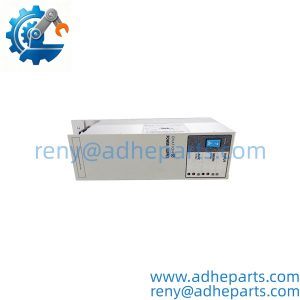
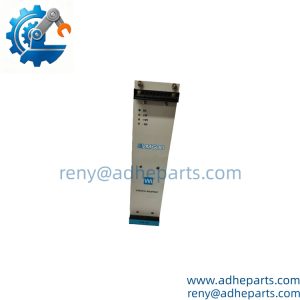
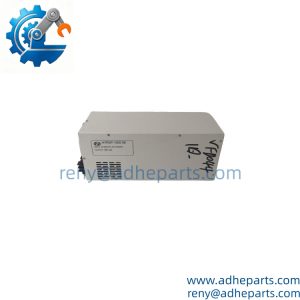
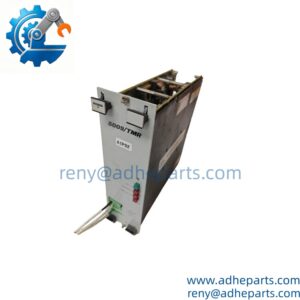
As the display link inside a 3500 rack, the 127610-01 carries vibration and position data from the monitoring modules to the operator display. It fills one slot, draws from the rack backplane, and is set up through the rack configuration file rather than front-panel menus. The real edge is replacement speed: when a display goes blank and the rack still scans, this module is the part that restores the operator view (—though your mileage may vary depending on display part number and firmware).
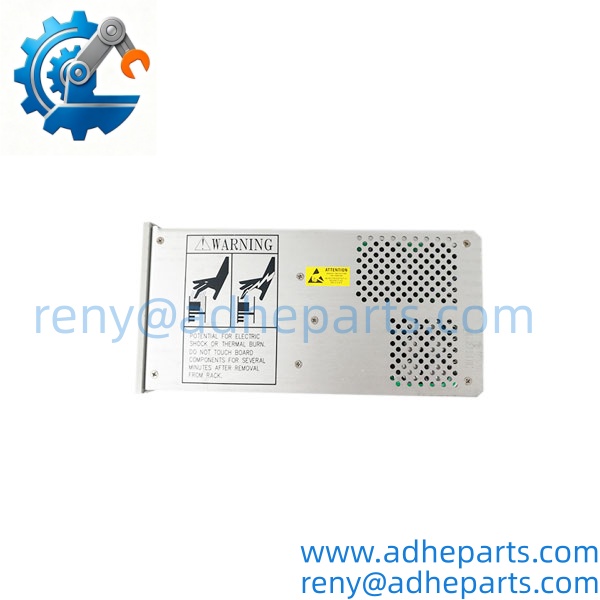
127610-01
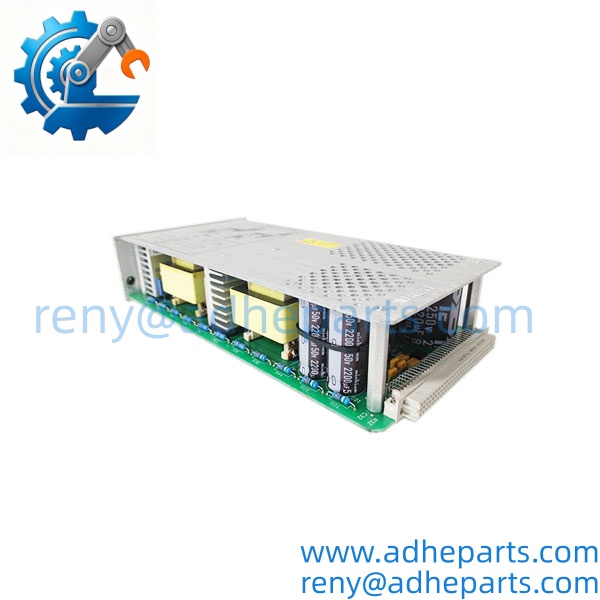
127610-01
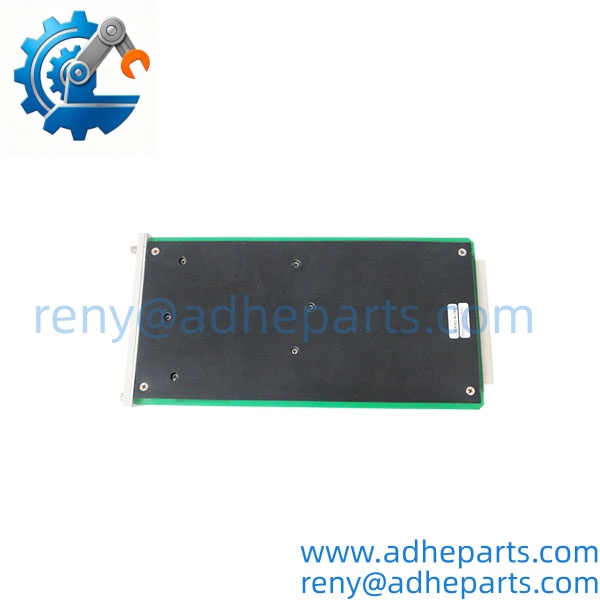
127610-01
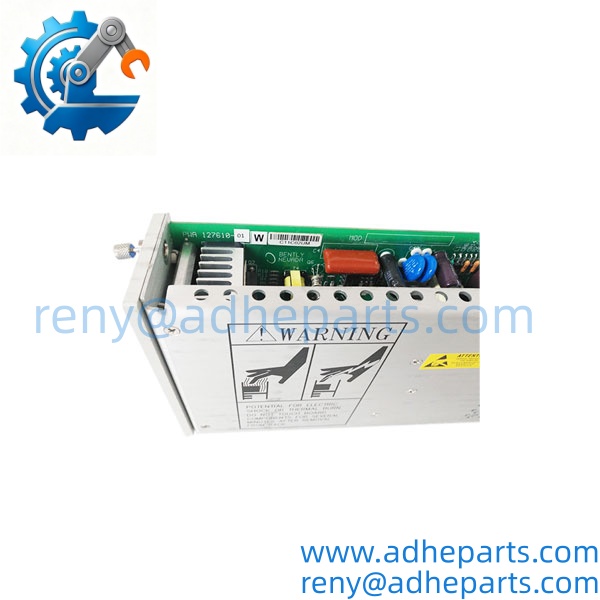
127610-01
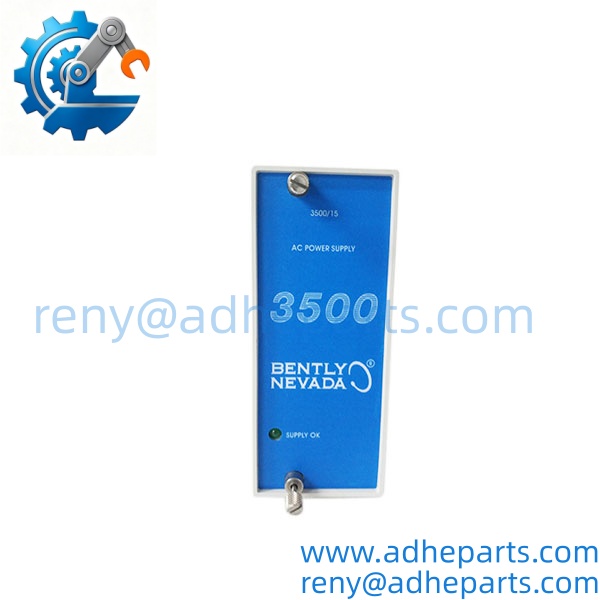
127610-01
4. Key Technical Specifications
| Parameter | Value |
|---|---|
| Catalog Number | 127610-01 |
| Brand | Bently Nevada |
| Product Type | 3500/93 Display Interface Module |
| Host Platform | 3500 rack, single slot — confirm slot restrictions in the rack manual |
| Power Source | 3500 rack backplane — verify exact current draw with OEM datasheet |
| Configuration | 3500 Rack Configuration Software; rack file must match the module |
| Display Interface | Backplane data to display hardware — confirm compatible display part number |
| Firmware/Revision | Must match rack configuration and OEM support matrix |
| Operating Temperature | Verify exact range with OEM datasheet |
| Hot Swap | Confirm permission in the OEM manual before live removal |
| Condition | New Surplus or Refurbished |
| Warranty | 12 months |
5. Field Application & Technical Pitfalls (The Engineer’s Guide)
Where this module is critical:
- Turbine and generator monitoring racks where operators need live vibration and axial position readings at the control room display.
- Compressor trains with 3500 protection racks that still rely on a local display for startup and trip diagnostics.
- Balance-of-plant machinery where the rack keeps scanning but the display path fails, leaving operators blind to channel data.
Three pitfalls that bite during replacement:
- Rack configuration slot mismatch. The module must be configured in the same slot as the old unit. A spare that boots fine can still leave the display blank if the rack file has that slot disabled or mapped to another module type. Check the slot number in the file, not just the physical slot.
- Display part number and cable pinout. The 127610-01 talks to specific display hardware. A different display unit or a cable built to the wrong pinout can power up and still show nothing. Verify the display part number and cable against the OEM drawing before you mount the module.
- Firmware and rack revision mismatch. The module firmware must sit inside the rack firmware support matrix. A unit pulled from another rack may need a revision change or a configuration reload. Also confirm hot-swap permission — if the OEM manual does not explicitly allow live removal for that slot, remove rack power and ground yourself before touching the backplane connector.
Lesson learned: A technician swapped a blank-display module for a shelf spare, powered up, and got a healthy rack with a dead display. Root cause: the rack file still had the old slot mapped to a different module type, and nobody reloaded the configuration. Forty minutes of downtime for a five-minute file check.
6. Quality Control (QC) SOP & Transparency
- Inbound Verification. Each module is checked against the OEM packing list, label typography, serial number format, and date-code range. Firmware revision and connector condition are logged before the unit enters stock.
- Live Rig Testing. The module is seated in a compatible 3500 test rack with monitor modules and a display simulator. We power on, confirm backplane handshake, and verify that channel data reaches the display path.
- Parameter Testing. Backplane current draw, connector continuity, and firmware revision readout are checked against the OEM datasheet where published. Undocumented values are flagged for buyer confirmation rather than guessed.
- Final QA & Packaging. The module ships in an anti-static bag with a QC-passed label, a test record showing the firmware revision we verified, and photos of the connector layout when available.
7. Frequently Asked Questions (FAQ)
Can I hot-swap this module in a live 3500 rack? Do not assume so. Some 3500 modules support live removal, but the OEM manual and your site procedure decide. If live removal is not explicitly permitted for that slot, remove rack power first.
How do I confirm it will work in my rack? Send the rack model, firmware revision, slot number, old module revision, and display part number. We cross-check the catalog number and test record before shipping. Exact fit still depends on the OEM support matrix for your rack firmware.
What’s the warranty? 12 months from delivery for functional failure under normal operation. Cables, fuses, and other consumables carry a 90-day replacement guarantee.
How can I tell genuine OEM from refurbished? Genuine units carry the original Bently Nevada label with consistent typography and a traceable serial number. Refurbished units carry our QC tag in addition to the OEM label, and we disclose condition on the quote.
Does it ship with a configuration file? No. We ship a test record, not your rack file. The module must be configured in the 3500 Rack Configuration Software to match your slot and display setup.
Will my existing display work with it? Only if the display part number and cable pinout match the OEM drawing for this module. Send us the display label photo and we will confirm what we can before shipment.
What do you need to quote the right replacement? Rack model, firmware revision, slot number, old module label photo, and display part number. That five-minute upload prevents most wrong-part returns.