Description
Note: Many products are not yet listed. Please contact us for more product information. Our supply channels are constantly expanding, and we currently have 20 stable shared supply channels. Please confirm the model, product, price, and all other necessary information with customer service before placing an order. We offer new, refurbished, and used products, and prices are adjusted according to the year of the item you require.
3. Product Introduction
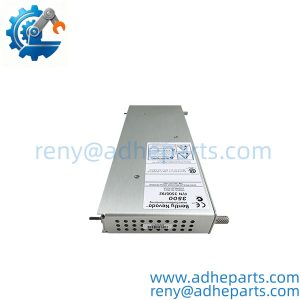
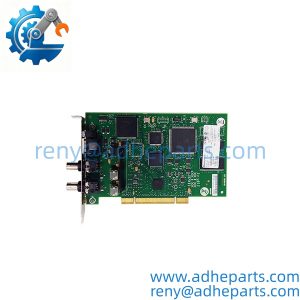
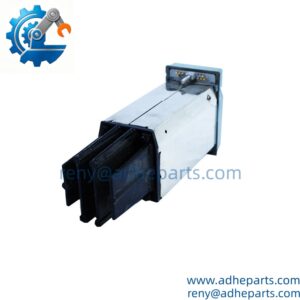
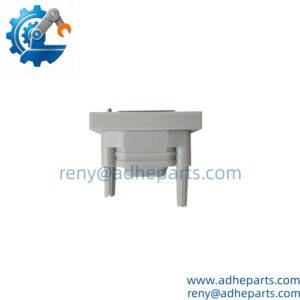
As the Modbus Plus adapter for a Momentum I/O base, the 416NHM30032A gives the base a network identity and a path to the controller. It seats on the Momentum base, takes power from the assembly, and carries Modbus Plus traffic to the rest of the segment. The adapter’s node address and port wiring decide whether a spare drops in cleanly (—though your mileage may vary depending on base revision and network layout). Replacement speed is the practical edge when a segment drops offline.
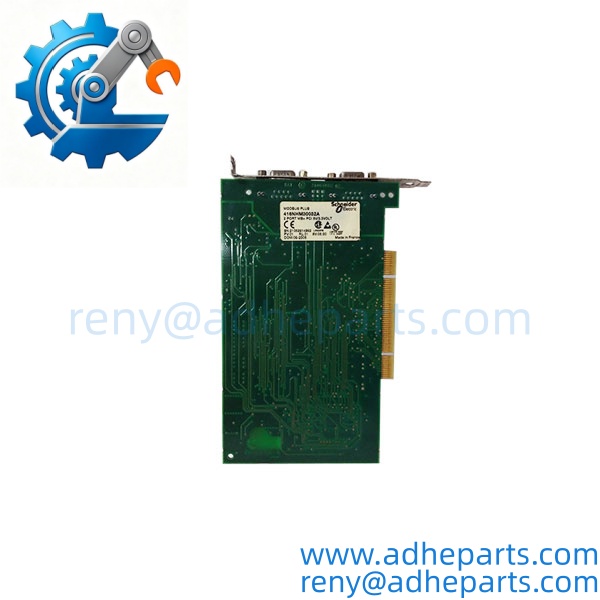
416NHM30032A
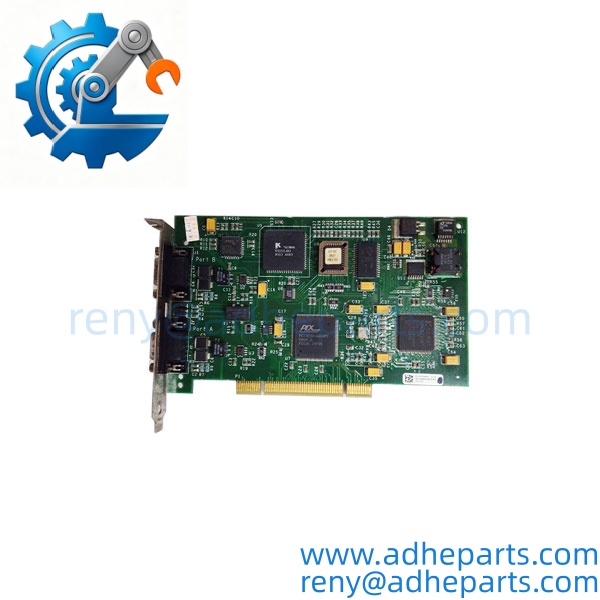
416NHM30032A
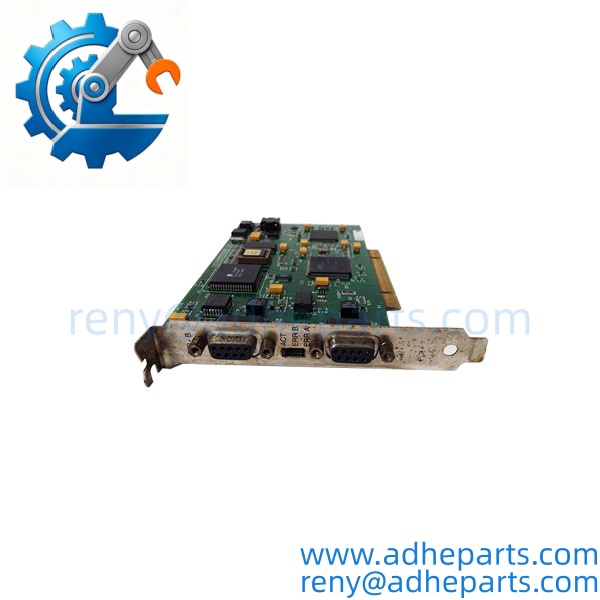
416NHM30032A
4. Key Technical Specifications
| Parameter | Value |
|---|---|
| Catalog Number | 416NHM30032A |
| Brand | Schneider Electric (Modicon) |
| Product Type | Momentum Modbus Plus communication adapter |
| Host Platform | Momentum I/O base — confirm base part number and adapter compatibility |
| Network Interface | Modbus Plus |
| Port Count | Verify exact port count and connector style with the OEM datasheet |
| Connector Type | 9-pin D-sub class per OEM drawing — verify pinout before wiring |
| Node Address | Set by adapter configuration — confirm method and range with OEM manual |
| Backplane/Base Power | Verify exact current draw with the OEM datasheet |
| Isolation | Verify network-to-base isolation rating with the OEM datasheet |
| Operating Temperature | Verify exact range with the OEM datasheet |
| Configuration | Node address and network parameters must match the segment design |
5. Field Application & Technical Pitfalls (The Engineer’s Guide)
Where this adapter is critical:
- Legacy Modbus Plus segments on packaging and assembly lines, where a Momentum base loses its network path and the line stops.
- Water and wastewater plants with remote Momentum I/O drops on a Modbus Plus trunk, where a failed adapter isolates pump and valve status.
- Material handling cells that still run Modbus Plus peer-to-peer data between controllers and remote bases.
Three pitfalls that bite during replacement:
- Duplicate node address. Warning: Modbus Plus will not tolerate two nodes with the same address. A replacement set to a test-bench address can power up, show link activity, and still break the segment. Confirm the address against the network drawing before you connect the trunk.
- Trunk cable, terminators, and port wiring. Warning: Modbus Plus trunk segments need the correct cable type and terminators at the physical ends. A missing terminator or a swapped port connection shows up as intermittent communication faults that look like a bad adapter. Check the trunk layout before you blame the card.
- Base seating, power, and hot-swap permission. Warning: the adapter must be fully seated on the Momentum base, and the base must supply the correct power. Do not assume live removal is allowed for your assembly. Remove power, ground yourself, and confirm the connector is fully seated before energizing.
Lesson learned: A technician replaced a failed adapter with a spare, powered up, and watched the segment drop every few minutes. Root cause — the spare carried a duplicate node address and nobody checked the network drawing. The adapter was good; the address was not. Two hours of troubleshooting for a five-minute label check.
6. Quality Control (QC) SOP & Transparency
- Inbound Verification. Each adapter is checked against the OEM packing list, label typography, serial number format, and date-code range. Node address settings and connector condition are logged before the unit enters stock.
- Live Rig Testing. The adapter is seated on a compatible Momentum base with a Modbus Plus test segment. We power on, confirm base recognition, verify link activity, and exercise network communication where the fixture supports it.
- Parameter Testing. Base current draw, port continuity, and isolation are checked against the OEM datasheet where published. Undocumented values are flagged for buyer confirmation rather than guessed.
- Final QA & Packaging. The adapter ships in an anti-static bag with a QC-passed label, a test record showing the settings and readings we verified, and photos of the connector layout when available.
7. Frequently Asked Questions (FAQ)
Can I hot-swap this adapter in a live Momentum assembly? Do not assume so. Some Momentum hardware supports live removal, but the OEM manual and your site procedure decide. If live removal is not explicitly permitted for that base, remove power first.
How do I confirm it matches my base and network? Send the Momentum base part number, old adapter label photo, node address, trunk layout, and connector wiring photos. We cross-check the catalog number and test record before shipping. Exact fit still depends on the OEM support matrix for your base revision.
What’s the warranty? 12 months from delivery for functional failure under normal operation. Cables and terminators, if supplied separately, carry a 90-day replacement guarantee.
How can I tell genuine OEM from refurbished? Genuine units carry the original Schneider Electric label with consistent typography and a traceable serial number. Refurbished units carry our QC tag in addition to the OEM label, and we disclose condition on the quote.
Does it ship with a configuration file? No. We ship a test record, not your network configuration. The adapter must be set to the correct node address and network parameters for your segment.
Does it include terminators or trunk cable? No. The adapter ships as the unit only unless the quote says otherwise. Confirm cable type and termination against the OEM drawing.
What do you need to quote the right replacement? Base part number, old label photo, node address, trunk layout, and connector wiring photos. That five-minute upload prevents most wrong-part returns.