Description
Note: Many products are not yet listed. Please contact us for more product information. Our supply channels are constantly expanding, and we currently have 20 stable shared supply channels. Please confirm the model, product, price, and all other necessary information with customer service before placing an order. We offer new, refurbished, and used products, and prices are adjusted according to the year of the item you require.
3. Key Technical Specifications
| Parameter | Value |
|---|---|
| Model | AB7000-C |
| Brand | HMS Industrial Networks |
| Product Family | Anybus Communicator |
| Function | Serial-to-fieldbus / industrial Ethernet gateway |
| Serial Ports | 1 x RS-232, RS-422, RS-485 (configurable via D-sub) |
| Serial Baud Rate | 1,200 to 57,600 bit/s (verify max rate on your firmware revision) |
| Serial Data Format | 7/8 data bits, none/even/odd parity, 1/2 stop bits — configurable |
| Fieldbus / Network Side | Network variant determined by model suffix — verify against your unit label |
| Max I/O Data | Up to 512 bytes (256 in / 256 out) — verify with OEM datasheet |
| Configuration | Anybus Configuration Manager over serial or Ethernet (build dependent) |
| Configuration Memory | Non-volatile flash — retains settings without power |
| Power Supply | 24V DC nominal, 18–30V DC range |
| Power Consumption | Approx. 3 W (verify with OEM datasheet) |
| Isolation | 1500V AC (serial side to network side) |
| Indicators | Power, Network Status, Serial Status, Fault (LED arrangement varies by build) |
| Mounting | DIN rail (TS 35) |
| Housing Material | Polyamide / metal (verify on your build) |
| Operating Temperature | –25 °C to +55 °C (typical — verify for your variant) |
| Storage Temperature | –40 °C to +85 °C |
| Humidity | 5% – 95% RH, non-condensing |
| Protection Rating | IP20 |
| Weight | Approx. 0.15 – 0.25 kg |
| Certifications | CE, UL, cUL — verify on the specific unit’s label |
4. Product Introduction
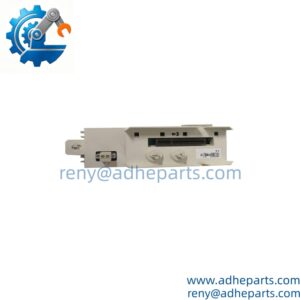
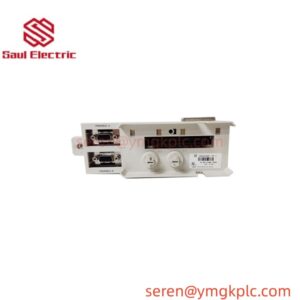
The HMS Anybus AB7000-C is an Anybus Communicator — a standalone gateway that lets a serial device talk to a fieldbus or industrial Ethernet network. It sits between the two and does the translation: a weigh scale, a bar code reader, a legacy PLC, or a drive with an RS-232/485 port on one side, and the plant network on the other. The Communicator handles the protocol stack internally, so neither side needs to know what the other one speaks.
The engineering value is the configuration model. You define the serial command frames the gateway sends and receives, map the response bytes into the network I/O table, and the gateway handles the polling, retries, and error reporting. No custom code in the controller, no protocol converter script to maintain. In my experience, that is the difference between a two-day integration and a two-hour one. The DIN-rail housing and the wide DC input range mean it drops into an existing panel next to the device it serves.
One thing to verify before you order: the network side. The Anybus Communicator family covers several different networks, and the model suffix determines which one your unit supports. Read the label on the existing unit and confirm it matches.
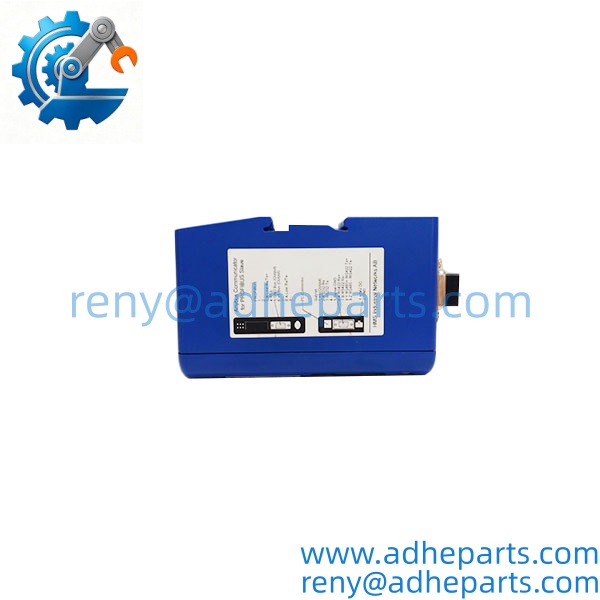
AB7000-C
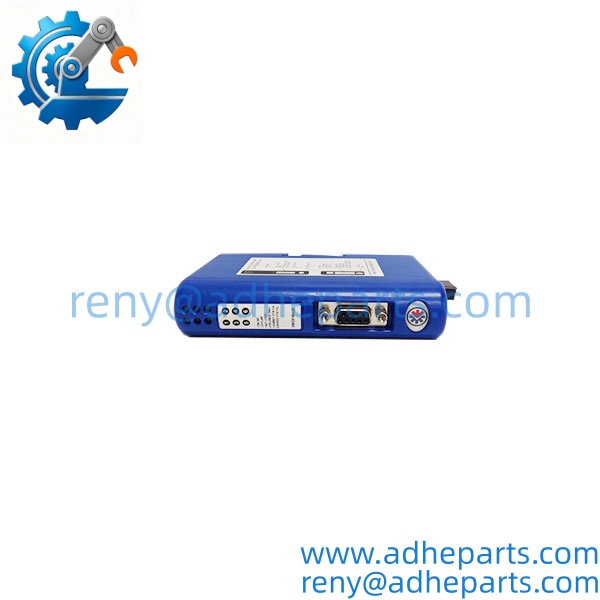
AB7000-C
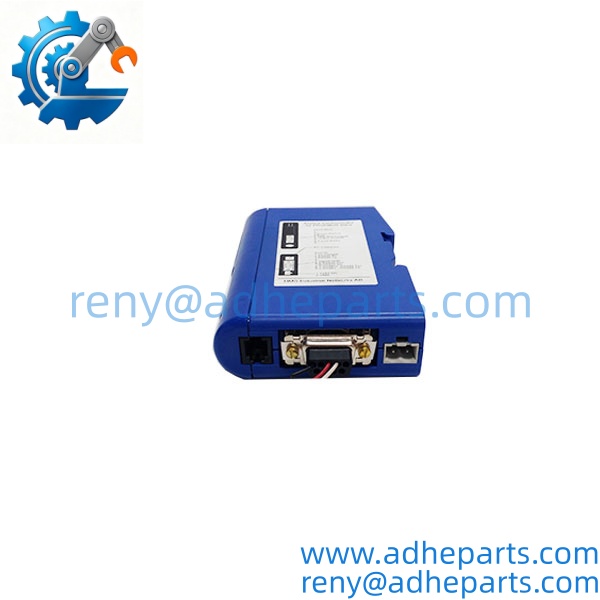
AB7000-C
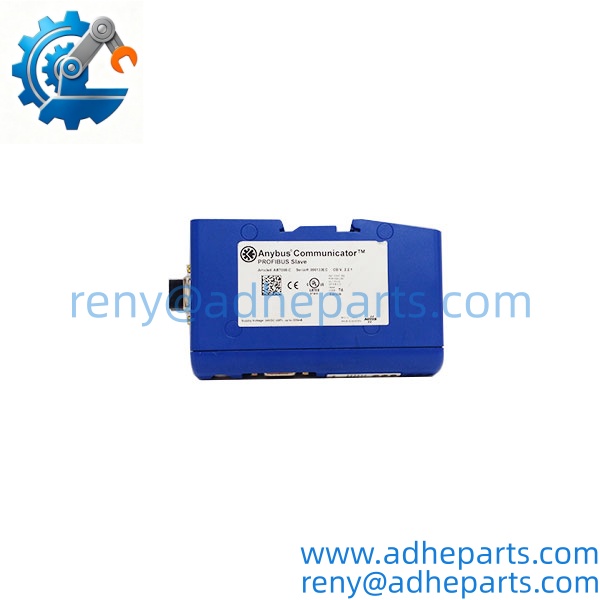
AB7000-C
5. Application Scenarios & Field Experience
Part 1 – Narrative Paragraph
The problem this gateway solves is the serial island. A plant has a machine with a serial port — a barcode scanner, a checkweigher, a label printer, or a legacy drive — and the plant network does not speak that protocol. The usual answers are ugly: a dedicated PC running a communication script that nobody wants to maintain, a controller with a serial card that costs more than the machine, or a full controls retrofit. The AB7000-C gives you a fourth option. It mounts next to the device, polls it over RS-232 or RS-485, and publishes the data onto the plant network as ordinary I/O. From the controller’s point of view, the serial device is just another I/O card.
Part 2 – Numbered List (Application Scenarios)
- Packaging – Checkweigher and Labeler Integration – The gateway polls a checkweigher over RS-232 and maps weight data onto the conveyor control network. The controller reads the weight as an analog input and rejects out-of-tolerance packages without a serial driver in the PLC.
- Logistics – Barcode Scanner to Conveyor Control – Multiple scanners on a sortation line report scan data over RS-485. The gateway consolidates the data onto the network so the sortation controller can route packages by destination code.
- Process – Legacy Analyzer to DCS – A gas or liquid analyzer with only a serial output is brought onto the plant network. The gateway polls the analyzer for concentration and status, and the DCS trend display shows the value as a standard process variable.
- Machine Tools – Drive Parameter Access – The gateway connects to a VFD’s serial port to read fault codes and write speed setpoints. Maintenance can pull the drive’s fault history from the plant network without opening the cabinet.
Part 3 – Short Field Story
A food plant had a metal detector on a packaging line that only spoke RS-232. The plant wanted the reject counts on the line HMI, and the integrator’s answer was a small industrial PC running a serial polling script. The PC crashed twice in the first month. We supplied an AB7000-C. The plant electrician wired it to the detector, mapped the reject count and the fault status into the network I/O table, and the HMI displayed both without a PC in the loop. The gateway has been running for over a year with no intervention. The PC went back to the IT department.
6. Standard Operating Procedure (SOP) for Quality Control
Every AB7000-C gateway passes this QC sequence:
- Visual & Origin Inspection – We verify the HMS/Anybus marking, the AB7000-C model string, and the date code. We inspect the serial D-sub and the network connector for bent pins, and check the DIN rail clip for spring tension. A unit with a damaged connector or cracked housing is rejected.
- Build Code Documentation – We read and photograph the full model string, the firmware revision, and the network variant label. That record ships with the unit so you can compare it against the one you are replacing.
- Power-Up Self-Test – The gateway is powered from a bench supply at 24V DC. We verify it completes its boot sequence and that the Power and Status LEDs indicate normal operation.
- Serial Port Verification – We connect the gateway to a serial test partner and verify communication on RS-232, RS-422, and RS-485 at multiple baud rates. We confirm the configured data format matches the test partner.
- Network Side Test – The gateway is connected to a test network matching its variant. We verify the controller recognizes the gateway, reads its I/O data, and reports no communication fault.
- Configuration Persistence Test – We load a test configuration, power-cycle the unit, and verify the configuration survives. A gateway that loses its configuration on power loss is not acceptable for unattended panels.
- ESD-Safe Packaging – The gateway is wrapped in anti-static film, seated in a foam insert with the connectors protected, and packed in a double-wall carton with static warning labels.
7. Frequently Asked Questions (FAQ)
Q1: Which network does the support?
A: The Anybus Communicator family covers several different networks, and the model suffix determines which one your unit supports. Read the label on your existing unit and match it exactly. If you send us a photo of the label and the network you need, we will confirm the variant before you order. Do not assume any will work on any network.
Q2: Will my existing configuration load into this unit?
A: Only if the firmware revision matches or is compatible. Configurations are tied to the firmware version and the network variant. Pull the configuration file from your old unit before you remove it — that file is your recovery path. If the replacement has a different firmware revision, you may need to rebuild the configuration in the Anybus Configuration Manager.
Q3: What is the warranty on this gateway?
A: We offer a 12-month warranty from the ship date. It covers serial port failure, network port failure, power supply input failure, and configuration memory corruption under normal operating conditions. It does not cover damage from connecting 24V AC to the power input (the unit expects DC), reversed polarity, or physical damage to the connectors. We test every gateway on a live network before it ships.
Q4: Do you have this in stock?
A: Anybus Communicator inventory moves and varies by network variant. Confirm availability before you plan an outage. If we are out of the variant you need, we will tell you what we actually have rather than quote a date we cannot hold.
Q5: Any installation pitfalls I should watch for?
A: Four. First, verify the network variant on the label matches your plant network before you order — a mismatched variant will power up and never communicate. Second, the serial cable length and shielding matter; keep the serial run short and ground the shield at one end only. Third, back up the configuration file before you replace a working unit. Fourth, after the swap, verify the gateway is exchanging data with both sides before you return the line to production. A gateway that powers up is not necessarily passing data.