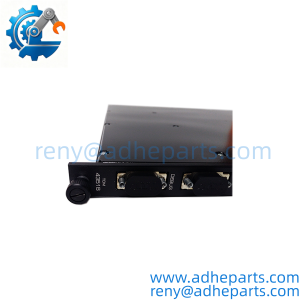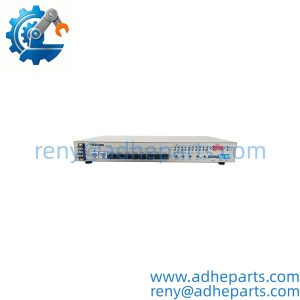
Description
Note: Many products are not yet listed. Please contact us for more product information. Our supply channels are constantly expanding, and we currently have 20 stable shared supply channels. Please confirm the model, product, price, and all other necessary information with customer service before placing an order. We offer new, refurbished, and used products, and prices are adjusted according to the year of the item you require.
Key Technical Specifications
| Parameter | Specification |
|---|---|
| Manufacturer | Enterasys Networks |
| Model | A4H124-24FX |
| Product Family | A4 Fast Ethernet Switch |
| Switch Type | Managed stackable Ethernet switch |
| Fiber Ports | 24 × 100Base-FX |
| Fiber Connector | MT-RJ |
| RJ45 Ports | 2 × 10/100/1000Base-T |
| SFP Ports | 2 × Gigabit Ethernet SFP |
| SFP Support | 1000BASE-SX, 1000BASE-LX, 1000BASE-T |
| Switching Capacity | 12.8 Gbps per switch |
| Wire-Speed Throughput | 9.5 Mpps |
| Processor | MPC8241, 266 MHz |
| SDRAM | 256 MB |
| Flash Memory | 32 MB |
| Power Input | 100–240 VAC, 50–60 Hz |
| Power Consumption | 65.7 W |
| Operating Temperature | 0–50°C |
| Dimensions | 44 × 4.4 × 36.5 cm |
| Approx. Weight | 4.85 kg |
The Enterasys A4H124-24FX is a managed, stackable Fast Ethernet switch equipped with 24 fixed 100Base-FX fiber ports using MT-RJ connectors, plus two 10/100/1000Base-T ports and two Gigabit SFP ports. The official A4 installation guide confirms the port arrangement and identifies the RJ45 interfaces as stacking or uplink ports.
The documented switching capacity is 12.8 Gbps, with wire-speed throughput of 9.5 Mpps. The unit operates from 100–240 VAC and consumes approximately 65.7 W.
Product Introduction (Anti-Template)
Operating as the fiber-access switch in the Enterasys A4 platform, the A4H124-24FX provides 24 × 100Base-FX optical Ethernet connections for installations where copper Ethernet cabling is not the preferred physical layer. Two additional 10/100/1000Base-T ports can function as uplinks or stacking interfaces, while two Gigabit SFP ports provide additional fiber or copper uplink options through compatible transceivers.
The A4 architecture supports stacking of up to eight switches and can be managed through WebView, CLI, and SNMP. The A4H124-24FX has no dedicated stacking connector; its 10/100/1000Base-T ports can be assigned for stacking or used as standard uplinks when operating standalone. Honestly, that distinction matters when replacing an installed unit because the same physical RJ45 ports can have different network roles depending on the configuration.
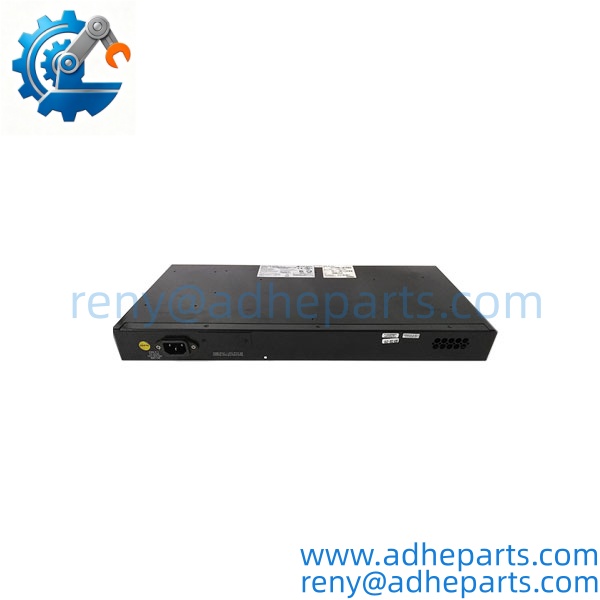
A4H124-24FX
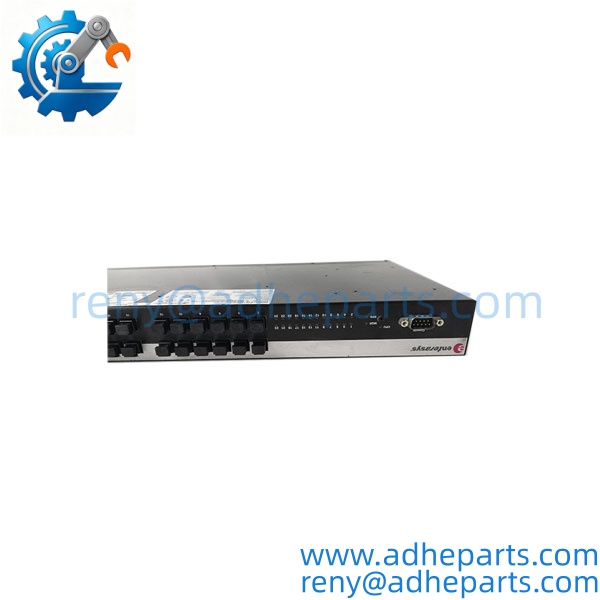
A4H124-24FX
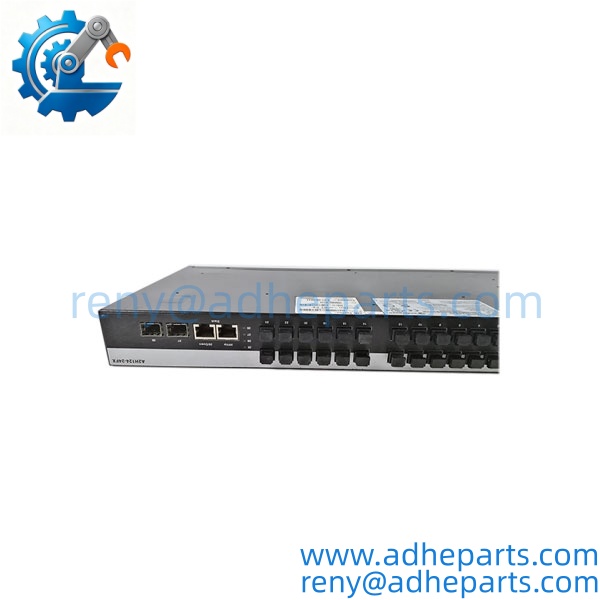
A4H124-24FX
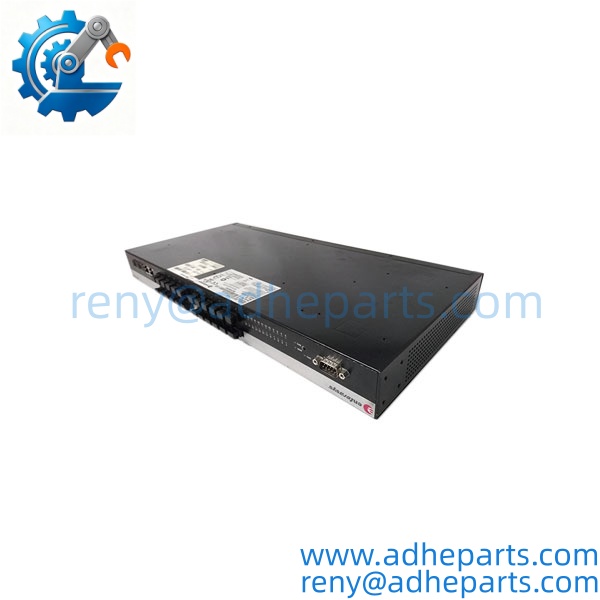
A4H124-24FX
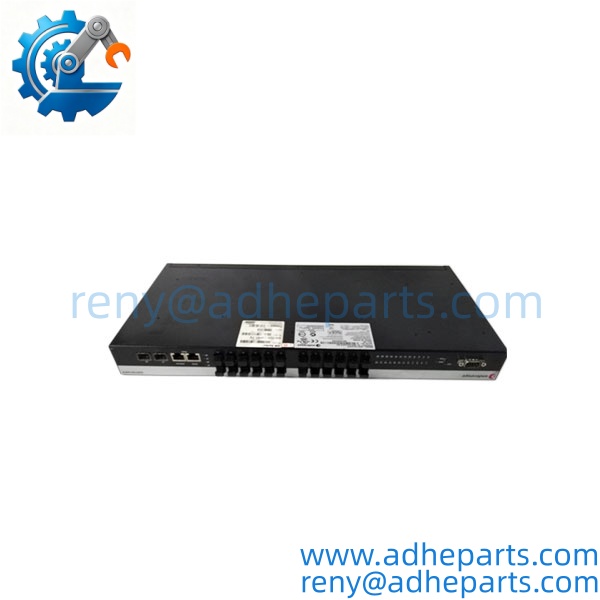
A4H124-24FX
QC, Procurement & Logistics SOP
- Inbound Verification
Verify the complete A4H124-24FX model, serial number, hardware revision, MAC address label, power-supply configuration, MT-RJ port condition, SFP cages, and RJ45 interfaces. Check all 24 fiber ports for damaged or contaminated optical interfaces. - Live Rig Testing
Power the switch from the specified AC supply and verify system startup, status LEDs, management access, RJ45 connectivity, SFP operation, and representative 100Base-FX port communication. If the unit will replace a stacked switch, verify the intended stacking/uplink configuration separately. - QA & Anti-Static Packaging
Protect the switch from ESD, moisture, vibration, and impact. Pay particular attention to the MT-RJ interfaces and SFP cages. Install protective caps where available and use sufficient internal cushioning around the chassis during shipment. - Global Logistics & Export Compliance
Confirm the applicable HS classification according to the actual network equipment and destination requirements. Use shock-resistant export packaging suitable for the approximately 4.85 kg chassis. Keep the model, serial number, and accessory configuration consistent across the commercial and shipping documents.
Technical Pitfalls & Integration Warnings
- Firmware / Configuration Mismatch
The A4H124-24FX is a managed switch rather than a simple unmanaged fiber hub. A replacement may require the correct firmware, VLAN configuration, management settings, SNMP parameters, and stacking configuration. A physically identical replacement with default settings may therefore not immediately reproduce the existing network behavior. - Fiber Connector and Transceiver Errors
The 24 fixed fiber interfaces use 100Base-FX MT-RJ connectors. They should not be confused with the separate Gigabit SFP interfaces. An installation designed around the fixed MT-RJ ports cannot simply substitute an SFP connection without confirming the optical interface, transceiver, fiber type, and link speed. - Stacking / Uplink Configuration
Ports 25 and 26 are 10/100/1000Base-T interfaces that can be used for stacking or uplinks. When the switch operates standalone, they can function as standard Ethernet ports. Before replacement, verify how these ports are configured in the existing network. - ESD and Optical Interface Damage During Unboxing
Avoid touching exposed electrical contacts or optical interfaces unnecessarily. MT-RJ connectors and SFP cages should remain protected until cabling is ready. For an installed network, isolate the relevant equipment and label fiber connections before disconnecting the existing switch.
Frequently Asked Questions (FAQ)
1. What is the Enterasys ?
It is a managed, stackable Fast Ethernet fiber switch in the Enterasys A4 series, with 24 × 100Base-FX MT-RJ ports, two 10/100/1000Base-T ports, and two Gigabit SFP ports.
2. How many fiber ports does the have?
The switch has 24 fixed 100Base-FX fiber ports using MT-RJ connectors.
3. What are ports 25 and 26 used for?
They are 10/100/1000Base-T RJ45 ports that can be configured as stacking or Ethernet uplink ports. When the switch is used standalone, they can operate as standard Ethernet ports.
4. What SFPs are supported?
The two Gigabit SFP ports support compatible 1000BASE-SX, 1000BASE-LX, and 1000BASE-T pluggable transceivers. The exact transceiver should be matched to the required fiber or copper link.
5. Can the be used as a standalone switch?
Yes. The A4 platform supports standalone operation as well as stacking. The 10/100/1000Base-T ports can be used as standard uplinks when the switch is not stacked.
6. What power supply does the require?
The documented input range is 100–240 VAC at 50–60 Hz, with approximately 65.7 W power consumption.
7. What should I provide when requesting a replacement?
Provide the complete model, quantity, nameplate/MAC-label photo, current firmware or configuration information if available, and photos of the front and rear panels. If the switch is part of a fiber network, also identify whether the existing installation uses the 24 MT-RJ ports, SFP uplinks, or stacking ports.