Description
Note: Many products are not yet listed. Please contact us for more product information. Our supply channels are constantly expanding, and we currently have 20 stable shared supply channels. Please confirm the model, product, price, and all other necessary information with customer service before placing an order. We offer new, refurbished, and used products, and prices are adjusted according to the year of the item you require.
3. Key Technical Specifications
Do not order against this table alone. I cannot confirm the uplink type, firmware revision, or power supply configuration from the model number. Match every line against the OEM datasheet and the label on your existing unit.
| Parameter | Value |
|---|---|
| Model | A2H124-24FX |
| Brand | Enterasys |
| Product Family | Matrix E1 or similar legacy managed switch |
| Switch Type | Managed Layer 2 Ethernet switch |
| Port Count | 24 x 100Base-FX (fiber) |
| Port Type | 100Base-FX multimode fiber — verify connector type (SC, ST, MT-RJ) |
| Uplink Ports | 2 x Gigabit — verify fixed copper, SFP, or GBIC |
| Switching Capacity | Verify with OEM datasheet |
| MAC Address Table | Verify with OEM datasheet |
| VLAN Support | Yes — 802.1Q, port-based — verify firmware |
| Spanning Tree | STP, RSTP, MSTP — verify firmware |
| Management | CLI, Web, SNMP — verify firmware and access methods |
| Power Supply | Internal AC — verify voltage range and connector |
| Operating Temperature | 0 °C to +50 °C (typical — verify for your build) |
| Storage Temperature | –40 °C to +85 °C (typical — verify) |
| Humidity | 5% – 95% RH, non-condensing |
| Mounting | 19″ rack mount — verify bracket type |
| Dimensions | Verify with OEM datasheet |
| Weight | Verify with OEM datasheet |
| Certifications | CE, UL, FCC — verify on the specific unit’s label |
4. Product Introduction
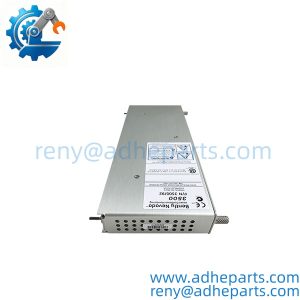
The Enterasys A2H124-24FX is a legacy managed Layer 2 switch with 24 fiber ports. It is designed for networks that need to span distances beyond copper limits, such as plant-wide industrial networks or campus backbones where fiber is already installed. The 100Base-FX ports accept multimode fiber, and the two Gigabit uplinks connect the switch to a higher-speed backbone or server.
The engineering value is the fiber port density. In industrial environments, fiber is often preferred over copper because it is immune to electromagnetic interference and can span longer distances without repeaters. A switch with 24 fiber ports lets you aggregate many fiber segments in one rack unit. In my experience, this switch model was commonly used in SCADA networks, substation automation, and large manufacturing facilities where the fiber plant was already in place.
One thing to verify before you order: the uplink port type. Some builds use fixed copper Gigabit ports, others use SFP slots, and some use GBIC slots. The type of uplink determines what you can connect to the backbone.
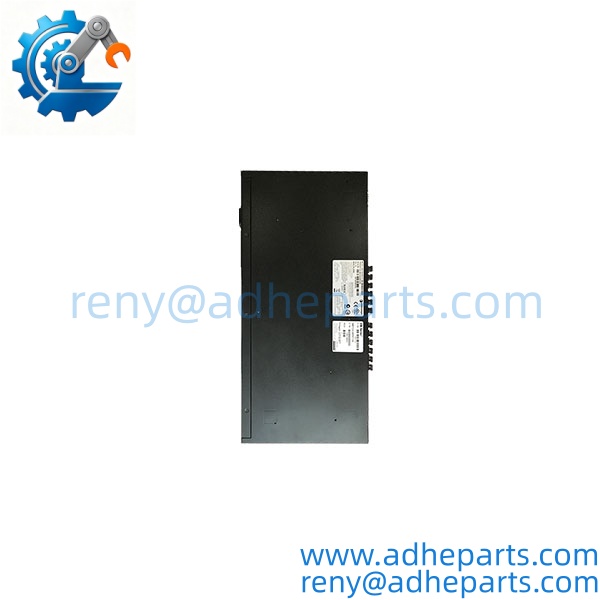
A2H124-24FX
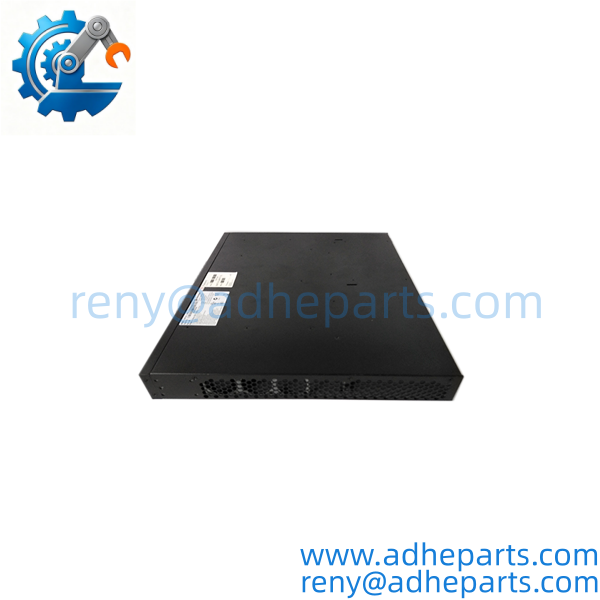
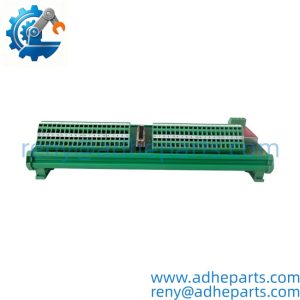
A2H124-24FX
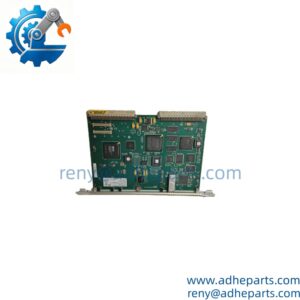
A2H124-24FX
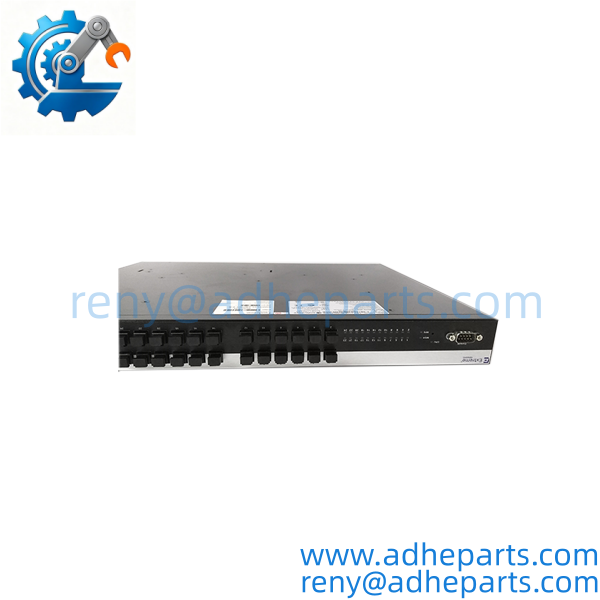
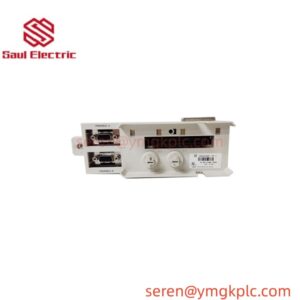
A2H124-24FX
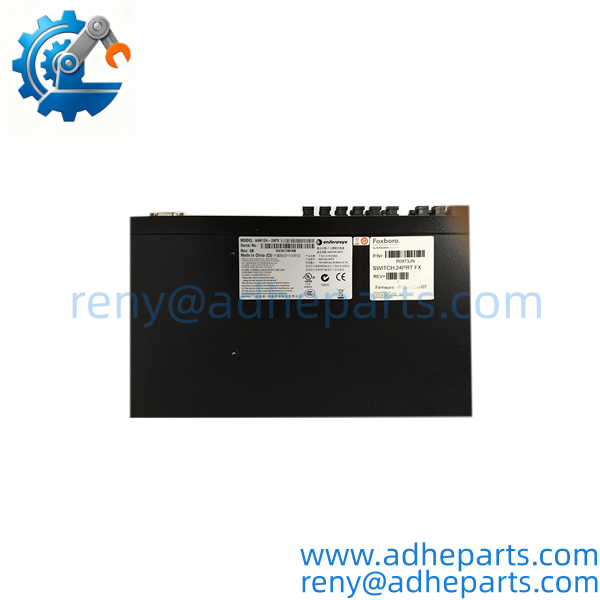
A2H124-24FX
5. Application Scenarios & Field Experience
Part 1 – Narrative Paragraph
The failure that causes the most downtime on a legacy fiber switch is not a dead port — it is a firmware or configuration mismatch that leaves the network looped or segmented. I have seen a plant replace a switch with a different firmware revision and then chase a broadcast storm for a day. The switch was fine. The spanning tree configuration was different, and the network did not converge. On legacy Enterasys hardware, the firmware revision and the configuration file are tied together. Before you replace a switch, pull the configuration from the old unit and verify the firmware revision on the replacement.
Part 2 – Numbered List (Application Scenarios)
- Power Generation – Substation SCADA Network – The switch aggregates fiber links from protection relays and RTUs in a substation. The 100Base-FX ports connect to the relays, and the Gigabit uplinks connect to the station LAN.
- Manufacturing – Plant-Wide Fiber Backbone – Used to connect fiber segments across a large plant floor. The switch provides the aggregation point for multiple fiber runs, and the managed features allow VLAN segmentation between control and business networks.
- Water Treatment – Remote Pump Station Network – The switch connects fiber links from remote pump stations to the central control room. The fiber ports span distances beyond copper limits, and the managed features provide redundancy through RSTP.
- Oil & Gas – Pipeline Compressor Station – The switch aggregates fiber links from compressor control panels. The wide temperature range and rugged design handle the uncontrolled climate of a remote station.
Part 3 – Short Field Story
A power plant had a fiber switch on its SCADA network that would drop a link every few hours. The crew had replaced the fiber patch cord and the SFP, and the problem persisted. We asked for the switch configuration and firmware revision. The switch was running an older firmware revision that had a known issue with spanning tree convergence on fiber ports. The plant updated the firmware to the latest stable release, and the link dropouts stopped. The hardware had been fine — the firmware was the problem.
6. Standard Operating Procedure (SOP) for Quality Control
- Visual & Origin Inspection – We verify the Enterasys marking, the A2H124-24FX model string, and the date code. We inspect the fiber ports for dust caps and damage, the copper ports for bent pins, and the chassis for cracks. A switch with damaged ports or evidence of moisture is rejected.
- Revision and Firmware Documentation – We read and photograph the full model string, the firmware revision, and the configuration summary. We extract and archive any existing configuration file before shipping. That record ships with the switch so you can compare it against the unit you are replacing.
- Power-Up Self-Test – The switch is powered at rated voltage. We verify it completes its boot sequence, the status LEDs indicate normal operation, and the management interface is reachable.
- Port Verification – We connect each fiber port to a test partner and verify link at 100 Mbps. We connect each Gigabit uplink and verify link at 1000 Mbps. We log the results per port.
- Managed Function Test – We load a test configuration and verify VLAN tagging, spanning tree, and SNMP management. We also verify the firmware image matches the requested revision.
- Redundancy Test – We build a two-switch ring and physically break a link while running continuous traffic. The ring must reconverge within the specified time with zero data loss.
- ESD-Safe Packaging – The switch is wrapped in anti-static film, seated in a foam insert with all ports capped, and packed in a double-wall carton with static warning labels.
7. Frequently Asked Questions (FAQ)
Q1: What is the difference between the A2H124-24FX and the A2H124-24?
A: The FX suffix indicates fiber ports. The A2H124-24FX has 24 x 100Base-FX fiber ports. The A2H124-24 (without FX) typically has 24 x 10/100Base-TX copper ports. Verify the suffix on your existing switch and match it exactly. The port type determines what cabling you need and what devices you can connect.
Q2: Will my existing configuration load into this switch?
A: Only if the firmware revision matches or is compatible. Enterasys configuration files are tied to the firmware version. If the replacement has a newer firmware revision, you may need to convert the file or re-enter the settings manually. Pull your existing configuration before you remove the old switch — that file is your recovery path.
Q3: What is the warranty on this switch?
A: We offer a 12-month warranty from the ship date. It covers port failure, power supply failure, management processor failure, and firmware memory faults under normal operating conditions. It does not cover damage from connecting the wrong voltage, ESD damage from handling without a wrist strap, or physical damage to the ports. Every switch is bench tested through its managed functions before it ships.
Q4: Do you have this in stock?
A: Enterasys inventory is legacy and stock varies by build. Confirm availability before you plan an outage. If we are out of the exact variant you need, we will tell you what we actually have rather than quote a date we cannot hold.
Q5: Any installation pitfalls I should watch for?
A: Four. First, record the firmware revision and configuration from the old switch before you remove it — these are not always stored in the network management system. Second, verify the power supply voltage and polarity on the label before you connect it; reversed input will destroy the power board. Third, cap any unused fiber ports to keep dust off the optics. Fourth, after the swap, verify the network converges and the management interface is reachable before you leave the site. A switch that powers up is not necessarily forwarding traffic correctly.