Description
Note: Many products are not yet listed. Please contact us for more product information. Our supply channels are constantly expanding, and we currently have 20 stable shared supply channels. Please confirm the model, product, price, and all other necessary information with customer service before placing an order. We offer new, refurbished, and used products, and prices are adjusted according to the year of the item you require.
3. Product Introduction
When a test rack needs four serial devices online and the chassis has one empty PXI slot, the NI PXI-8423 is the card that fits. It provides four isolated ports, each configurable for RS-232, RS-485, or RS-422, and maps them into the PXI backplane for the host to enumerate. The isolation matters on benches where instruments sit at different ground potentials (—though your mileage may vary depending on cable shielding and chassis grounding). Driver version and port mapping decide whether a spare drops in cleanly.
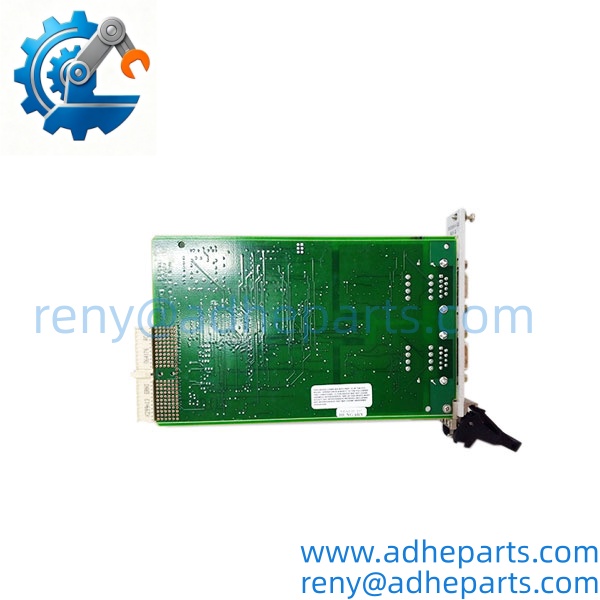
PXI-8423
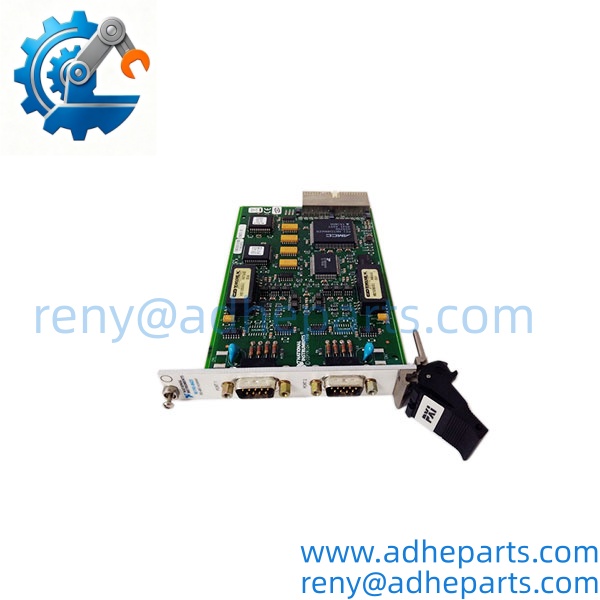
PXI-8423
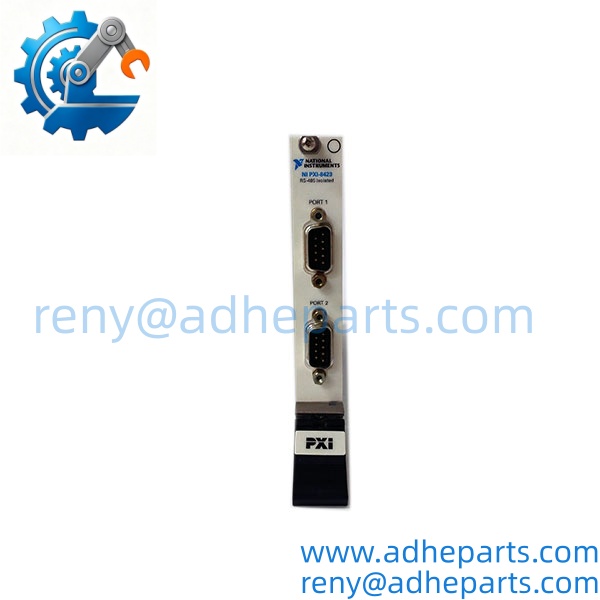
PXI-8423
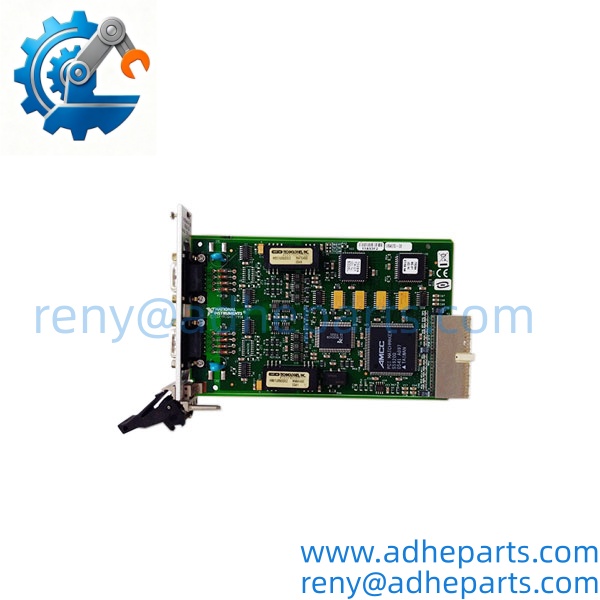
PXI-8423
4. Key Technical Specifications
| Parameter | Value |
|---|---|
| Catalog Number | PXI-8423 |
| Brand | NI (National Instruments) |
| Product Type | PXI serial interface module |
| Host Platform | PXI/CompactPCI chassis — confirm slot type and hybrid-slot support |
| Port Count | Four serial ports — verify connector labeling on the faceplate |
| Serial Standards | RS-232, RS-485, RS-422 per port — confirm configuration method |
| UART | 16550-compatible class — verify exact buffer and FIFO behavior |
| Max Baud Rate | Verify exact per-port rate with OEM datasheet |
| Isolation | Port-to-host isolation — verify exact voltage rating with OEM datasheet |
| Connector Type | Verify connector style and pinout against OEM drawing |
| Backplane Current | Verify exact draw with OEM datasheet |
| Driver Support | NI-Serial driver — confirm OS and chassis compatibility |
| Operating Temperature | Verify exact range with OEM datasheet |
5. Field Application & Technical Pitfalls (The Engineer’s Guide)
Where this module is critical:
- Automated test benches with multiple serial instruments, where four ports in one slot beat four separate USB adapters.
- Factory automation cells polling Modbus RTU meters, drives, or legacy PLCs over RS-485.
- Legacy device integration where a PXI system must talk to equipment that only speaks RS-232 or RS-422.
Three pitfalls that bite during replacement:
- Port mapping and COM assignment. Warning: the physical port labeled P1 does not always enumerate as COM3 after a card swap. Windows can renumber ports based on slot and driver order. Open NI MAX, verify each port against the cable, and update the application configuration before you run the test sequence.
- RS-485 termination, bias, and DTE/DCE pinout. Warning: RS-485 segments need termination at both physical ends and bias resistors on the master. A missing terminator shows up as intermittent timeouts at higher baud rates. For RS-232, a null-modem cable wired for the wrong DTE/DCE role can look correct at the connector and still block all traffic.
- Driver version, OS support, and chassis slot type. Warning: the NI-Serial driver must match the OS and the PXI chassis. A card that enumerates in NI MAX can still fail in the application if the driver version is older than the host expects. Also confirm the chassis slot supports a PXI card, because a PXIe-only slot will not accept it without a hybrid-slot adapter.
Lesson learned: A technician swapped a failed card, powered up, and watched the test application fail on every port. Root cause — the replacement enumerated as COM8 through COM11, while the application expected COM3 through COM6. The card was good; the port map was not. Twenty minutes of troubleshooting for a two-minute NI MAX check.
6. Quality Control (QC) SOP & Transparency
- Inbound Verification. Each module is checked against the OEM packing list, label typography, serial number format, and date-code range. Faceplate condition and connector state are logged before the unit enters stock.
- Live Rig Testing. The module is seated in a PXI test chassis with a known-good host and loopback plugs on each port. We power on, confirm enumeration in NI MAX, and run transmit/receive tests at low and high baud rates on every port.
- Parameter Testing. Backplane current draw, isolation resistance between ports and chassis, and connector continuity are checked against the OEM datasheet where published. Undocumented values are flagged for buyer confirmation rather than guessed.
- Final QA & Packaging. The module ships in an anti-static bag with a QC-passed label, a test record showing the driver version and loopback results we verified, and photos of the faceplate labeling when available.
7. Frequently Asked Questions (FAQ)
Can I hot-swap this module in a live PXI chassis? No. PXI is not designed for live insertion. Power down the chassis, ground yourself, and confirm the slot keying before you seat the card.
Will it work in my PXIe chassis? Only if the chassis provides a hybrid slot that accepts PXI cards. Send us the chassis model and slot layout, and we will confirm what we can before shipment. Exact fit still depends on the chassis manual.
How do I confirm it matches my setup? Send the chassis model, host OS, NI-Serial driver version, old module label photo, and the device cable pinout. We cross-check the catalog number and test record before shipping.
What’s the warranty? 12 months from delivery for functional failure under normal operation. Cables and other consumables carry a 90-day replacement guarantee.
How can I tell genuine OEM from refurbished? Genuine units carry the original NI label with consistent typography and a traceable serial number. Refurbished units carry our QC tag in addition to the OEM label, and we disclose condition on the quote.
Does it ship with cables or a breakout board? No. The module ships as the card only unless the quote says otherwise. Confirm connector type and pinout against the OEM drawing.
What driver do I need? The NI-Serial driver for your OS. Well, technically the card may enumerate with an older driver, but the application can still fail on missing features. Match the driver version to the host and chassis before you install the card.