Description
Note: Many products are not yet listed. Please contact us for more product information. Our supply channels are constantly expanding, and we currently have 20 stable shared supply channels. Please confirm the model, product, price, and all other necessary information with customer service before placing an order. We offer new, refurbished, and used products, and prices are adjusted according to the year of the item you require.
3. Key Technical Specifications
Confirm each line against the OEM datasheet and the label on your existing card before ordering. The PIORC suffix defines a specific build, and the memory size, port count, and firmware revision cannot be decoded from the base number alone.
| Parameter | Value |
|---|---|
| Model | PCIE-5565-PIORC |
| Brand | GE Fanuc Intelligent Platforms |
| Product Family | PCIE-5565 reflective memory |
| Module Type | PCI Express reflective memory card |
| Host Interface | PCIe — verify lane count and generation on your card label |
| On-Board Memory | Verify — memory size varies by build; read the label on your existing card |
| Network Interface | Fiber-optic — verify port count, connector type, and data rate on your build |
| Data Transfer Rate | Verify with OEM datasheet — confirm the network rate for your variant |
| Node Count | Verify — confirm the maximum nodes supported by your firmware |
| Write Latency | Verify — reflective memory latency depends on the network and node count |
| Power Supply | From the PCIe slot — verify the card’s power draw against the host slot budget |
| Operating Temperature | 0 °C to +55 °C (typical — verify for your chassis ambient) |
| Certifications | CE, UL — verify on the specific unit’s label |
4. Product Introduction
The GE PCIE-5565-PIORC is a PCI Express reflective memory card. It lets networked nodes share a common memory image: a write to local memory is replicated in hardware to every other node on the fiber-optic ring, with no software protocol stack in the data path. The PIORC build adds a fiber-optic interface; verify the exact port count and memory size on your unit label.
The engineering value is deterministic data sharing. In a distributed control or test system, reflective memory removes the software overhead and variable latency of a message-based network. Each node reads and writes its local memory image, and the hardware keeps the images consistent. That matters when several controllers must see the same data at the same time.
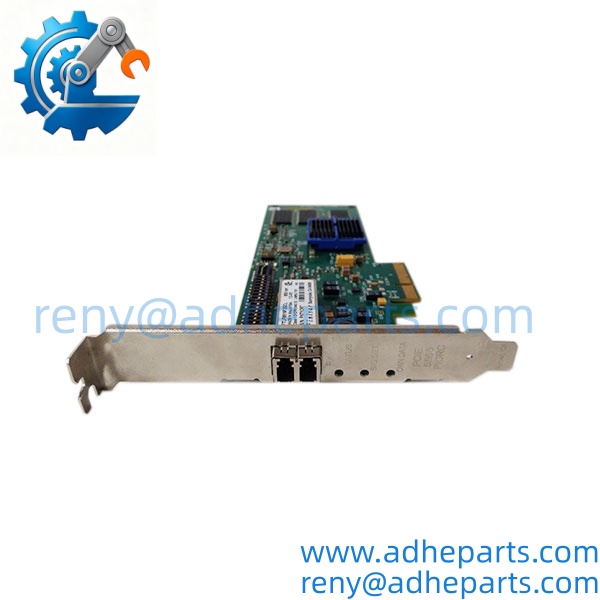
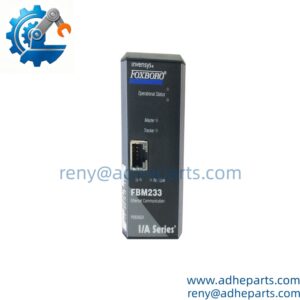
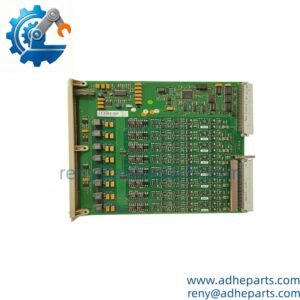
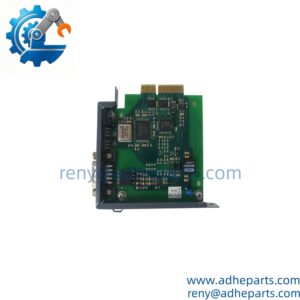
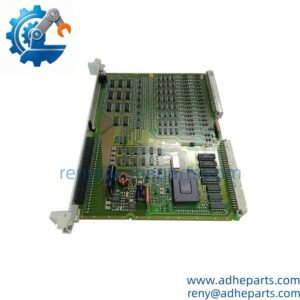
PCIE-5565-PIORC
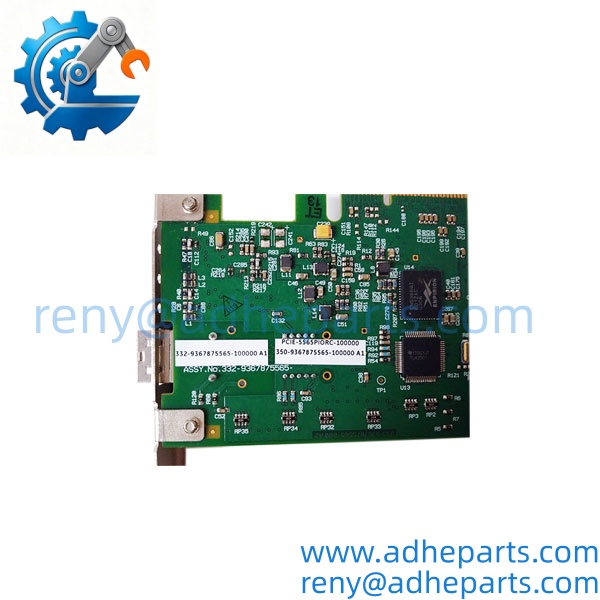
PCIE-5565-PIORC
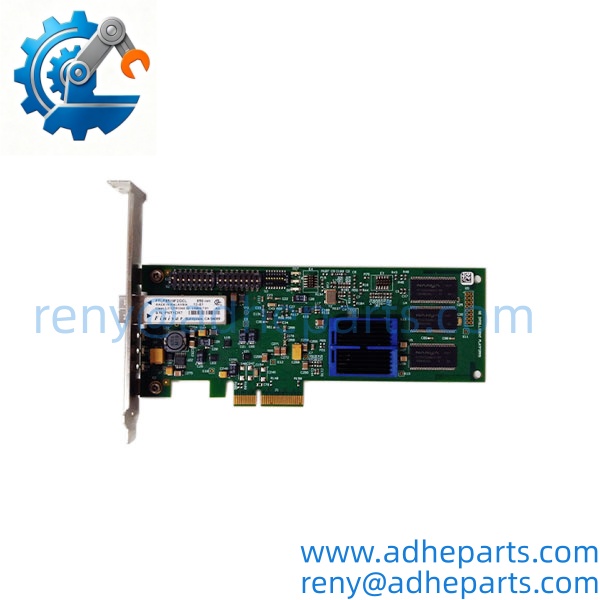
PCIE-5565-PIORC
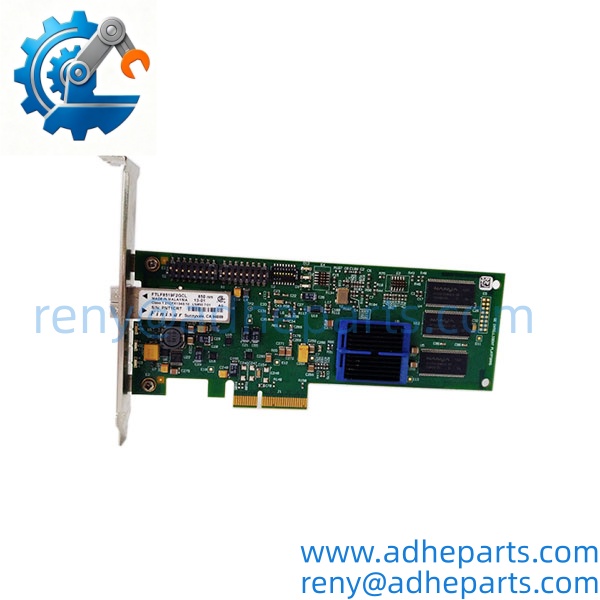
PCIE-5565-PIORC
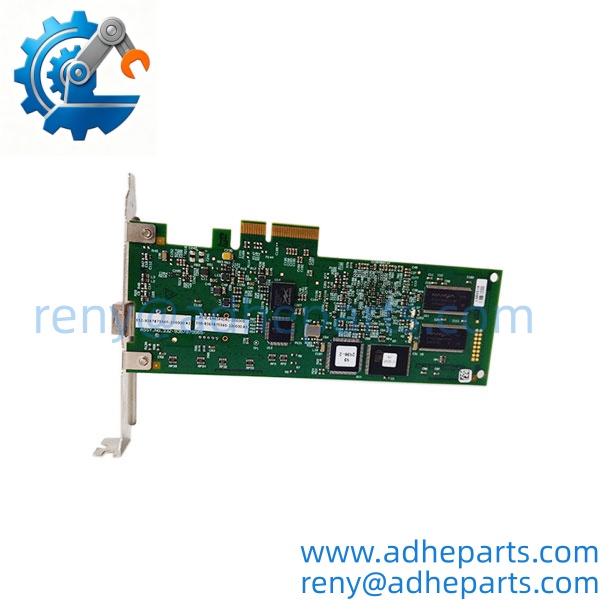
PCIE-5565-PIORC
5. Application Scenarios & Field Experience
Part 1 – Narrative Paragraph
The problem this card solves is data sharing between controllers that cannot tolerate software latency. A message-based network delivers data when the protocol stack gets around to it; reflective memory delivers it when the write happens. I have seen test stands where two controllers had to see the same sensor frame within microseconds, and a TCP-based link could not hold the timing. The reflective memory card made the data sharing deterministic. The catch is that the card must match the host slot and the fiber network, and the memory size must match the application’s data image.
Part 2 – Numbered List (Application Scenarios)
- Power Generation – Turbine and Generator Control – Multiple controllers share speed, load, and protection data across a fiber ring. Reflective memory gives each controller a local copy of the shared data without a software message exchange.
- Test Stands – Real-Time Data Sharing – A test stand controller and a data acquisition system share sensor frames at deterministic intervals. The fiber-optic link keeps the nodes isolated from ground noise.
- Industrial Process Control – Distributed Control Nodes – Several control nodes share a common process image. A write by one node appears in the others’ local memory, so each node can run its loop against current data.
- Motion Control – Multi-Axis Coordination – Axis controllers share position and command data across the ring. The deterministic update keeps the axes coordinated without a central motion controller.
Part 3 – Short Field Story
A test facility had two controllers that needed to exchange a sensor frame every 200 microseconds. The existing message-based link dropped frames when the network load rose, and the test aborted. We supplied a PCIE-5565-PIORC pair and a fiber cable. The controllers wrote to their local reflective memory and read the shared image. The frame exchange held through the test, and the aborts stopped. The original network had been fine for slow data — it could not hold the timing.
6. Standard Operating Procedure (SOP) for Quality Control
- Visual & Origin Inspection – Verify the GE marking, PCIE-5565-PIORC model string, and date code. Inspect the PCIe edge connector and the fiber ports for damage or contamination. Reject cards with cracked connectors or bent edge contacts.
- Host Slot Fit Verification – Seat the card in a PCIe test chassis and confirm the edge connector engages fully and the retention bracket aligns.
- Power-Up Self-Test – Power the card in a live chassis and verify the host recognizes the device and the card completes its initialization.
- Memory Integrity Test – Write a known pattern to the on-board memory and read it back. Confirm the memory size matches the label.
- Fiber Link Test – Connect two cards over a test fiber cable and verify the link establishes. Run a continuous write/read loop and confirm data consistency across nodes.
- Latency and Consistency Check – Measure the update latency at the configured node count. Log any dropped or inconsistent writes.
- Firmware and Configuration Documentation – Record the firmware revision and any configuration settings. Flag a mismatch before shipping.
- ESD-Safe Packaging – Anti-static film, conductive foam, protected edge connector and fiber ports, double-wall carton with static warning labels.
7. Frequently Asked Questions (FAQ)
Q1: Will this card fit my PCIe slot?
A: The PCIE-5565 family uses a PCIe host interface, but the lane count and generation vary by build. Verify the card’s edge connector and the host slot configuration on your existing card and chassis. If you send us a photo of the card label and the host slot, we will confirm the match before you order.
Q2: How much memory does the -PIORC have?
A: I cannot confirm the memory size from the model number alone. The family was built with different memory sizes, and the label on your existing card is the authority. Read the memory marking before you order. A card with a different memory size may not match your application’s data image.
Q3: What fiber cable and connector does it use?
A: The PIORC build uses a fiber-optic interface, but the connector type and fiber mode depend on the specific build. Check the fiber ports on your existing card and the cable you have installed. A mismatched fiber type or connector will not establish a link.
Q4: What is the warranty on this card?
A: We offer a 12-month warranty from the ship date. It covers component failure, PCIe interface failure, and fiber port failure under normal operating conditions. It does not cover damage from hot-swapping the card with the chassis powered, bent edge contacts from forced insertion, or ESD damage from handling without a wrist strap. We test every card in a live chassis and over a fiber link before it ships.
Q5: Any installation pitfalls I should watch for?
A: Four. First, power down the chassis before inserting or removing the card — PCIe cards are not hot-swap capable. Second, verify the host slot’s power budget and lane configuration match the card. Third, inspect and clean the fiber connectors before mating; contamination is a common cause of link failure. Fourth, after installation, verify the memory size and the fiber link before you return the system to service. A card that powers up is not necessarily sharing data correctly.