Description
Note: Many products are not yet listed. Please contact us for more product information. Our supply channels are constantly expanding, and we currently have 20 stable shared supply channels. Please confirm the model, product, price, and all other necessary information with customer service before placing an order. We offer new, refurbished, and used products, and prices are adjusted according to the year of the item you require.
3. Product Introduction
As the reduced-block variant of ProSoft’s Enhanced Modbus module, the MVI56E-MCMR gives a ControlLogix processor two serial ports that speak Modbus RTU or ASCII as master or slave. It occupies one backplane slot and exchanges data through the Logix input and output image — smaller than the standard MCM, which is exactly the point when your application does not need the full data block. Configuration lives in ProSoft Configuration Builder, and the Ethernet port on the front face handles the download (—though your mileage may vary depending on firmware and Logix revision).
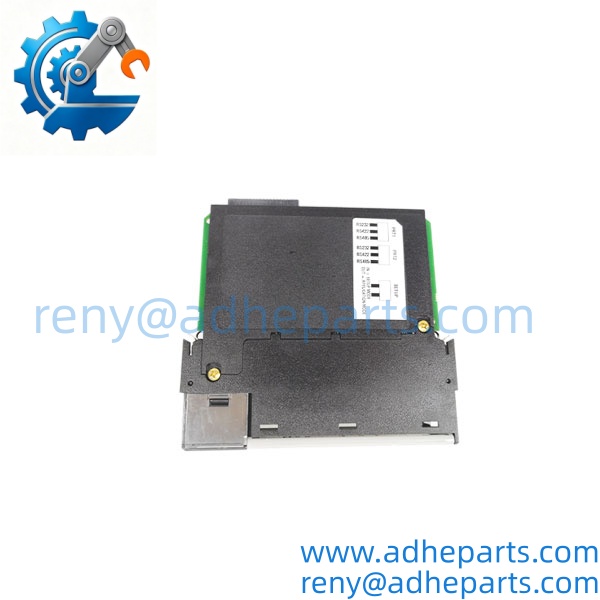
MVI56E-MCMR
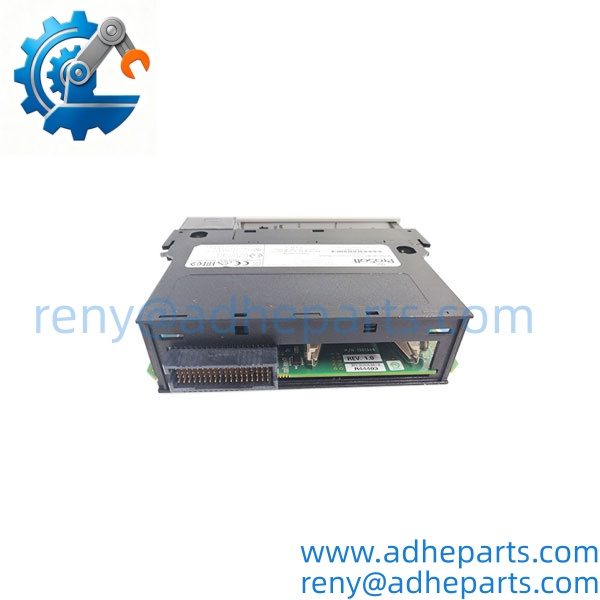
MVI56E-MCMR
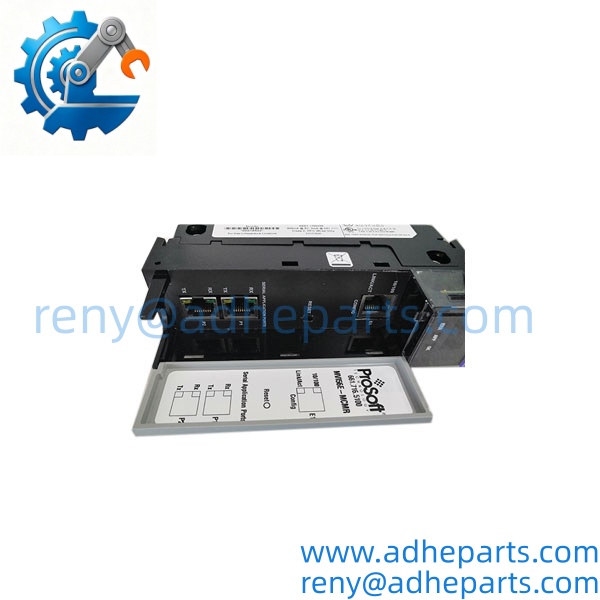
MVI56E-MCMR
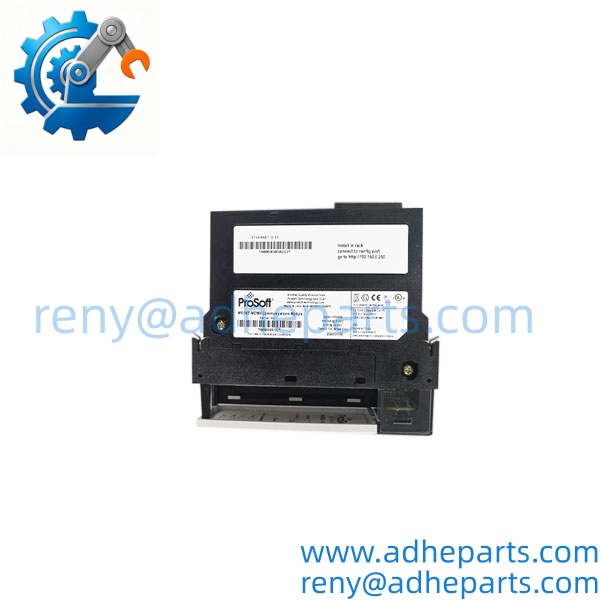
MVI56E-MCMR
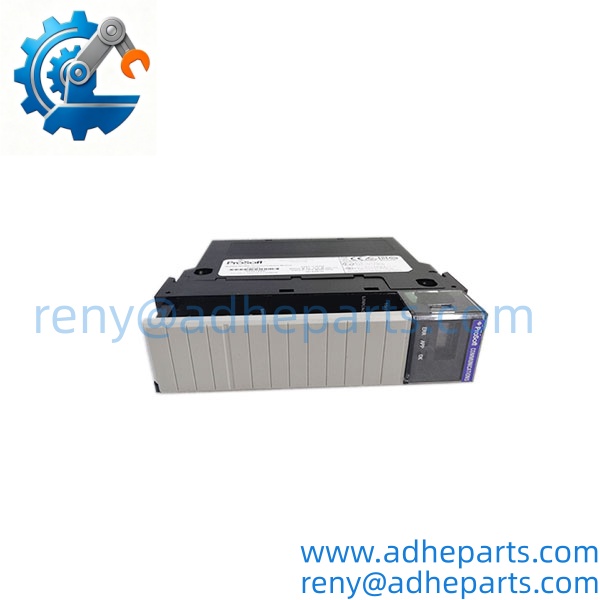
MVI56E-MCMR
4. Key Technical Specifications
| Parameter | Value |
|---|---|
| Catalog Number | MVI56E-MCMR |
| Brand | ProSoft Technology |
| Product Type | Modbus serial communication module, enhanced, reduced block |
| Host Platform | ControlLogix backplane, single slot — confirm firmware compatibility |
| Serial Ports | Two ports, PRT1 and PRT2 — each configurable RS-232, RS-485, or RS-422 |
| Protocols | Modbus RTU and Modbus ASCII — master or slave per port |
| Data Block | Reduced image versus standard MVI56E-MCM — verify exact word count with OEM datasheet |
| Commands per Port | Up to 100 command entries — verify limit with firmware and OEM manual |
| Configuration Port | Ethernet RJ45 front port for ProSoft Configuration Builder downloads |
| Backplane Current | Verify exact draw with OEM datasheet |
| Configuration Tool | ProSoft Configuration Builder; project file must match the module firmware |
| Operating Temperature | Verify exact range with OEM datasheet |
5. Field Application & Technical Pitfalls (The Engineer’s Guide)
Where this module is critical:
- Utility metering and power monitoring where Modbus RTU meters sit on an RS-485 daisy chain and the ControlLogix processor needs the data in its tag database.
- Legacy PLC and drive integration where a Modbus serial device cannot be replaced and the ControlLogix must poll or serve it.
- Water and wastewater plants with remote flow, level, and analyzer transmitters on long RS-485 runs.
Three pitfalls that bite during replacement:
- Reduced versus standard data block mismatch. Warning: the “R” version carries a smaller input/output image than the standard MCM. If your Logix program was written for the full block, the tags will not line up and the module will report healthy while your data lands in the wrong words. Check the add-on instruction and the module-defined data type before you swap.
- RS-485 termination, biasing, and address collisions. Warning: at long cable lengths or higher baud rates, a missing terminator or a duplicate slave address shows up as intermittent timeouts that look like a bad module. Confirm termination at both physical ends, check bias resistors on the master port, and scan the segment for duplicate addresses before you blame the card.
- Firmware revision, Ethernet config port, and backplane seating. Warning: the module firmware must match what ProSoft Configuration Builder and your Logix profile expect. A spare with newer firmware can join the backplane and still fail to exchange data. Do not assume hot-swap permission — remove rack power, ground yourself, and confirm the edge connector is fully seated before energizing.
Lesson learned: A technician swapped a failed MCMR for a standard MCM, powered up, and watched the Logix program read garbage in half its tags. Root cause — the full-block module wrote to a larger image, and the add-on instruction was built for the reduced map. The hardware was good; the data image was not. One shift of troubleshooting for a five-minute part-number check.
6. Quality Control (QC) SOP & Transparency
- Inbound Verification. Each module is checked against the OEM packing list, label typography, serial number format, and date-code range. Firmware revision and connector condition are logged before the unit enters stock.
- Live Rig Testing. The module is seated in a ControlLogix test rack with a known-good processor and a Modbus slave simulator on the bench. We power on, confirm backplane recognition, download a test configuration via the Ethernet port, and run master polling at 9600 and 115200 baud.
- Parameter Testing. Backplane current draw, serial port driver levels, and isolation are checked against the OEM datasheet where published. Undocumented values are flagged for buyer confirmation rather than guessed.
- Final QA & Packaging. The module ships in an anti-static bag with a QC-passed label, a test record showing the firmware revision and baud rates we verified, and the configuration test notes from the bench rig.
7. Frequently Asked Questions (FAQ)
Can I hot-swap this module in a live ControlLogix rack? Do not assume so. Some ControlLogix slots support live removal, but the OEM manual and your site procedure decide. If live removal is not explicitly permitted for that slot, remove rack power first.
How do I confirm it matches my existing setup? Send the Logix processor model, firmware revision, old module label photo, and the ProSoft Configuration Builder project name. We cross-check the catalog number and test record before shipping. Exact fit still depends on the OEM support matrix for your Logix firmware.
What’s the warranty? 12 months from delivery for functional failure under normal operation. Cables and other consumables carry a 90-day replacement guarantee.
How can I tell genuine OEM from refurbished? Genuine units carry the original ProSoft label with consistent typography and a traceable serial number. Refurbished units carry our QC tag in addition to the OEM label, and we disclose condition on the quote.
What’s the difference between the MCM and the MCMR? The MCMR carries a reduced data block image. If your Logix program uses the full MCM data map, the R version will not line up without a program change. Confirm the add-on instruction before ordering.
Does it ship with a configuration file? No. We ship a test record, not your project. The module must be configured in ProSoft Configuration Builder to match your Modbus commands, addresses, and baud rates.
What do you need to quote the right replacement? Logix processor model, firmware revision, old label photo, and the Modbus device list with addresses and baud rates. That five-minute upload prevents most wrong-part returns.