Description
Note: Many products are not yet listed. Please contact us for more product information. Our supply channels are constantly expanding, and we currently have 20 stable shared supply channels. Please confirm the model, product, price, and all other necessary information with customer service before placing an order. We offer new, refurbished, and used products, and prices are adjusted according to the year of the item you require.
3. Key Technical Specifications
Confirm each line against the OEM datasheet and the label on your existing module before ordering. The MVI56-MNETC is a ProSoft module, not a standard Allen-Bradley catalog item. Verify firmware and configuration compatibility.
| Parameter | Value |
|---|---|
| Model | MVI56-MNETC |
| Brand | ProSoft Technology |
| Product Family | MVI56 series (ControlLogix) |
| Module Type | Modbus TCP/IP communication module |
| Compatible Controllers | ControlLogix 1756-L6x, L7x, L8x — verify firmware support |
| Chassis Compatibility | 1756-A4, A7, A10, A13, A17 and 1756 expansion chassis |
| Ethernet Ports | 2 x 10/100 Base-TX (RJ45), auto-negotiating |
| Protocol | Modbus TCP/IP (client and server) |
| Maximum Clients | Verify with OEM datasheet — typically up to 20 |
| Maximum Servers | Verify with OEM datasheet — typically up to 20 |
| User Data Memory | 5000 words (10,000 bytes) — verify on your build |
| Backplane Current (5V DC) | Verify with OEM datasheet |
| Backplane Current (24V DC) | Verify with OEM datasheet |
| Configuration Software | ProSoft Configuration Builder (PCB) — verify supported version |
| Configuration Port | Serial (DB9) or Ethernet — verify on your unit |
| Status Indicators | Module status, Ethernet link/activity, fault — verify LED arrangement |
| Operating Temperature | 0 °C to +60 °C (typical — verify) |
| Storage Temperature | –40 °C to +85 °C (typical — verify) |
| Humidity | 5% – 95% RH, non-condensing |
| Mounting | ControlLogix 1756 chassis slot, single slot |
| Weight | Verify with OEM datasheet |
| Certifications | UL, CE, cUL — verify on the specific unit’s label |
4. Product Introduction
The ProSoft MVI56-MNETC is a Modbus TCP/IP communication module for the Allen-Bradley ControlLogix platform. It plugs into a single 1756 chassis slot and gives the ControlLogix processor a direct interface to Modbus TCP/IP devices — power meters, drives, PLCs, and remote I/O — without an external gateway. The module acts as both a client (master) and a server (slave), so it can poll Modbus devices and respond to Modbus requests from other systems.
The engineering value is the dual-role capability and the two Ethernet ports. The module can poll up to 20 Modbus servers while simultaneously serving data to up to 20 Modbus clients, which means one card can handle both the data acquisition and the data publishing for a ControlLogix rack. The two Ethernet ports can be used for daisy-chaining or for separating the client and server traffic. In my experience, that flexibility reduces the number of communication modules a plant needs in a crowded chassis.
Two things decide whether a swap works. First, the firmware revision. The module firmware must match the version your ProSoft Configuration Builder project was built for. Second, the configuration file. The Modbus mapping, the client polling list, and the server register map live in the module’s configuration, not in the ControlLogix program. Pull the configuration from the old module before you remove it.
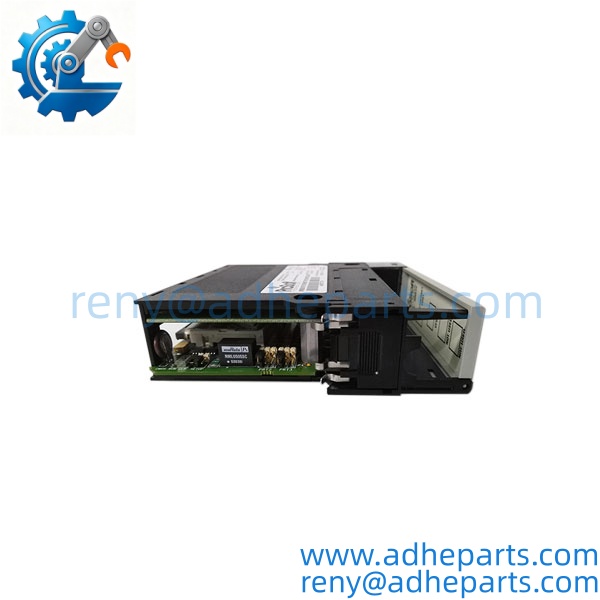
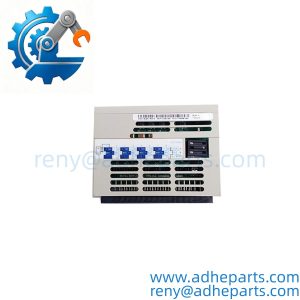
MVI56-MNETC
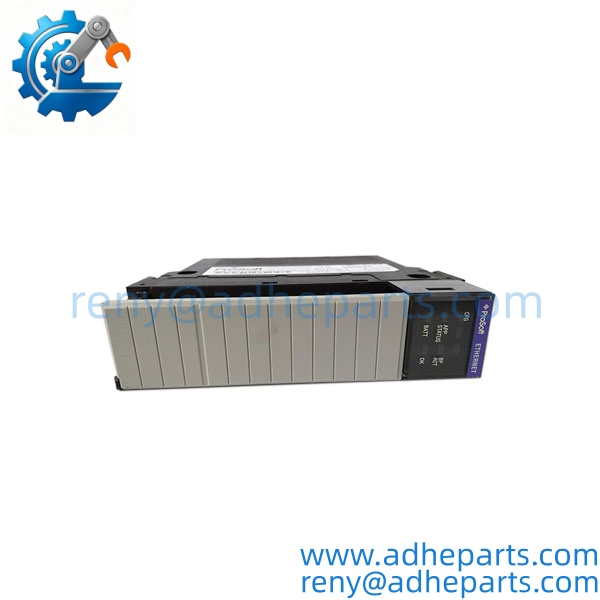
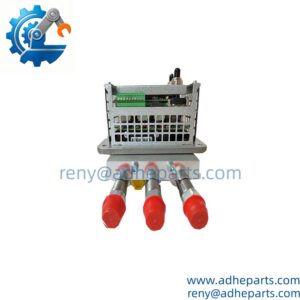
MVI56-MNETC
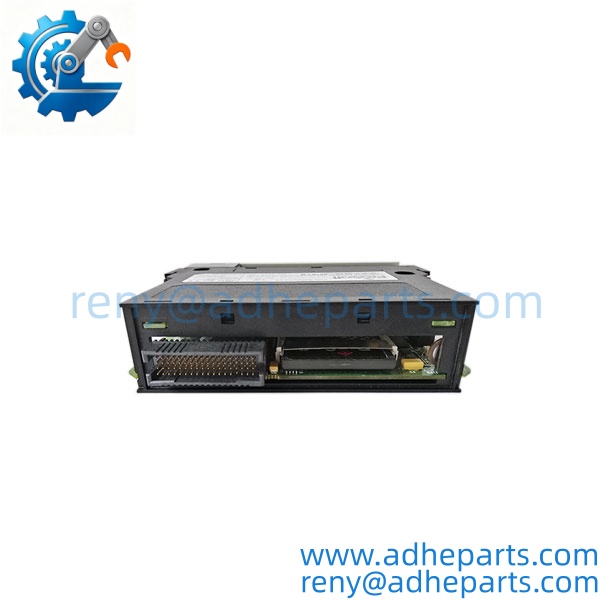
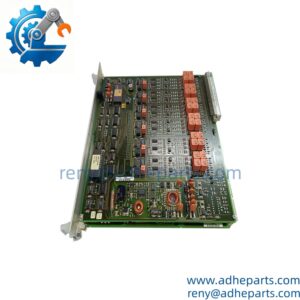
MVI56-MNETC
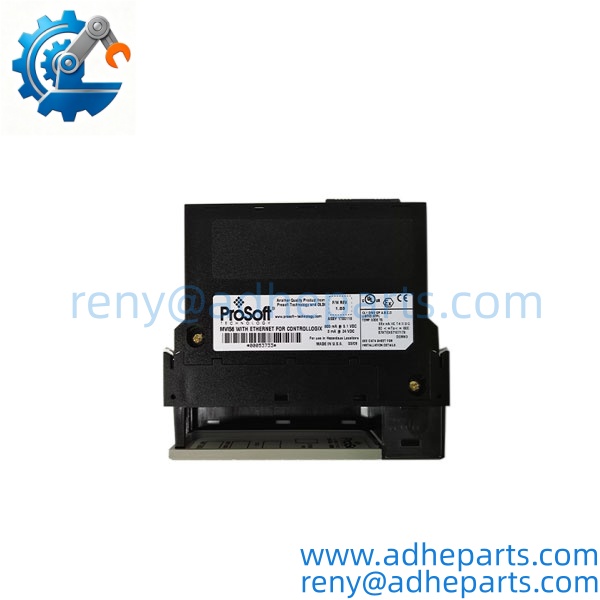
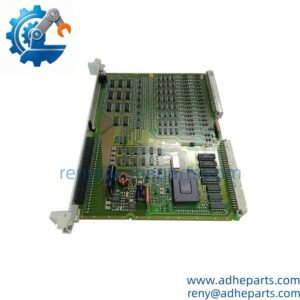
MVI56-MNETC
5. Application Scenarios & Field Experience
Part 1 – Narrative Paragraph
The failure that hurts most on a Modbus communication module is not a dead card — it is a card that drops Modbus connections under load. The ControlLogix program keeps running, the HMI shows stale data, and the operator assumes the process is steady. I have seen that on a power monitoring system where the MVI56-MNETC was polling thirty power meters, and the module’s connection table filled up because the old configuration had a timeout setting that was too short. The module was fine. The configuration was wrong. Before you replace a module, check the connection count and the timeout settings against the OEM limits. A new module with the same configuration will behave the same way.
Part 2 – Numbered List (Application Scenarios)
- Power Generation – Power Meter Integration – The module polls Modbus TCP power meters across a plant and maps the voltage, current, and energy data into the ControlLogix data table for the plant historian and the operator station.
- Water Treatment – Remote Pump Station Data – Used to collect flow, level, and pressure data from Modbus TCP RTUs at remote pump stations and present it to the ControlLogix processor as local I/O.
- Manufacturing – Drive and Motion Control – The module communicates with Modbus TCP variable frequency drives on a conveyor or packaging line. The ControlLogix processor sends speed references and reads back fault and status data.
- Oil & Gas – Skid Integration – Used to interface a ControlLogix controller with a vendor skid that only supports Modbus TCP. The module handles the protocol translation and the data mapping, so the ControlLogix program sees the skid as a set of standard tags.
Part 3 – Short Field Story
A bottling plant in the Midwest had a ControlLogix line that would lose communication with its power meters every few hours. The crew had replaced the MVI56-MNETC module and the fault kept returning. We asked them to check the module’s connection configuration in ProSoft Configuration Builder. The old project had been set up for 10 servers, but the plant had added 15 more meters over the years and never updated the configuration. The module was running out of connection slots. We updated the configuration to the correct server count and the dropouts stopped. The hardware had been fine — the configuration was outdated.
6. Standard Operating Procedure (SOP) for Quality Control
- Visual & Origin Inspection – We verify the ProSoft marking, the MVI56-MNETC model string, and the date code. We inspect the backplane connector for bent pins and the RJ45 ports for damage. A module with a cracked connector shroud or evidence of moisture ingress is rejected.
- Revision and Firmware Documentation – We read and photograph the full model string, the firmware revision, and the configuration summary. We extract and archive any existing configuration file before shipping. That record ships with the module so you can compare it against the unit you are replacing.
- Chassis Fit Verification – Each module is seated in a 1756 test chassis to confirm the edge connector engages fully and the retention screw holds. A module that fits loosely will cause intermittent backplane faults.
- Power-Up Self-Test – The module is powered in a live ControlLogix chassis and we verify it completes its boot sequence and that the processor recognizes the module type without a fault.
- Ethernet Port Test – We connect both Ethernet ports to a test network and verify link at 100 Mbps full duplex. We run a throughput test and log any packet loss.
- Modbus Communication Test – We configure the module as a client and connect it to a Modbus test server. We verify data exchange and confirm the module reports server diagnostics correctly. We also test the server function with a Modbus client simulator.
- Configuration Persistence Test – We load a test configuration, power-cycle the module, and verify the configuration survives. A module that loses its configuration on power loss is not acceptable.
- ESD-Safe Packaging – The module is wrapped in anti-static film, seated in a conductive foam insert with the connectors protected, and packed in a double-wall carton with static warning labels.
7. Frequently Asked Questions (FAQ)
Q1: What is the difference between the and the MVI56-MNET?
A: The is the newer version of the MVI56-MNET module. The “C” suffix indicates an updated hardware revision with improved performance and additional features. The two are functionally similar, but the MNETC has a larger user data memory (5000 words vs. 5000 words on the older MNET? Actually both are 5000 words, but the MNETC has faster processors and better Ethernet performance). Verify compatibility with your ProSoft Configuration Builder project before substituting. If your system was commissioned with the MNET, check the ProSoft documentation for the upgrade path.
Q2: Can the act as both a client and a server at the same time?
A: Yes. The module can simultaneously poll Modbus servers as a client and respond to requests from Modbus clients as a server. This dual-role capability is one of its main advantages. However, the total number of connections is limited by the module’s firmware and configuration. Verify the maximum client and server counts in the OEM datasheet before you configure a system that approaches the limit.
Q3: Will my existing configuration load into this module?
A: Only if the firmware revision matches or is compatible. ProSoft configurations are tied to the module firmware version. Pull your existing configuration file before you remove the old module — that file is your recovery path. If the replacement has a different firmware revision, you may need to rebuild the configuration in ProSoft Configuration Builder.
Q4: What is the warranty on this module?
A: We offer a 12-month warranty from the ship date. It covers component failure, backplane connector failure, and Ethernet port failure under normal operating conditions. It does not cover damage from hot-swapping the module with the chassis energized, bent pins from forced insertion, or ESD damage from handling without a wrist strap. We test every module in a live ControlLogix chassis and on a Modbus network before it ships.
Q5: Any installation pitfalls I should watch for?
A: Four. First, power down the chassis before inserting or removing the module — ControlLogix modules are not hot-swap capable in most configurations. Second, record the firmware revision and back up the configuration from the old module before you remove it. Third, verify the ControlLogix processor’s firmware supports the module revision before you install it. Fourth, after the swap, verify the Modbus communication with the field devices and the data mapping in the ControlLogix program before you return the line to production. A module that powers up is not necessarily exchanging data correctly.