Description
Note: Many products are not yet listed. Please contact us for more product information. Our supply channels are constantly expanding, and we currently have 20 stable shared supply channels. Please confirm the model, product, price, and all other necessary information with customer service before placing an order. We offer new, refurbished, and used products, and prices are adjusted according to the year of the item you require.
Key Technical Specifications
| Parameter | Specification |
|---|---|
| Manufacturer | ABB |
| Model | CI854A |
| ABB Type Designation | CI854AK01 |
| Article Number | 3BSE030220R1 |
| Communication Protocol | PROFIBUS DP / DP-V1 |
| Device Role | PROFIBUS DP Master |
| PROFIBUS Ports | 2 |
| Transmission Rate | 9.6, 19.2, 93.75, 187.5, 500, 1500, 3000, 6000, 12000 kbit/s |
| Line Redundancy | Supported |
| Module/Master Redundancy | Supported |
| Connector | 2 × 9-pin female DB9 on TP854 |
| CEX-Bus Consumption | 190 mA typical, 240 mA maximum |
| Power Dissipation | 4.6 W typical |
| Bus Capacity | Up to 32 nodes per segment |
| Galvanic Isolation | Yes |
| Operating Temperature | +5 to +55 °C |
| Storage Temperature | -40 to +70 °C |
| Relative Humidity | 5–95%, non-condensing |
| Protection Rating | IP20 |
| Dimensions | 59 × 185 × 127.5 mm |
| Weight | Approx. 700 g including baseplate |
ABB’s controller hardware documentation identifies the interface as a DP Master Class 1/2 for DP-V0 services and Class 2 for DP-V1 services. It also specifies galvanic isolation, two DB9 connections on TP854, and hot-swap support for CI854A/CI854B.
Product Introduction (Anti-Template)
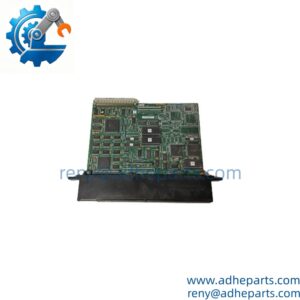
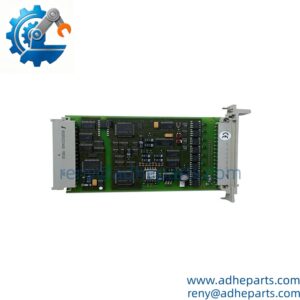
ABB CI854A is a PROFIBUS DP-V1 communication interface for the AC 800M controller family, designed for connecting PROFIBUS field devices, remote I/O, drives, and other compatible automation equipment. Its two PROFIBUS ports allow line redundancy, while two CI854A modules can be configured for master redundancy in suitable AC 800M architectures.
One important procurement detail: CI854A is the Classic version, while ABB positions CI854B as the newer PROFIBUS-DP master for new installations. That does not automatically make CI854B a drop-in replacement for every existing CI854A installation. For a replacement order, check the controller hardware, Control Builder configuration, firmware, baseplate, redundancy arrangement, and existing PROFIBUS topology before approving the substitution.
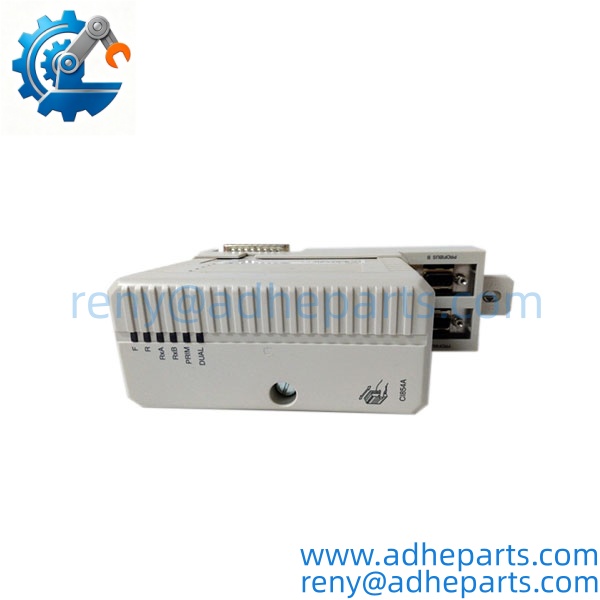
CI854A
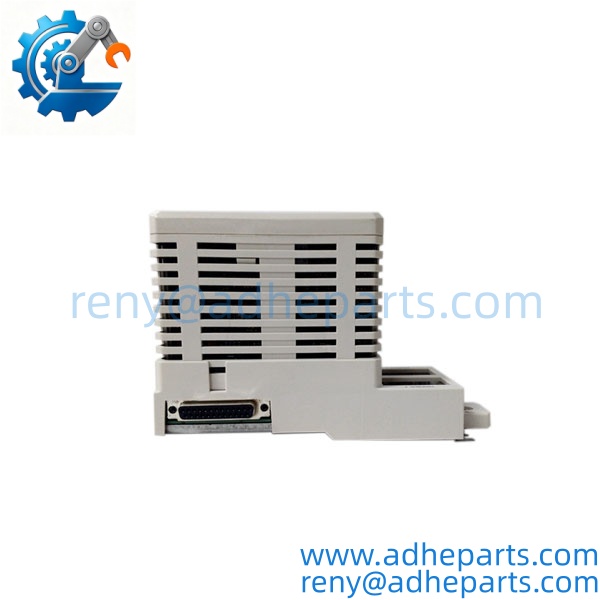
CI854A
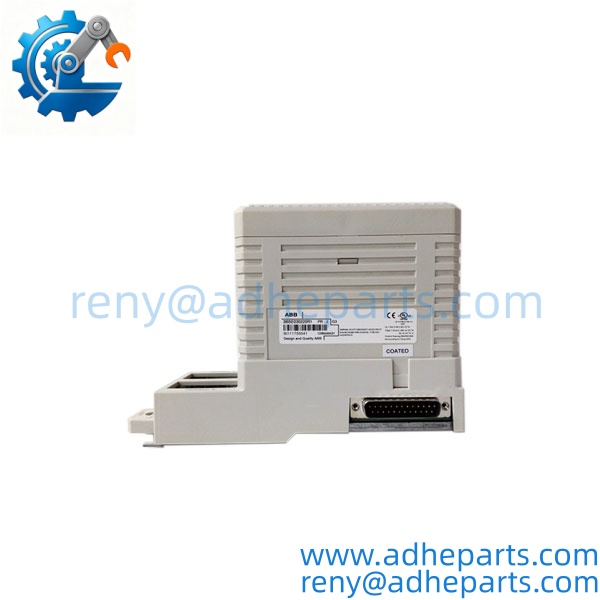
CI854A
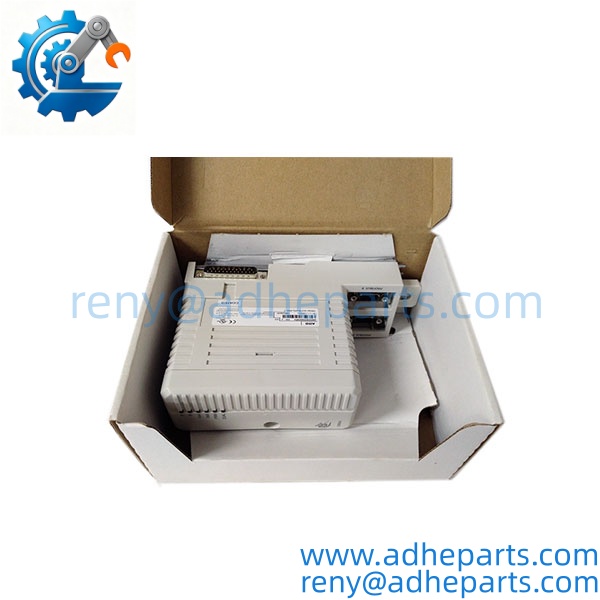
CI854A
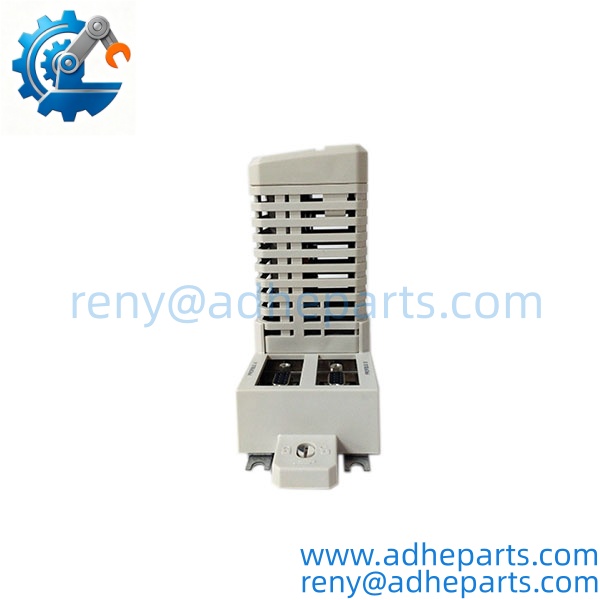
CI854A
QC, Procurement & Logistics SOP
1) Inbound Verification
Confirm the nameplate shows / CI854AK01 / 3BSE030220R1 or the exact ordering information specified in the purchase order. Check the hardware change index and product revision where applicable. ABB documentation notes that earlier CI854 and hardware can share the CI854K01 module type designation, with the hardware change index used to distinguish the versions.
For used or surplus units, inspect the front housing, module connector, status LEDs, baseplate interface, and PROFIBUS connectors for oxidation, impact marks, contamination, or bent contacts.
2) Functional Verification
Where the required test setup is available, install the with the appropriate AC 800M/CEX-bus environment and TP854 baseplate.
Verify:
- Module initialization and RUN status
- PROFIBUS communication status
- PROFIBUS A/B port operation
- Device detection and configured node communication
- Redundancy behavior where the customer’s architecture requires it
- Correct diagnostic indications
The test should use the customer’s intended hardware configuration where possible. A can power up correctly while still having a configuration or fieldbus-termination problem, so a simple LED check is not enough.
3) Configuration & Firmware Check
Before shipment, record the hardware revision and available firmware information. Older documentation shows firmware, boot, initialization, program, and DP-stack versions as separate identification items.
Do not overwrite firmware simply because a newer version exists. In a legacy AC 800M system, firmware compatibility should be checked against the controller, Control Builder environment, and existing PROFIBUS configuration.
4) ESD & Packaging
Handle the communication interface using ESD precautions. Protect the PCB and connectors with an antistatic bag, cushioning, and a rigid outer carton. For long-distance export shipments, the unit should be protected against vibration, moisture, and connector impact.
5) Export & Logistics
For international procurement, confirm the exact article number on the commercial invoice and packing list. HS classification should be confirmed against the export country’s customs database and the actual product description rather than copied from another automation component.
Typical shipment options include DHL, FedEx, UPS, or air freight depending on destination and order size. For urgent shutdown-related requirements, confirm stock condition and inspection lead time before committing to a delivery date.
For Incoterms, EXW, FCA, and DAP may be considered depending on the buyer’s freight and customs arrangements. Import duties, VAT, brokerage fees, and destination customs clearance remain dependent on the importing country.
Technical Pitfalls & Integration Warnings
1) vs. CI854B
ABB identifies CI854B as the newer PROFIBUS-DP master that replaces for new installations. However, replacement decisions should be based on the complete controller architecture rather than model-number similarity. Existing firmware, configuration, baseplate, redundancy, and system version all matter.
2) PROFIBUS Termination
The two outermost PROFIBUS nodes require proper bus termination. ABB specifically notes that connectors with built-in termination should be used and that the connector must be plugged in and powered for correct termination. A missing or incorrectly powered terminator can look like a communication-module failure even when the itself is functional.
3) Wiring and Port Redundancy
uses two PROFIBUS connections through the TP854 baseplate. Verify whether the customer’s system uses standard single-line communication or redundant PROFIBUS architecture before changing wiring. Do not assume that both ports should be wired in every installation.
4) Firmware and Configuration Mismatch
A physically compatible module can still fail to communicate if the firmware, Control Builder configuration, GSD information, node addresses, baud rate, or PROFIBUS parameters do not match the installed system. Capture the existing configuration before replacement whenever possible.
5) Hot-Swap Does Not Mean “Disconnect Anything Anytime”
ABB documents hot-swap support for /CI854B, but the customer’s specific AC 800M architecture and maintenance procedure still govern how replacement should be performed. Follow the approved system maintenance sequence rather than removing a live module solely because the hardware supports hot swapping.
Frequently Asked Questions (FAQ)
Q1. What is the ABB used for?
The connects an AC 800M controller to PROFIBUS DP field devices, remote I/O, drives, and other compatible PROFIBUS equipment.
Q2. Is a PROFIBUS DP master or slave?
It is a PROFIBUS DP master interface. ABB specifies support for DP-V0 and DP-V1 services with different master classes.
Q3. Does support redundant PROFIBUS communication?
Yes. The Classic has two PROFIBUS ports for line redundancy and supports master/module redundancy using two interfaces in an appropriate AC 800M architecture.
Q4. Is ABB still a current product?
ABB classifies as a Classic product and identifies as the newer PROFIBUS-DP master for new installations. therefore remains particularly relevant as a replacement or maintenance part for existing systems.
Q5. Can directly replace ?
It should not be treated as an automatic plug-and-play substitution. Confirm the AC 800M controller version, system software, firmware, baseplate, configuration, and redundancy requirements before ordering a replacement.
Q6. What information should I provide when requesting a replacement?
Provide the complete ABB article number, module nameplate photo, hardware change index or revision, existing controller type, and—if available—the current firmware and Control Builder/system version. This allows the replacement to be checked against the installed architecture instead of relying on the model number alone.
Q7. What is normally checked before shipping a ?
The unit should be checked for correct identification, physical condition, connector integrity, module initialization, PROFIBUS communication, status indications, and available firmware/hardware information. For surplus engineering spares, a live inspection video can also be provided when the customer’s procurement process requires it.