Description
Note: Many products are not yet listed. Please contact us for more product information. Our supply channels are constantly expanding, and we currently have 20 stable shared supply channels. Please confirm the model, product, price, and all other necessary information with customer service before placing an order. We offer new, refurbished, and used products, and prices are adjusted according to the year of the item you require.
Product Introduction (Anti-Template)
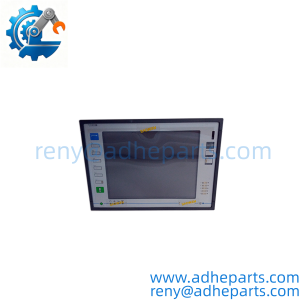
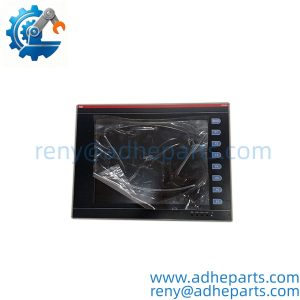
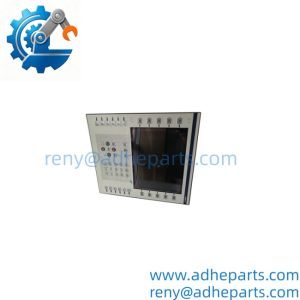
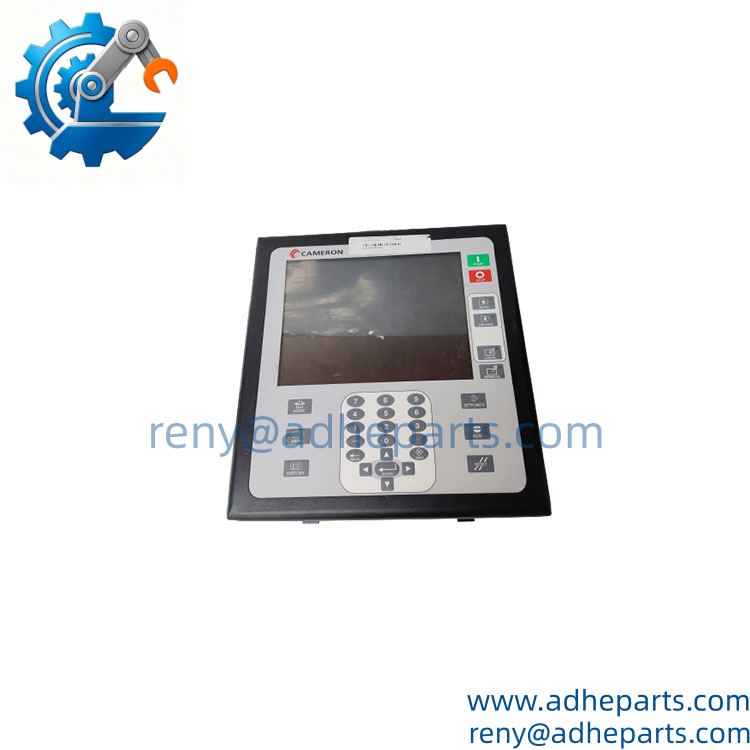
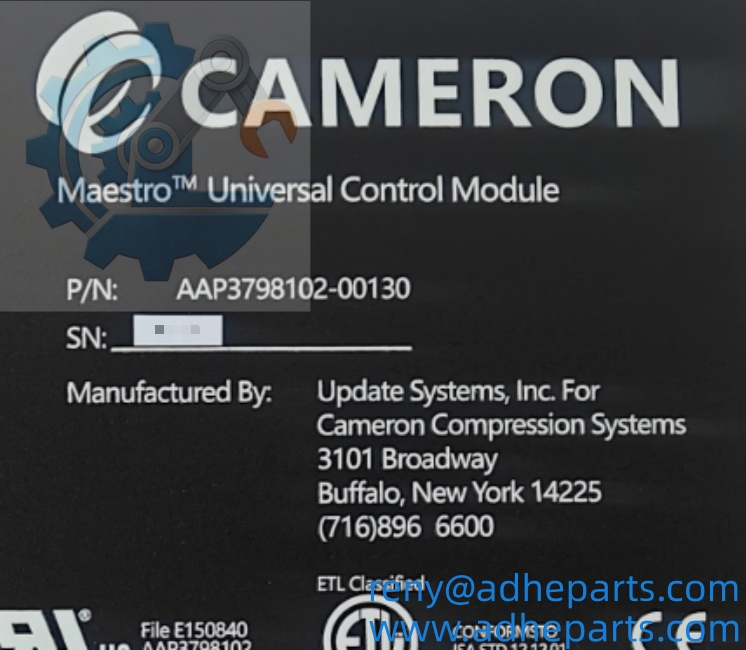
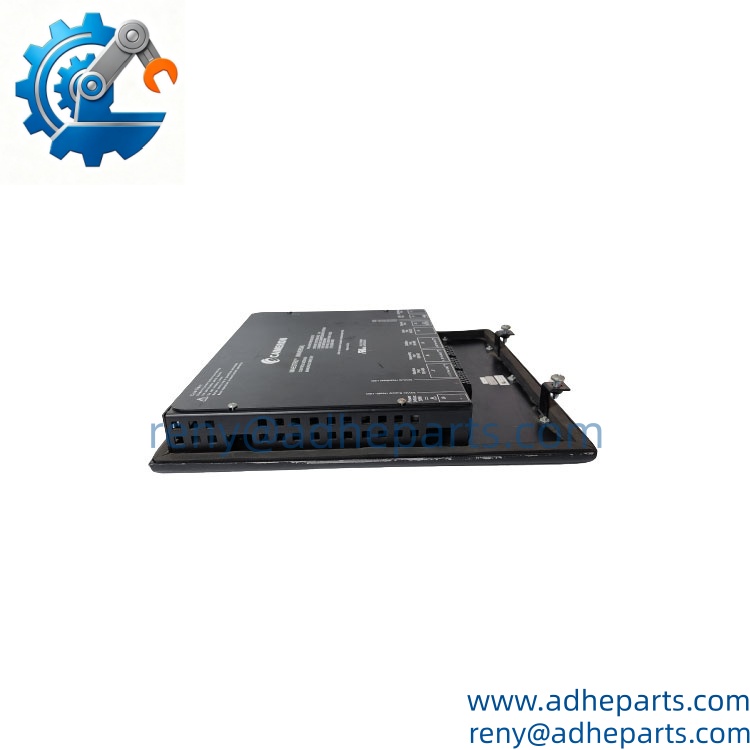
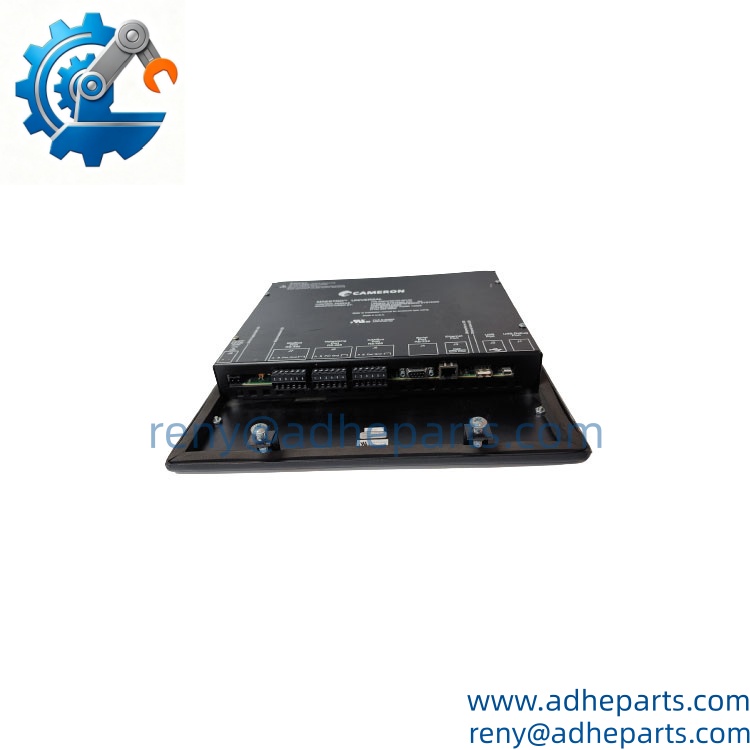
When an older centrifugal compressor control system loses its main operator/control unit, the problem is bigger than a failed display. Cameron AAP3798102-00130 is identified as a Maestro Universal Control Module, combining operator-interface and controller functions for Cameron compressor-control equipment.
The unit is associated with Maestro systems used on centrifugal compressors and incorporates a display, operator controls, I/O, and communication functions. One important procurement point: published specifications for this exact part are inconsistent, so the nameplate, hardware revision, installed software version, and existing system configuration should be checked before replacement.
Key Technical Specifications
| Parameter | Value |
|---|---|
| Manufacturer | Cameron |
| Model | AAP3798102-00130 |
| Product Family | Maestro Universal Control System |
| Product Type | Universal Control Module / Operator Interface |
| Application | Centrifugal Compressor Control |
| Control Power | 24 VDC |
| Display | Integrated color LCD |
| Operator Interface | Programmable function keys |
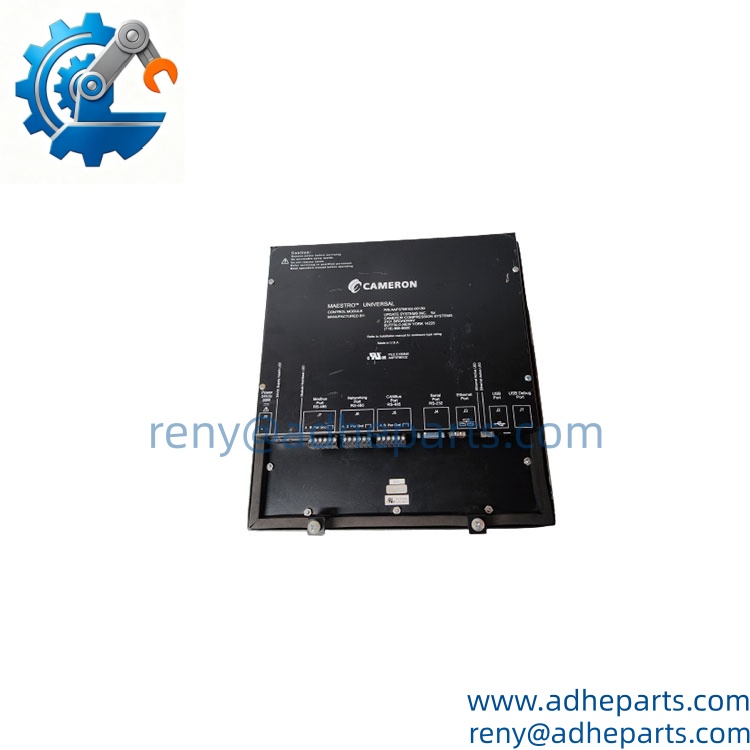
| Communication | Ethernet / RS-485 |
| Serial Protocol | Modbus-related communication, system dependent |
| USB Interface | Yes, for service/configuration functions |
| I/O Architecture | Integrated controller I/O |
| Operating System | Windows CE Core 5.0 on documented units |
| Application Version | Example documented unit: Version 2.73 |
| Hardware Version | Example documented unit: Controller Hardware Version 1.2.0 |
| Approx. Weight | 2.27 kg |
| Lifecycle | Legacy / Discontinued |
A particularly useful reference point comes from an actual AAP3798102-00130 unit documented with Windows CE Core 5.0, application version 2.73, controller hardware version 1.2.0, and controller firmware version 0.4.0. These values should be treated as an example of a particular installed unit—not as a universal firmware configuration for every AAP3798102-00130.
The documented physical unit weight is approximately 2.27 kg. Because this is an operator/control assembly rather than a small PCB, allow additional weight for protective packaging when preparing freight quotations.
Field Application & Technical Pitfalls (The Engineer’s Guide)
AAP3798102-00130 matters most where the compressor cannot simply be taken offline for an extended modernization project. The controller is part of the Maestro compressor-control environment, so replacement is fundamentally a system-compatibility issue.
- Centrifugal compressor control
The module is associated with Cameron Maestro control systems used on centrifugal compressors. It provides the operator-facing control environment and communicates with the underlying compressor-control hardware.
- Compressor monitoring and operator operation
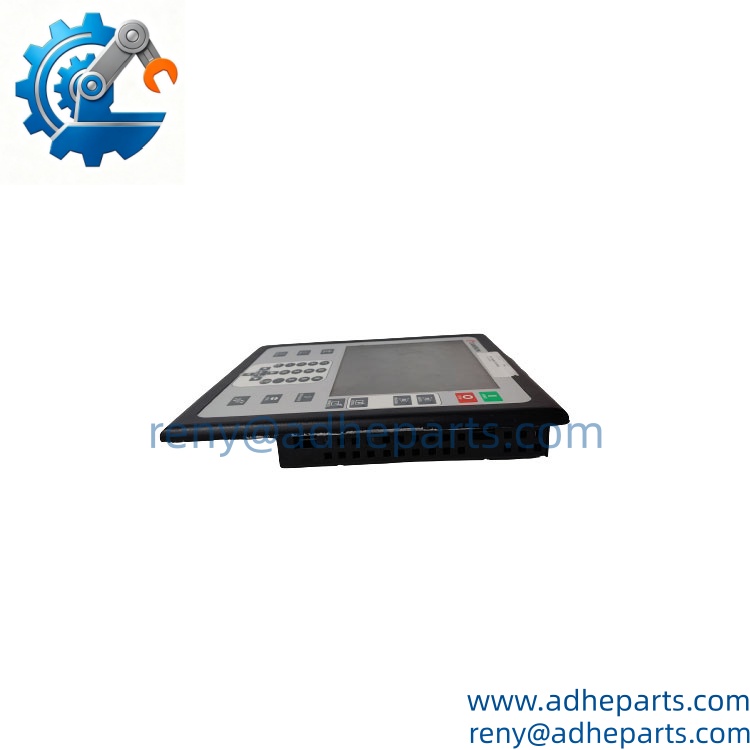
The integrated display and programmable controls allow operators to view system information and interact with compressor operating functions. A documented unit specifically describes a screen, keypad, and buttons for system information and diagrams.
- Legacy compressor maintenance
For an older Maestro installation, keeping a tested spare can be financially sensible. A controller failure during production can turn a relatively inexpensive electronic replacement into a much larger compressor outage if no compatible spare is available.
Three replacement pitfalls deserve particular attention:
- Firmware and application revision: Do not assume two AAP3798102-00130 units are software-identical. A documented unit carries specific OS, application, controller firmware, and hardware revisions. Record these values from the existing unit before replacement.
- System configuration: The controller may contain application-specific configuration rather than functioning as a generic computer. Back up configuration and confirm the required compressor-control software before removing the failed unit.
- I/O and communication mapping: Ethernet, RS-485, I/O, USB, and display functions may all be involved. A replacement that powers up but has incorrect configuration can still leave the compressor unavailable for normal operation.
Do not judge compatibility from the screen or enclosure alone. The exact part number is necessary, but the compressor model, Maestro configuration, software revision, and controller hardware revision provide the information needed for a low-risk replacement.
Lesson learned: A maintenance team installs a visually identical controller and sees the display boot normally. The compressor still refuses to return to automatic operation because the replacement’s application configuration does not match the original system. The hardware was good; the commissioning data was wrong.
Quality Control (QC) SOP & Transparency
- Inbound Verification
- Verify the complete Cameron part number .
- Record all visible hardware and firmware identification information.
- Check the display, keypad, buttons, enclosure, connectors, and mounting points.
- Inspect for cracked screens, damaged buttons, corrosion, or previous repair work.
- Photograph the identification label and configuration screens where possible.
- Live Rig Testing
- Power the controller using a controlled 24 VDC source.
- Verify startup and display initialization.
- Check keypad and programmable-button response.
- Verify Ethernet and RS-485 interfaces where the appropriate test environment is available.
- Confirm controller communication with a compatible Maestro test environment when available.
- Check for startup alarms, watchdog faults, or abnormal reboot behavior.
- Parameter Testing
- Verify DC supply stability.
- Check display operation and backlight behavior.
- Test operator keys and navigation.
- Verify communication ports.
- Confirm I/O behavior against the applicable system configuration.
- Record the installed application, firmware, and hardware revisions.
- Final QA & Packaging
- Record the exact model, serial number, hardware revision, and software information.
- Apply a QC-passed identification label.
- Protect the LCD and operator controls with cushioning material.
- Use anti-static protection for exposed electronic interfaces.
- Provide the applicable test record and a 12-month warranty under the agreed warranty terms.
Frequently Asked Questions (FAQ)
It is a Maestro Universal Control Module / operator interface associated with Cameron centrifugal compressor control systems. It combines operator-interface functions with control-system hardware.
Q2. Is an HMI or a controller?
Well, technically, it is both in the documented Maestro configuration. It is commonly classified as an operator interface, but documented units also contain controller hardware, I/O, firmware, and application software.
Q3. What software does it use?
A documented unit uses Windows CE Core 5.0, with an application version of 2.73. However, those values belong to that specific unit and should not be assumed for every .
Q4. What power supply does it require?
The part is documented in Cameron system references as a 24 VDC controller. Before replacement, verify the existing cabinet’s power arrangement and connector wiring rather than relying solely on the nominal voltage.
Q5. Can I hot-swap this controller?
I would not recommend it. This is a controller/operator-interface assembly connected to compressor-control equipment. Unless the specific Maestro installation procedure explicitly permits live replacement, isolate the appropriate power and control circuits first.
Q6. How do I confirm an exact replacement?
Send the complete nameplate, hardware revision, software/application version, and a photo of the rear connectors. Ideally, also provide the Cameron compressor or Maestro system model. That information is far more useful than the part number alone when dealing with legacy controller assemblies.
Q7. What warranty is available?
A 12-month warranty can be provided under the agreed supply terms. For a used or surplus controller, I would also recommend confirming the actual boot screen, software revision, and communication interfaces before shipment.
Customers who purchased this product also viewed these HMI Touch Screens products: