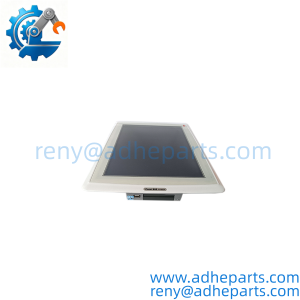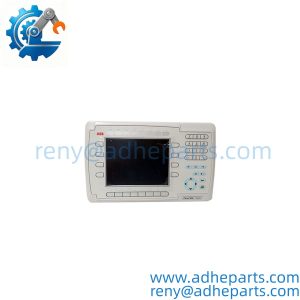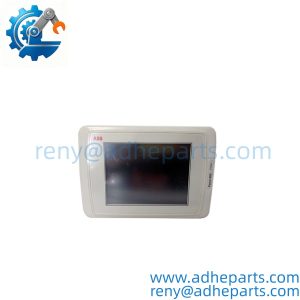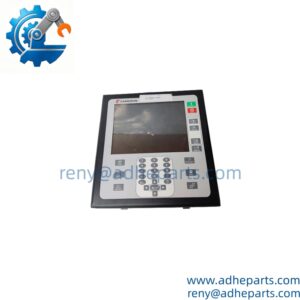
Description
Note: Many products are not yet listed. Please contact us for more product information. Our supply channels are constantly expanding, and we currently have 20 stable shared supply channels. Please confirm the model, product, price, and all other necessary information with customer service before placing an order. We offer new, refurbished, and used products, and prices are adjusted according to the year of the item you require.
Key Technical Specifications
| Parameter | Specification |
|---|---|
| Manufacturer | KUKA |
| Model | KCP2 Standard ed.05 |
| Part Number | 00-130-547 |
| Product Type | Robot teach pendant / handheld operator panel |
| Compatible Controller Family | KUKA KR C2; verify the exact controller execution |
| Display | 8-inch color display |
| Display Resolution | 640 × 480 pixels |
| Operator Input | Integrated 6D mouse |
| Cable Length | 10 m |
| Supply Voltage | 24 V DC |
| Rated Current | 0.5 A |
| Mode Selection | Mode selector on the teach pendant |
| Safety Controls | Emergency-stop and enabling controls; verify operation before use |
| Primary Application | Robot programming, manual jogging, teaching, and service operations |
| Compatibility Check | Confirm controller generation, connector, safety configuration, and software requirements |
Specifications are based on available product documentation and listings for part number 00-130-547. Verify the actual pendant label and cable execution before ordering.
Product Introduction
When a robot cell needs a replacement operator panel, the KUKA KCP2 00-130-547 provides the handheld interface used to teach, program, and manually operate a compatible robot controller. This version is identified as a KCP2 Standard ed.05 pendant with an 8-inch color display, 640 × 480 resolution, an integrated 6D mouse, and a 10 m connecting cable. It is associated with KUKA KR C2 control systems, making exact controller identification essential before purchase.
A pendant replacement is not just a display swap. The connector, cable execution, mode selector, enabling device, and emergency-stop circuit must all match the intended controller configuration. Before ordering, compare the full part number on the original unit and confirm whether the application requires the standard ed.05 version. Contact us to confirm stock, condition, and revision.
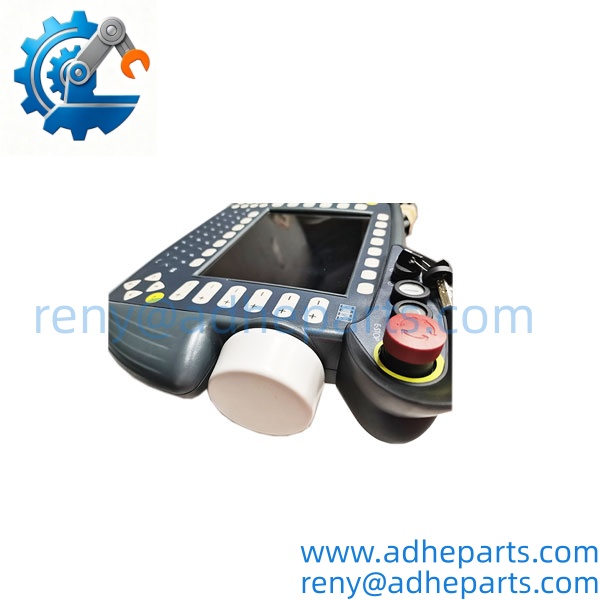
00-130-547
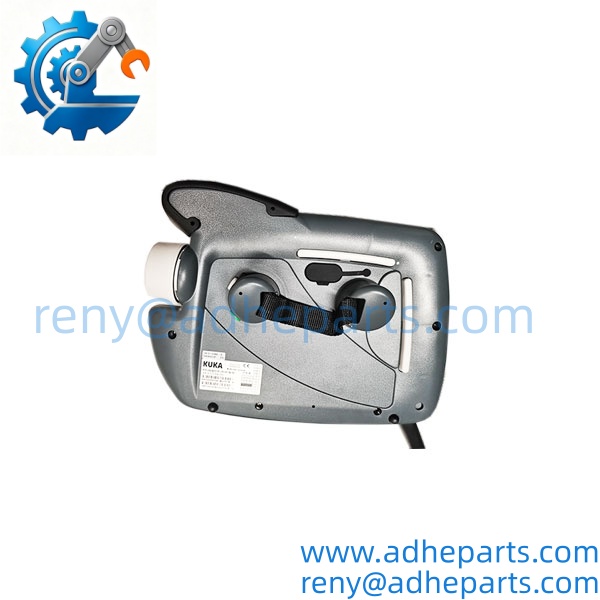
00-130-547
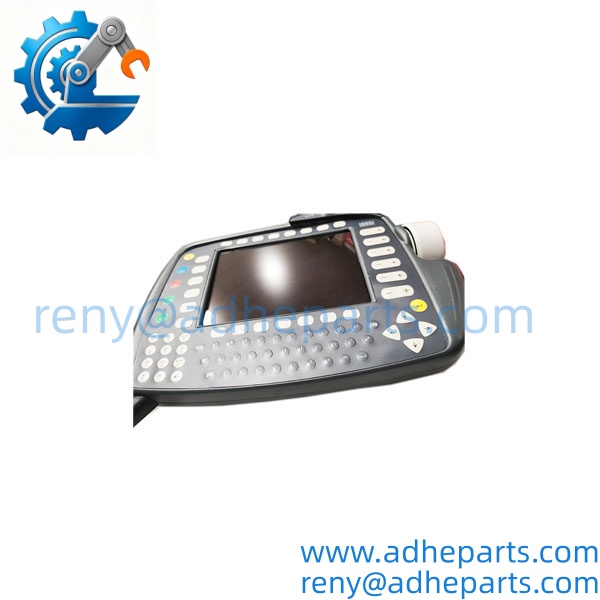
00-130-547
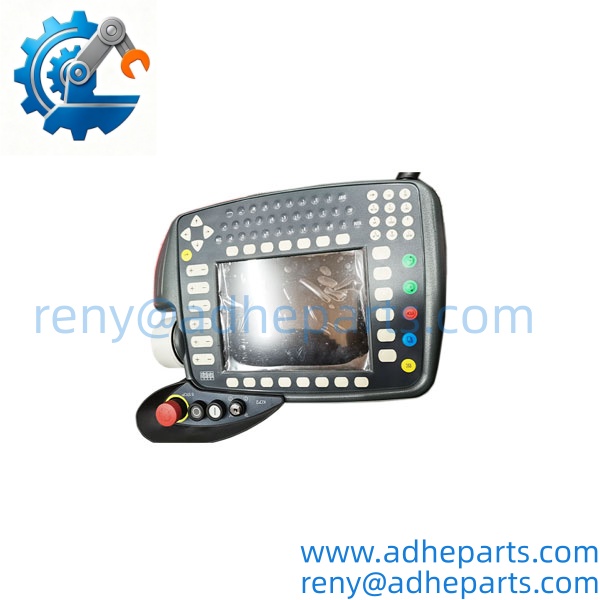
00-130-547
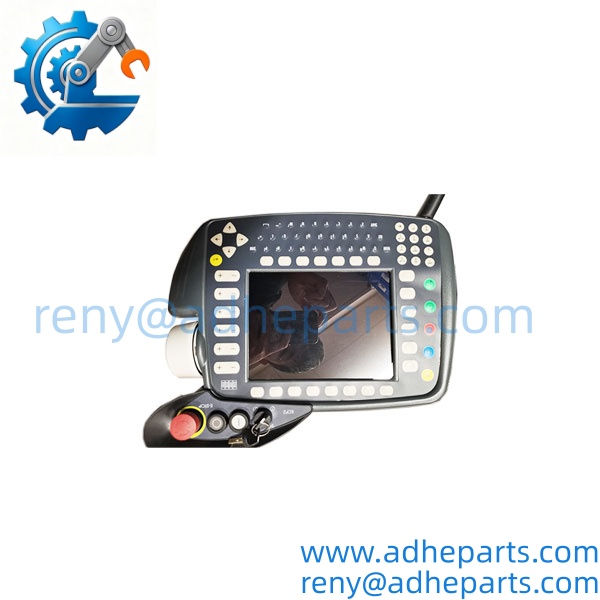
00-130-547
QC, Procurement & Logistics SOP
- Inbound Verification
Check the product label for part number 00-130-547 and KCP2 Standard ed.05 identification. Inspect the display, housing, connecting cable, connector, buttons, mode selector, emergency-stop control, and enabling switch for visible damage. - Live Functional Testing
Where a compatible KUKA controller and approved test setup are available, check display startup, key response, 6D mouse operation, communication, and relevant control functions. The emergency-stop, enabling, and mode-selection circuits must be tested under the applicable robot safety procedure. Visual inspection alone does not establish full functionality. - QA & Protective Packaging
Inspect the cable and connector for crushing, cuts, bent contacts, or strain damage. Protect the display and operator controls with suitable cushioning. Package the unit to prevent cable kinking, connector impact, and damage during transit. - Global Logistics & Export Compliance
Confirm the destination, shipping service, packaging requirements, and required documents before dispatch. Apply the appropriate customs classification based on the product’s actual identity and applicable import rules. Provide shipment tracking after dispatch.
Technical Pitfalls & Integration Warnings
- Controller Generation and Edition Mismatch
The KCP2 00-130-547 is associated with KR C2-era equipment, including KR C2 ed.05 configurations. Do not assume it can replace a KCP4 smartPAD or a pendant from another controller generation. Confirm the controller model, pendant edition, and approved compatibility documentation first. - Connector and Cable Configuration
This part number is associated with a 10 m cable. Confirm connector type, cable length, routing, and condition before installation. A damaged cable or connector can cause intermittent communication that may be mistaken for a pendant failure. - Safety Circuit Verification
The emergency-stop, enabling device, and mode selector are safety-related controls. After replacement, verify their operation using the prescribed commissioning and safety procedure before returning the robot to service. Never bypass a safety circuit to make an incompatible pendant operate. - ESD and Powered Connection Risks
Protect the pendant and exposed connector contacts from electrostatic discharge. Do not connect or disconnect the unit while the controller is powered unless the applicable KUKA documentation explicitly permits the procedure. Follow site lockout and isolation requirements before installation or troubleshooting.
Frequently Asked Questions (FAQ)
Q1: What is the KUKA KCP2 00-130-547 used for?
It is a handheld teach pendant used for robot teaching, programming, manual jogging, and operator interaction with compatible KUKA robot controllers.
Q2: What are the main specifications of the 00-130-547?
The documented version has an 8-inch color display with 640 × 480 resolution, an integrated 6D mouse, a 10 m cable, and a 24 V DC, 0.5 A supply specification. Verify the physical label and exact execution before ordering.
Q3: Is this pendant compatible with every KUKA robot controller?
No. It is associated with the KR C2 generation. Confirm the controller model, pendant edition, connector, and safety configuration before using it as a replacement.
Q4: Can the replace a KCP4 smartPAD?
Do not assume compatibility. and KCP4 belong to different pendant generations and are associated with different controller platforms. Confirm the required part number against the controller documentation.
Q5: What should be checked if the pendant does not communicate with the controller?
Inspect the cable and connector first, then verify controller compatibility and the condition of the pendant interface. Check the display, operator inputs, and communication using the approved service procedure. Do not bypass safety-related circuits.
Q6: Can the pendant be replaced while the robot controller is running?
Do not assume live replacement is supported. Follow the installation instructions for the exact controller and pendant configuration, and isolate the system as required by the approved procedure.
Q7: What is the international delivery lead time?
Lead time depends on confirmed stock, condition, testing requirements, and destination. Send us the required quantity and shipping destination to receive a current quotation and estimated dispatch schedule.