Description
Note: Many products are not yet listed. Please contact us for more product information. Our supply channels are constantly expanding, and we currently have 20 stable shared supply channels. Please confirm the model, product, price, and all other necessary information with customer service before placing an order. We offer new, refurbished, and used products, and prices are adjusted according to the year of the item you require.
3. Key Technical Specifications
Confirm each line against the OEM datasheet and the label on your existing module before ordering. The firmware revision and the rack configuration govern compatibility.
| Parameter | Value |
|---|---|
| Model | F8652X |
| Brand | HIMA |
| Product Family | HIMax |
| Module Type | Central Processing Unit (CPU) |
| Safety Integrity Level | SIL 3 capable when configured in a compliant HIMax system |
| Processor | Verify with OEM datasheet |
| Memory (Program / Data) | Verify with OEM datasheet |
| Communication Ports | safeethernet, Ethernet — verify port count and type |
| Redundancy | Supported in redundant HIMax configurations — verify rack wiring and firmware |
| Backplane Interface | HIMax backplane — verify slot assignment and chassis compatibility |
| Power Supply | From HIMax rack backplane — verify voltage rail and current draw |
| Power Consumption | Verify with OEM datasheet |
| Status Indicators | Module status, run, fault, communication — verify LED arrangement |
| Configuration Software | HIMA SILworX — verify supported version |
| Operating Temperature | 0 °C to +60 °C (typical — verify for your cabinet) |
| Storage Temperature | –40 °C to +85 °C (typical — verify) |
| Humidity | 5% – 95% RH, non-condensing |
| Mounting | HIMax rack slot, plug-in module |
| Weight | Verify with OEM datasheet |
| Certifications | TÜV SIL 3, CE, UL — verify on the specific unit’s label |
4. Product Introduction
The HIMA F8652X is the central processing unit for the HIMax safety controller. It executes the safety application logic, scans the I/O, manages the safeethernet communication, and coordinates the redundancy scheme when the system is configured for it. It is the module that makes the safety decisions in a HIMax installation.
The engineering value is the integrated safety architecture. HIMax is built for SIL 3 applications, and the F8652X CPU carries the diagnostic coverage and the redundancy management that the certification requires. In my experience, the most common cause of a “CPU fault” on this platform is not a dead processor — it is a firmware mismatch between the CPU and the I/O modules, or a configuration that does not match the physical rack. When you replace an F8652X, verify the firmware revision against your SILworX project before you power up.
Two things decide whether a swap works. First, the firmware revision. The CPU firmware must match the version your project was compiled for, or the safety signature will not match. Second, the rack configuration. The CPU slot assignment and the redundancy partner (if used) must be correct, or the module will not initialize.
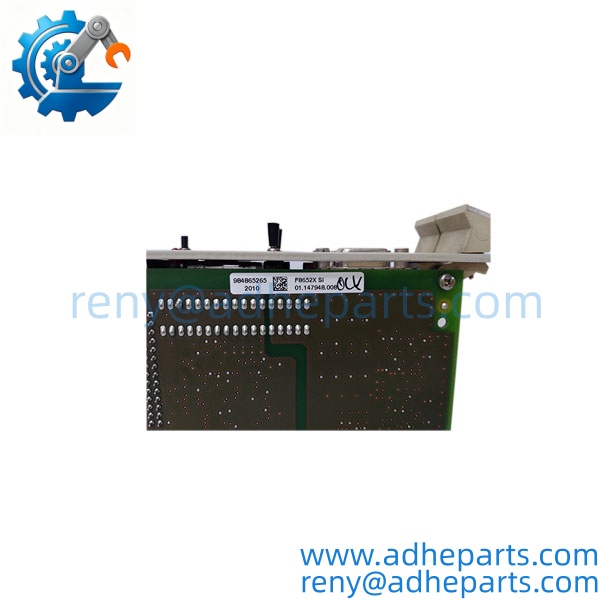
F8652X
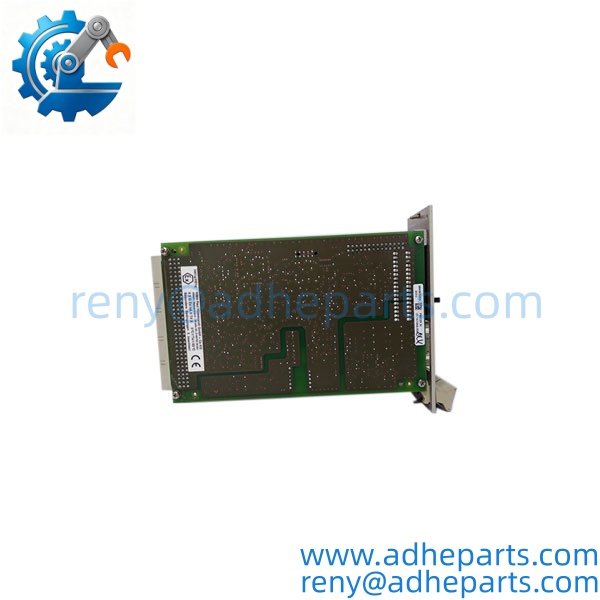
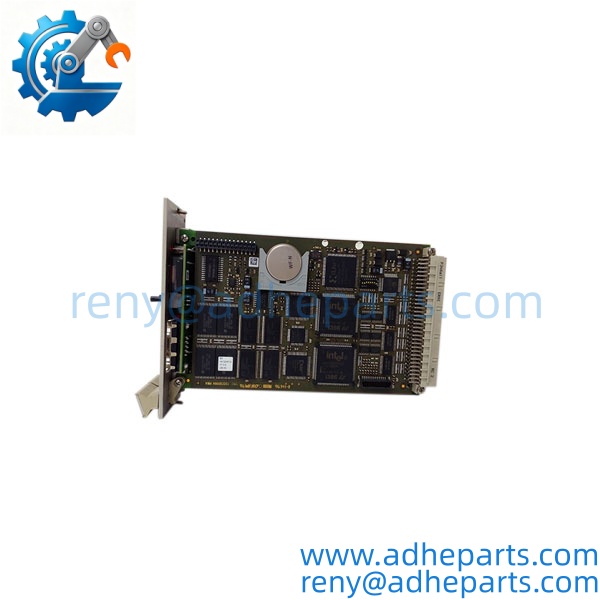
F8652X
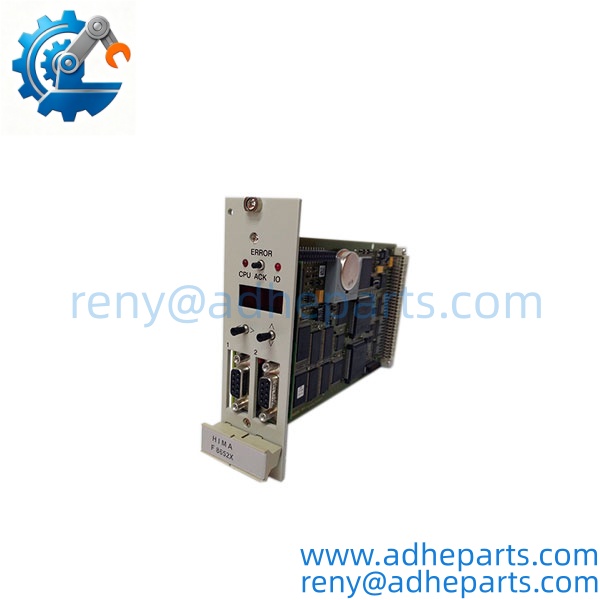
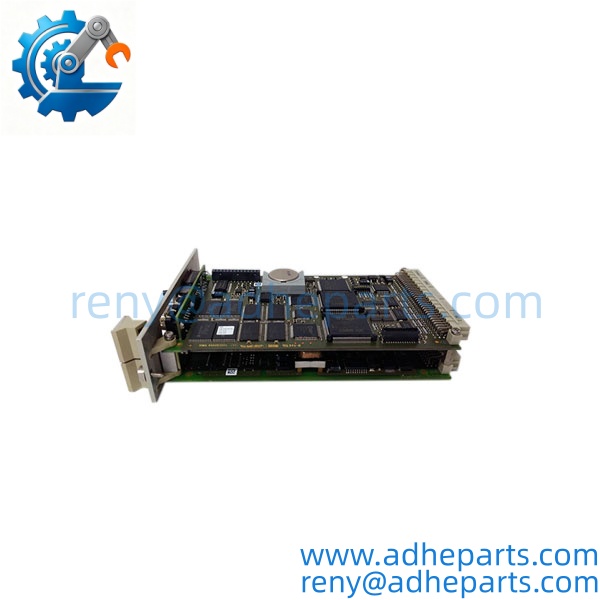
F8652X
5. Application Scenarios & Field Experience
Part 1 – Narrative Paragraph
The failure that hurts most on a safety CPU is not a dead processor — it is a CPU that runs but loses its safety signature. The standard logic executes, the machine appears to operate, and the safety functions are silently disabled. I have seen that on a HIMax system where a replacement CPU carried a different firmware revision than the one the project was compiled for. The CPU initialized, the I/O came online, and the safety signature mismatch only showed up when the plant tried to run a proof test. On a safety system, that is the failure that keeps you up at night. When you replace a HIMax CPU, verify the safety signature and the firmware revision before you return the system to service.
Part 2 – Numbered List (Application Scenarios)
- Oil & Gas – Emergency Shutdown Systems – The CPU executes the ESD logic for wellheads, separators, and pipelines. The SIL 3 rating and the redundancy support meet the safety requirements of the installation.
- Chemical – Reactor Interlock Systems – Used to run the safety interlock logic on exothermic reactors. The CPU’s diagnostic coverage reports a failed I/O channel or a communication fault to the operator station.
- Power Generation – Burner Management Systems – The CPU executes the burner management logic, including the flame safety and the fuel trip functions. The safeethernet communication links the CPU to the remote I/O.
- Pipeline – Compressor Station Safety – The CPU runs the shutdown logic at remote compressor stations. The redundant configuration keeps the safety function available through a single CPU fault.
Part 3 – Short Field Story
A Gulf Coast chemical plant had a HIMax system that would not pass its annual proof test after a CPU replacement. The maintenance team had installed a replacement F8652X and the system came online, but the safety signature did not match the project. The plant had not verified the firmware revision on the replacement CPU. We supplied a CPU with the correct firmware revision, the team re-verified the safety signature, and the proof test passed. The hardware had been fine — the firmware revision was wrong.
6. Standard Operating Procedure (SOP) for Quality Control
- Visual & Origin Inspection – We verify the HIMA marking, the F8652X model string, and the date code. We inspect the backplane connector for bent pins and the module housing for cracks or moisture ingress. A module with a damaged connector or evidence of rework is rejected.
- Revision and Firmware Documentation – We read and photograph the full model string, the firmware revision, and any serial number or date code. That record ships with the module so you can compare it against the unit you are replacing.
- Rack Fit Verification – Each module is seated in a HIMax test rack to confirm the connector engages fully and the retention mechanism holds. A module that fits loosely will cause intermittent backplane faults in the field.
- Power-Up Self-Test – The module is powered in a live rack and we verify it completes its boot sequence and that the rack recognizes the module type without a fault.
- Communication Test – We verify the safeethernet ports with a test partner and confirm the CPU exchanges data without error.
- Safety Signature Verification – Where applicable, we verify the CPU can load a test safety application and that the safety signature matches the expected value.
- ESD-Safe Packaging – The module is wrapped in anti-static film, seated in a conductive foam insert with the connectors protected, and packed in a double-wall carton with static warning labels.
7. Frequently Asked Questions (FAQ)
Q1: Will this CPU work in my HIMax rack without a firmware change?
A: Only if the firmware revision matches or is compatible with your SILworX project. The CPU firmware governs the safety signature, and a mismatched revision can initialize and still fail the safety signature check. Read the firmware revision off your existing CPU and compare it to the replacement before you order.
Q2: What is the difference between the and other HIMax CPU modules?
A: HIMA builds several CPU variants for the HIMax platform, and they differ in processor speed, memory size, and communication options. I cannot confirm the exact differences from the model number alone. Compare the full part number and the label on your existing module before ordering. If you send us a photo of the label, we can confirm the match.
Q3: What is the warranty on this module?
A: We offer a 12-month warranty from the ship date. It covers processor failure, backplane connector failure, and communication port failure under normal operating conditions. It does not cover damage from hot-swapping the module with the rack energized, bent pins from forced insertion, or ESD damage from handling without a wrist strap. We test every module in a live HIMax rack before it ships.
Q4: Do you have this exact model in stock?
A: HIMA HIMax inventory moves and varies by firmware revision. Confirm availability before you plan an outage. If we are out of the revision you need, we will tell you what we actually have rather than quote a date we cannot hold.
Q5: Any installation pitfalls I should watch for?
A: Four. First, power down the rack before inserting or removing the module — HIMax modules are not hot-swap capable in most configurations. Second, record the firmware revision and the safety signature from the old CPU before you remove it. Third, verify the redundancy partner (if used) is configured correctly and that the rack wiring matches. Fourth, after the swap, verify the safety signature and run a proof test of the safety function before you return the system to service. A CPU that powers up is not necessarily running the safety functions correctly.