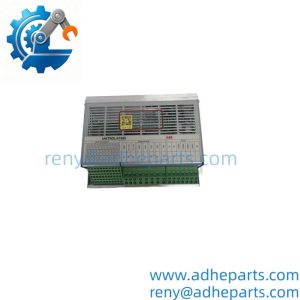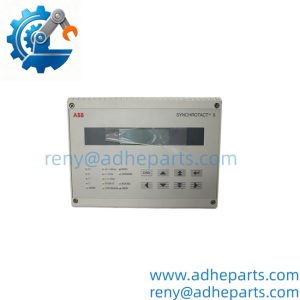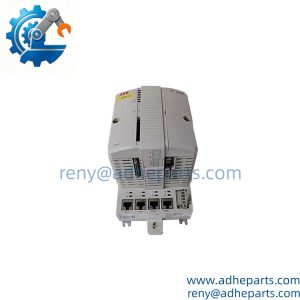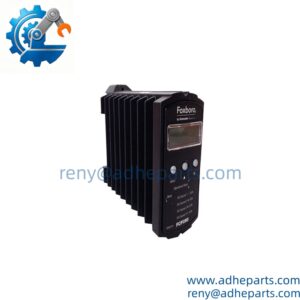
Description
Note: Many products are not yet listed. Please contact us for more product information. Our supply channels are constantly expanding, and we currently have 20 stable shared supply channels. Please confirm the model, product, price, and all other necessary information with customer service before placing an order. We offer new, refurbished, and used products, and prices are adjusted according to the year of the item you require.
Key Technical Specifications
| Parameter | Value |
|---|---|
| User Application Memory | 20 MBRockwell A… |
| On‑Board Network | 1 Gbps EtherNet/IP copper port |
| Local Interface | USB programming port, 4‑character alpha‑numeric status displayRockwell A… |
| Max Supported Motion Axes | 256Rockwell A… |
| Max EtherNet/IP Devices | 250 nodes |
| Backplane Power Draw | 1.20 A @ 5.1 VDC; 5 mA @ 1.2 VDC |
| Power Dissipation | 6.2 W |
| Operating Temperature | 0 °C to 60 °C (32 °F‑140 °F) |
| Non‑Volatile Storage | Accepts 1784‑SD2 SD memory card for program backup |
| Certifications | c‑UL‑us, CE, CSA, FM |
| Redundancy Support | Works with 1756‑RM2 redundancy modules (firmware dependent) |
| Max Total I/O | 128 000 combined digital + analog points |
Product Introduction
With a high‑speed backplane cycle and expanded memory footprint, this 1756‑L84E handles heavy tag databases, coordinated motion, and large distributed I/O sets across plant floors. It ships with embedded gigabit Ethernet, so no separate communication module is strictly required for basic network traffic.
Honestly, many upgrade jobs overlook SD card backup hygiene. If the onboard non‑volatile storage suffers corruption, having a recent offline project file saved to SD cuts restoration time from hours down to minutes. Redundancy setups still demand matching firmware revisions across paired controllers to avoid unexpected switchover faults.
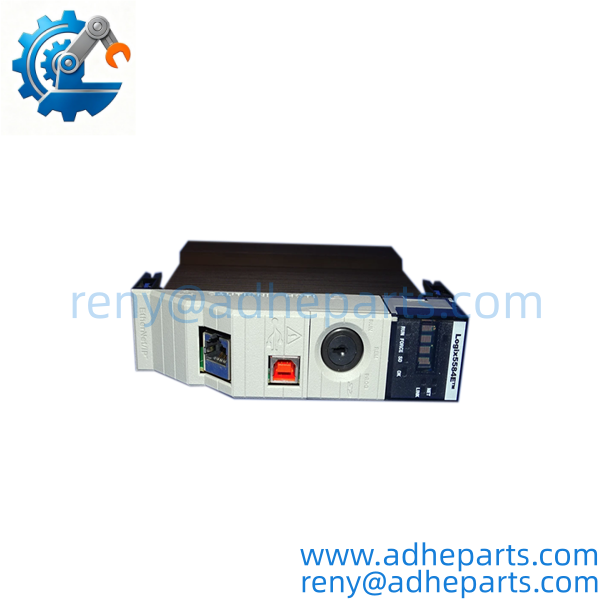
1756-L84E
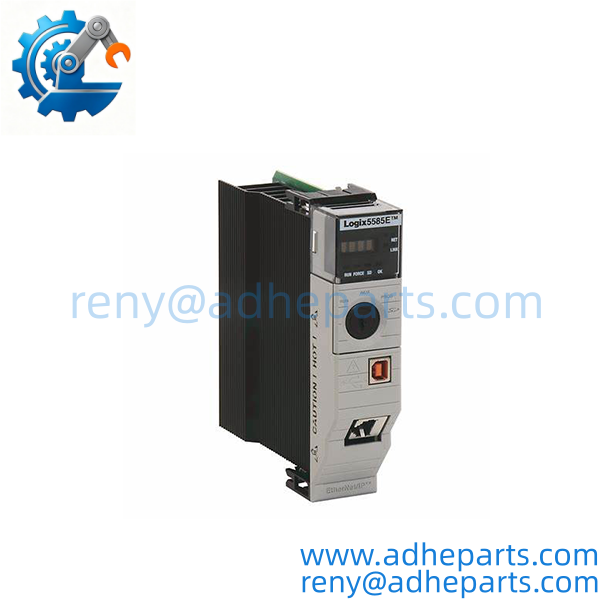
1756-L84E
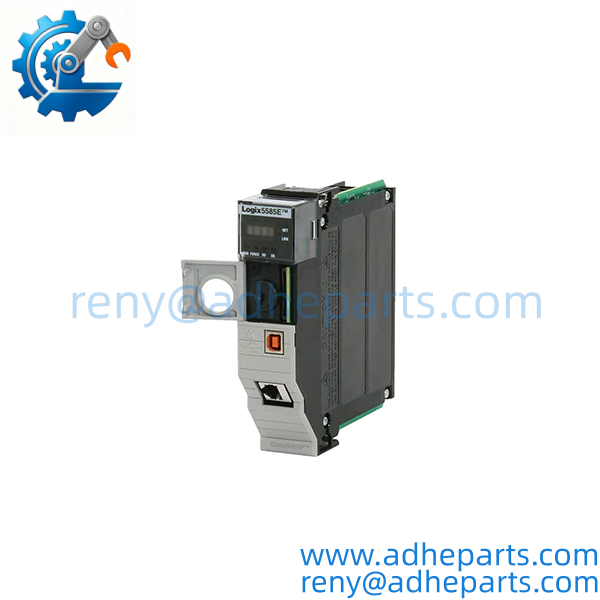
1756-L84E
QC, Procurement & Logistics SOP
- Inbound Verification: Cross‑reference engraved nameplate against catalog number; capture serial number, hardware revision, and conformal‑coating marking. Inspect USB and Ethernet port connectors for bent pins or corrosion.
- Live Rig Testing: Seat inside valid ControlLogix chassis, apply backplane power. Confirm status display boot sequence, read existing firmware revision, run backplane handshake, and validate basic program download/upload function. Check SD card slot mechanical operation.
- QA & Anti‑Static Packaging: Place unit inside static‑shield bag. Fit foam inserts to shield front display and physical ports from impact. Include printed bench‑test summary sheet inside outer carton.
- Global Logistics & Export Compliance: Apply correct HS code classification to lower inspection risk. Carton reinforced for air or sea transit with shock warning labels. Full export documentation prepared, —though customs clearance in the EU might add 2 days.
Technical Pitfalls & Integration Warnings
- Firmware Rev Mismatch: Pairing a V33 firmware 1756‑L84E with a redundancy module running V20 can trigger incomplete switchover. One process facility saw the secondary controller fail to take control during primary fault simulation, leaving the whole line ungoverned. Match firmware levels before commissioning redundant racks.
- Configuration file loss risk: A maintenance technician swapped in a surplus CPU and forgot to import the full tag database and motion axis tuning values. The rack booted without major faults, but all coordinated‑motion sequences produced erratic machine movement. Always restore the complete application project, not just partial logic routines.
- Wiring/Terminal incompatibility: Gigabit EtherNet/IP port will auto‑negotiate down to 100 Mbps with older CAT5 cabling. This does not break link, but high‑density I/O traffic creates jitter and intermittent connection drops. For heavy real‑time loads, run CAT6 cable end‑to‑end.
- ESD destruction during unboxing: CPU internal logic is extremely static‑sensitive. A technician performing hot rack work without wrist strap can create hidden damage. The unit may boot fine idle, yet throw non‑recoverable major faults under full production‑mode tag and motion load.
Frequently Asked Questions (FAQ)
Q: What lead times apply when sourcing 1756‑L84E for an unplanned plant outage? A: Bench‑verified surplus stock can ship within 1‑3 working days. New factory orders carry extended multi‑week lead times, as 5580 series is moving toward limited production allocations.
Q: What shipping and customs points matter for cross‑border shipment of this CPU? A: Air freight fits emergency outage scenarios; sea freight works best for scheduled turnarounds. Complete export documentation is supplied. Actual destination customs processing timelines vary by local inspection workflows.
Q: Can you hot‑swap 1756‑L84E while the rest of the ControlLogix chassis stays powered? A: Physical hot‑swap is mechanically allowed, but removing the primary CPU halts all program execution. All local and remote I/O go to their fault‑safe state. Never perform this swap while production runs live.
Q: Does 1756‑L84E serve as a drop‑in upgrade for older 1756‑L74 processors? A: Chassis slot form factor fits. You will need to migrate project software, re‑evaluate memory usage, and re‑check all EtherNet/IP device RPI timing. Old application files require conversion before download. Direct copy‑paste without review invites runtime faults.
Q: What hardware prerequisites exist to run 1756‑L84E in a redundant pair? A: Matching hardware revisions and identical firmware on both primary and secondary CPUs. You also require the 1756‑RM2 redundancy module and dedicated sync cabling. Mismatched firmware will disable automatic fail‑over capability.
Q: What hidden defects show up on pre‑owned 1756‑ controllers? A: Degraded SD‑card slot contacts, faint status‑display segment failure, and subtle backplane interface wear that only appears under heavy scan‑load. Bench testing with simulated tag and motion stress catches most of these issues.
Q: Is an SD memory card mandatory for normal CPU runtime operation? A: No. The controller runs programs from internal RAM without an SD card installed. The SD slot exists for offline program backup and fault‑recovery purposes. Still, site best practice recommends keeping a validated backup SD card inside every production CPU.