Description
Note: Many products are not yet listed. Please contact us for more product information. Our supply channels are constantly expanding, and we currently have 20 stable shared supply channels. Please confirm the model, product, price, and all other necessary information with customer service before placing an order. We offer new, refurbished, and used products, and prices are adjusted according to the year of the item you require.
3. Product Introduction
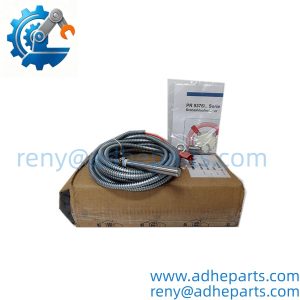
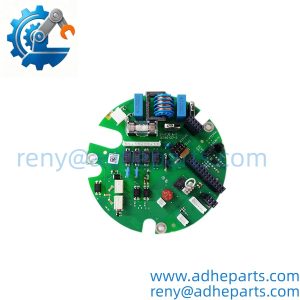
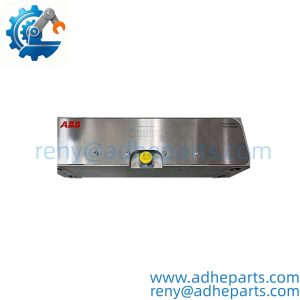
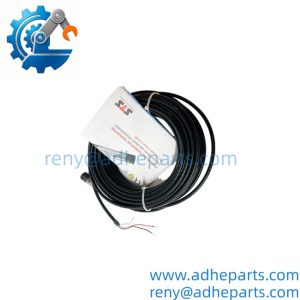
As an ABB SAM3.0 signal-acquisition module, this unit serves the interface role defined by its fitted variant — not by the family name alone. It mounts in the designated panel position, takes its auxiliary supply from the cabinet, and passes acquired signals or status data to the downstream device. The practical edge is replacement speed when a panel loses a monitoring or interface path and the OEM lead time outruns the maintenance window (—though your mileage may vary depending on variant and settings file).
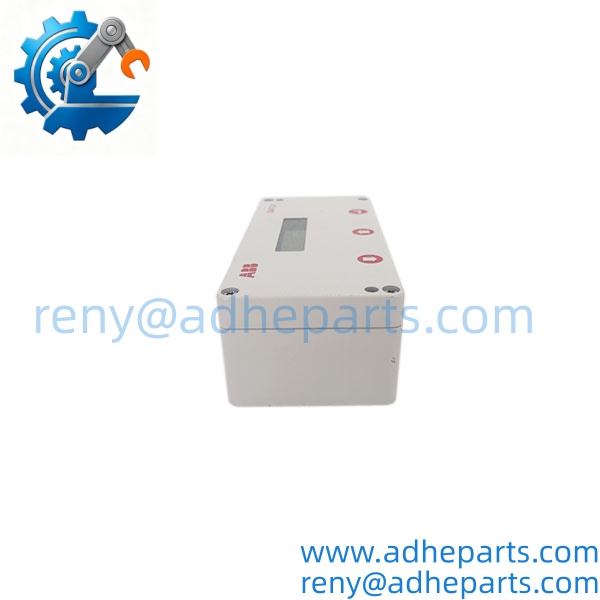
SAM3.0
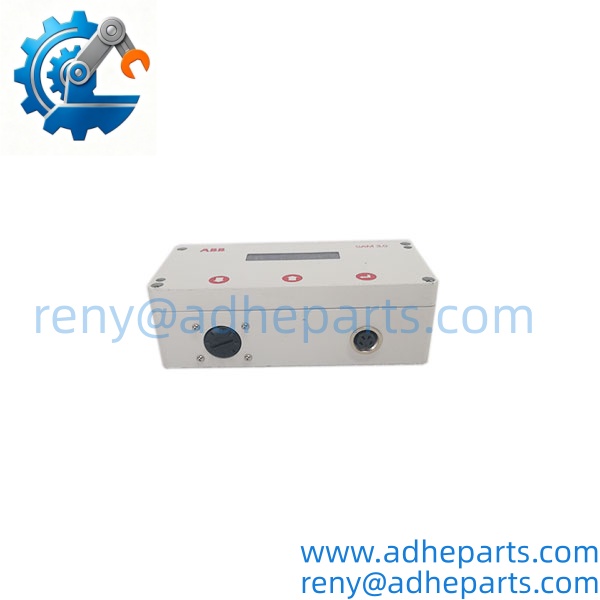
SAM3.0
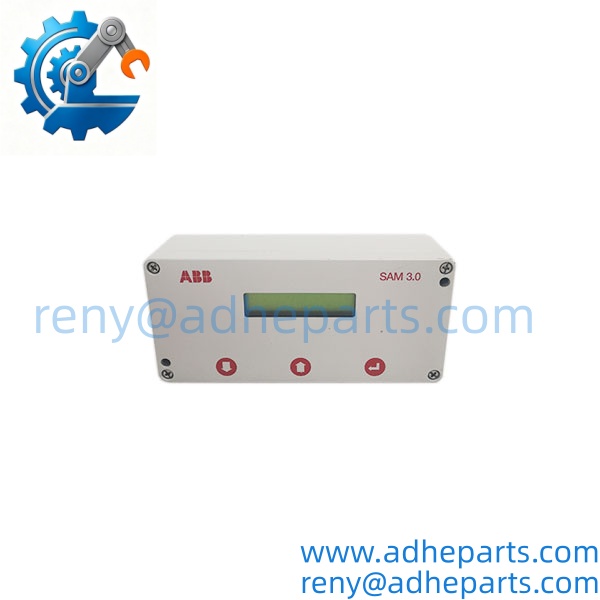
SAM3.0
4. Key Technical Specifications
| Parameter | Value |
|---|---|
| Catalog Number | SAM3.0 |
| Brand | ABB |
| Product Type | Signal acquisition / interface module |
| Host Platform | ABB panel or switchgear assembly — confirm variant and mounting position on label |
| Input Channels | Verify exact count and signal type with OEM datasheet |
| Auxiliary Supply | Verify exact voltage range and tolerances with OEM datasheet |
| Communication Interface | Verify fitted protocol or bus module against the label |
| Isolation | Verify channel-to-backplane and channel-to-channel ratings with OEM datasheet |
| Mounting | Verify DIN-rail, rack, or panel method against the OEM drawing |
| Configuration | Verify setup tool and settings file requirement with OEM manual |
| Operating Temperature | Verify exact range and derating with OEM datasheet |
| Hot Swap | Confirm permission in the OEM manual before live removal |
5. Field Application & Technical Pitfalls (The Engineer’s Guide)
Where this module is critical:
- Low-voltage switchgear panels where signal acquisition feeds metering, status, or trip-interface logic that operators rely on.
- Industrial distribution boards where a lost interface path leaves the upstream system blind to breaker or feeder status.
- Legacy ABB panel retrofits kept alive because the mechanical switchgear runs fine and a full controls upgrade is a capital project, not a maintenance order.
Three pitfalls that bite during replacement:
- Variant and fitted-option mismatch. Warning: “SAM3.0” alone does not define the channel count, communication module, or supply range. A unit that mounts and powers up can still sit outside your panel’s signal map. Compare the full label and any suffix characters against the old unit and the OEM variant table.
- Wiring polarity, shield landing, and supply common. Warning: signal wiring landed on the wrong terminal pair can read plausibly at zero load and fail under real signal conditions. Photograph the terminal block before removal, confirm the common and shield points against the OEM drawing, and meter the auxiliary supply before energizing.
- Settings file, firmware, and hot-swap permission. Warning: a replacement with a different firmware or settings file can power up healthy and still report wrong scaling to the host. Do not assume live removal is allowed for your panel. Remove power, ground yourself, and confirm the connector is fully seated before energizing.
Lesson learned: A technician replaced a failed module with a same-family spare, powered up, and watched the panel report normal status while one feeder’s analog reading sat frozen at the last value. Root cause — the replacement carried a different channel map, and nobody loaded the site settings file. The module was good; the map was not. One missed alarm later, the work order gained a variant-check step.
6. Quality Control (QC) SOP & Transparency
- Inbound Verification. Each module is checked against the OEM packing list, label typography, full variant string, serial number format, and date-code range. Fitted options are logged before the unit enters stock.
- Live Rig Testing. The module is powered on a bench fixture at rated auxiliary supply and exercised through its available input and output paths. Communication or status reporting is checked where the fixture supports it.
- Parameter Testing. Auxiliary supply current draw, input circuit continuity, isolation, and terminal condition are checked against the OEM datasheet where published. Undocumented values are flagged for buyer confirmation rather than guessed.
- Final QA & Packaging. The module ships in an anti-static bag with a QC-passed label, a test record showing the variant and readings we verified, and photos of the terminal layout when available.
7. Frequently Asked Questions (FAQ)
Can I hot-swap this module in a live panel? No. Remove auxiliary power and confirm the panel is in a safe state before replacement. Live swapping can drop the signal path or fault the host device.
How do I confirm it matches my panel? Send the old label photo, panel drawing, terminal wiring photos, and the settings file name. We cross-check the variant string and test record before shipping. Exact fit still depends on the OEM variant table and your panel revision.
What’s the warranty? 12 months from delivery for functional failure under normal operation. Fuses and other consumables carry a 90-day replacement guarantee.
How can I tell genuine OEM from refurbished? Genuine units carry the original ABB label with consistent typography and a traceable serial number. Refurbished units carry our QC tag in addition to the OEM label, and we disclose condition on the quote.
Does it ship with a settings file? No. We ship a test record, not your panel file. The module must be configured to match your channel map, supply, and communication settings.
Can you test it against my exact panel configuration? We test on a bench fixture, not your panel. If your process depends on a specific variant or settings revision, tell us and we will document what we verified and what we did not.
What do you need to quote the right replacement? Old label photo, panel drawing, terminal wiring photos, and settings file name. That five-minute upload prevents most wrong-part returns.