Description
Note: Many products are not yet listed. Please contact us for more product information. Our supply channels are constantly expanding, and we currently have 20 stable shared supply channels. Please confirm the model, product, price, and all other necessary information with customer service before placing an order. We offer new, refurbished, and used products, and prices are adjusted according to the year of the item you require.
3. Key Technical Specifications
Do not order against this table alone. I cannot confirm the processor type, memory size, and communication port configuration from the model number. Match every line against the OEM datasheet and the label on your existing module.
| Parameter | Value |
|---|---|
| Model | WESDAC D20ME |
| Brand | GE |
| Product Family | WESDAC D20 RTU |
| Module Type | Main processor / controller module |
| Processor | Verify with OEM datasheet — confirm on the module label |
| Memory (RAM / Flash) | Verify with OEM datasheet |
| Communication Ports | Verify — serial, Ethernet, or both; confirm on your build |
| SCADA Protocols | Verify — DNP3, Modbus, IEC 60870-5-101/104, or others depending on firmware |
| D20 I/O Bus Interface | D20 backplane — verify slot assignment and chassis compatibility |
| Redundancy Support | Verify — confirm the pairing and synchronization requirements for your RTU |
| Power Supply | From D20 chassis backplane — verify voltage rail and current draw |
| Power Consumption | Verify with OEM datasheet |
| Configuration Software | GE WESDAC configuration tool — verify supported version |
| Status Indicators | Power, run, fault, communication — verify LED arrangement |
| Operating Temperature | –20 °C to +60 °C (typical — verify for your cabinet) |
| Storage Temperature | –40 °C to +85 °C (typical — verify) |
| Humidity | 5% – 95% RH, non-condensing |
| Mounting | D20 chassis slot |
| Weight | Verify with OEM datasheet |
| Certifications | CE, UL — verify on the specific unit’s label |
4. Product Introduction
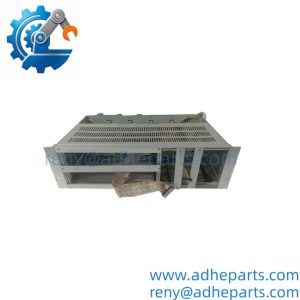
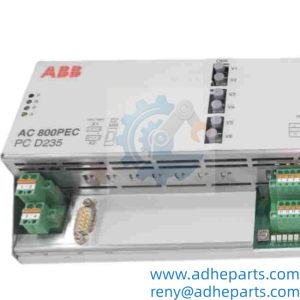
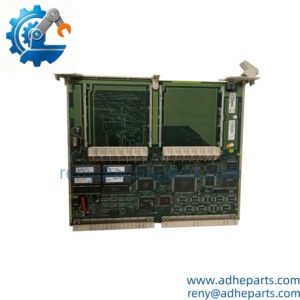
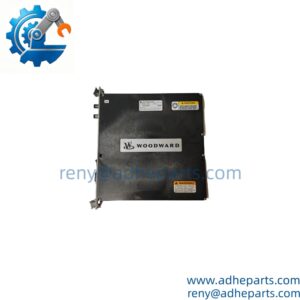
The GE WESDAC D20ME is the main processor module for the WESDAC D20 remote terminal unit. It executes the RTU logic, scans the D20 I/O modules, and manages communication with the SCADA master station and the local substation systems. It is the module that makes the RTU a control and telemetry node rather than a passive I/O rack.
The engineering value is the integration of the control logic and the SCADA communication in one module. The D20ME scans the I/O, runs the point-to-point control and interlock logic, and presents the data to the master station over DNP3 or the utility’s protocol of choice. In my experience, the most common cause of a D20 communication failure is not a dead processor — it is a serial port configuration mismatch or a firmware revision that does not support the master station’s protocol dialect. The D20ME reports the fault, but it cannot fix a mismatched baud rate or a protocol version that the master does not recognize.
Two things decide whether a swap works. First, the firmware revision. The module firmware must match the version the RTU configuration was built for, or the configuration will not load. Second, the chassis and slot assignment. The D20ME must be installed in the correct slot, and the I/O modules must be addressed correctly for the RTU to scan them.
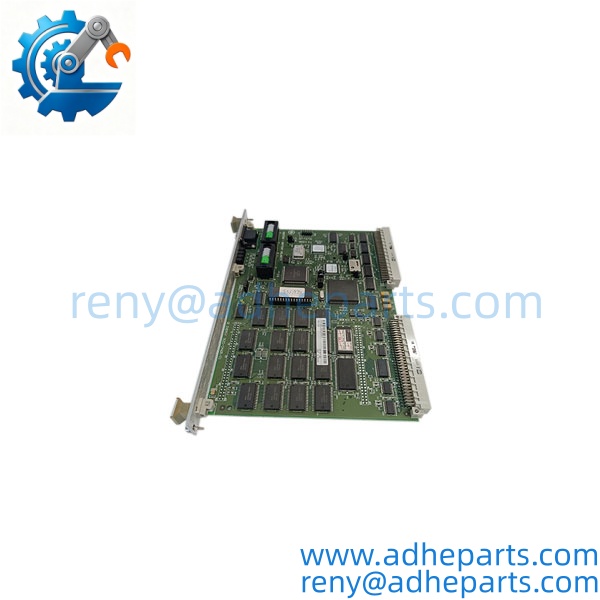
WESDAC D20ME
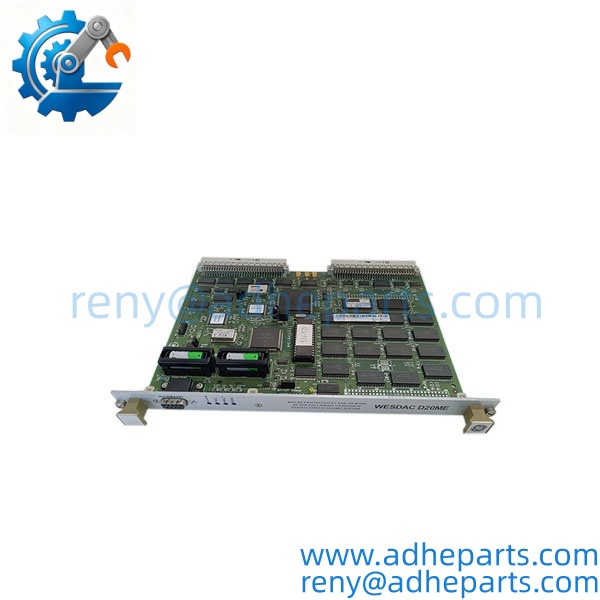
WESDAC D20ME
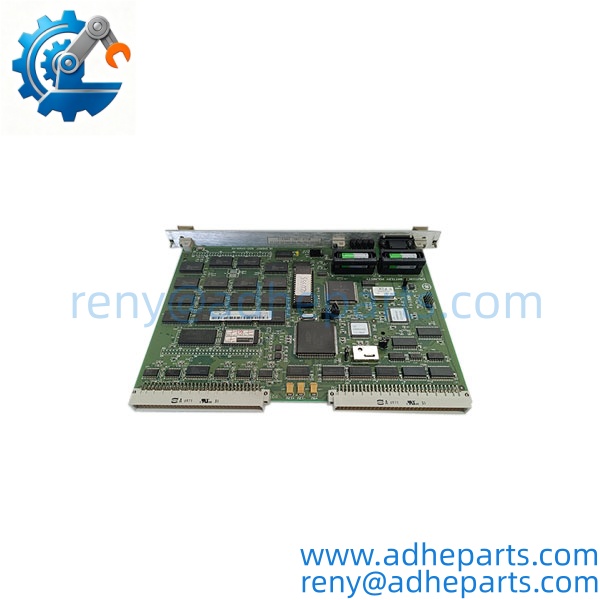
WESDAC D20ME
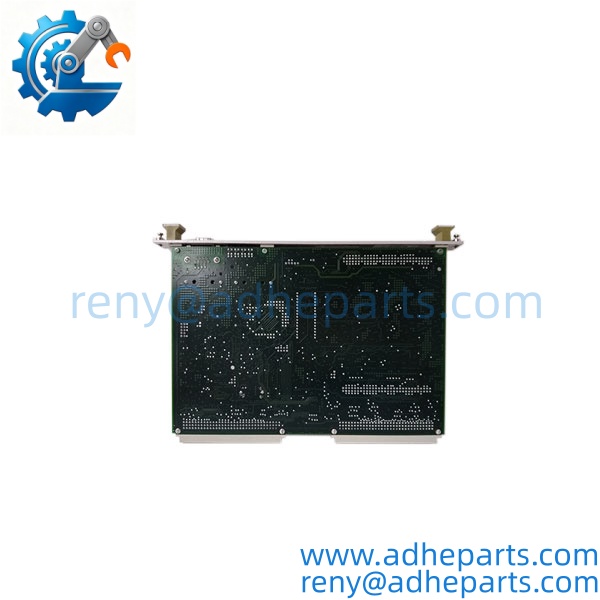
WESDAC D20ME
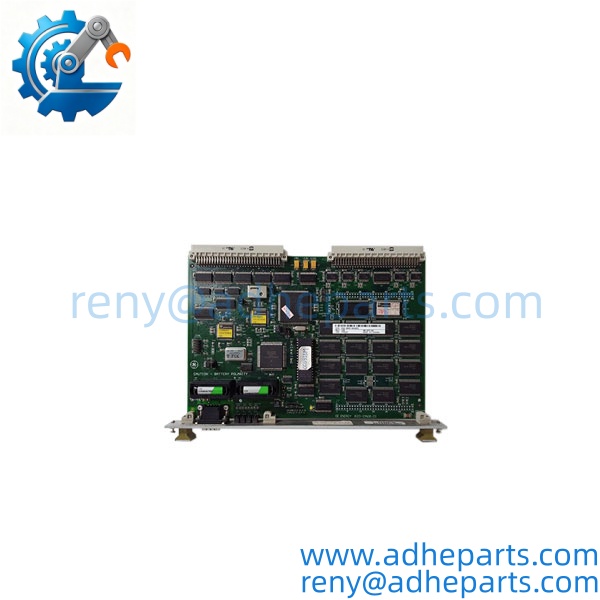
WESDAC D20ME
5. Application Scenarios & Field Experience
Part 1 – Narrative Paragraph
The failure that hurts most on a substation RTU is not a dead processor — it is a processor that runs but loses communication with the master station. The substation keeps operating, the I/O keeps scanning, and the operator at the control center loses visibility. I have seen that on a D20 RTU where the serial port configuration had drifted after a firmware update, and the master station was polling a protocol dialect the RTU no longer spoke. The processor was fine. The configuration was wrong. Before you replace a D20ME, check the serial port settings, the protocol configuration, and the firmware revision. A new module with the same configuration will behave the same way.
Part 2 – Numbered List (Application Scenarios)
- Power Transmission – Substation SCADA RTU – The executes the RTU logic for a transmission substation, scanning the breaker status, the analog measurements, and the alarm contacts. It reports the data to the control center over DNP3.
- Power Distribution – Feeder Automation RTU – Used at a distribution substation to monitor and control the feeder breakers. The runs the local interlock logic and reports the feeder status to the distribution management system.
- Water Utilities – Pump Station Telemetry – The module collects the pump status, the tank levels, and the flow readings and reports them to the central SCADA. The ‘s serial ports connect to the utility’s radio or leased-line telemetry.
- Oil & Gas – Pipeline Block Valve RTU – Used at a remote pipeline valve site to monitor the valve position and the pressure and to execute the shutdown logic. The reports the site status to the pipeline SCADA.
Part 3 – Short Field Story
A utility had a D20 RTU at a remote substation that would lose communication with the master station every afternoon. The crew had replaced the radio and the antenna cable, and the link kept dropping. We asked them to check the serial port configuration and the firmware revision. The module had been updated to a newer firmware revision that changed the default DNP3 settings, and the master station was still polling the old settings. The utility rolled the firmware back to match the master station’s configuration, and the afternoon dropouts stopped. The hardware had been fine — the firmware and the configuration were the problem.
6. Standard Operating Procedure (SOP) for Quality Control
- Visual & Origin Inspection – We verify the GE marking, the WESDAC model string, and the date code. We inspect the D20 backplane connector and the communication ports for bent pins or damage. A module with a cracked connector or evidence of moisture ingress is rejected.
- Revision and Configuration Documentation – We read and photograph the full model string, the firmware revision, and any configuration settings where accessible. That record ships with the module so you can compare it against the unit you are replacing.
- Chassis Fit Verification – Each module is seated in a D20 test chassis to confirm the connector engages fully and the retention mechanism holds. A module that fits loosely will cause intermittent backplane faults.
- Power-Up Self-Test – The module is powered in a live chassis and we verify it completes its boot sequence and that the chassis recognizes the module type without a fault.
- I/O Scan Test – The module is connected to test D20 I/O modules and we verify it scans the I/O without a bus fault. We test both digital and analog I/O if the chassis supports them.
- Communication Test – We verify the serial and Ethernet ports with a test master station. We confirm the protocol configuration and the data exchange.
- Redundancy Test – Where a redundant pair is ordered, we verify the two modules synchronize and that a forced switchover completes without losing the RTU function.
- ESD-Safe Packaging – The module is wrapped in anti-static film, seated in a conductive foam insert with the connectors protected, and packed in a double-wall carton with static warning labels.
7. Frequently Asked Questions (FAQ)
Q1: Will this module work in my D20 RTU without a firmware change?
A: Only if the firmware revision matches or is compatible with your RTU configuration. The module firmware governs the protocol dialect and the configuration format, and a mismatched revision can initialize and still fail to communicate with the master station. Read the firmware revision off your existing module and compare it to the replacement before you order.
Q2: What communication protocols does the support?
A: The D20 platform was built over a long production life, and the supported protocols depend on the firmware revision and the communication module installed. Common protocols include DNP3, Modbus, and IEC 60870-5-101/104. I cannot confirm the exact protocol set from the model number alone. Verify the protocol against the OEM datasheet and the label on your unit.
Q3: What is the warranty on this module?
A: We offer a 12-month warranty from the ship date. It covers processor failure, backplane connector failure, and communication port failure under normal operating conditions. It does not cover damage from hot-swapping the module with the chassis energized, bent pins from forced insertion, or ESD damage from handling without a wrist strap. We test every module in a live D20 chassis before it ships.
Q4: Do you have this exact model in stock?
A: WESDAC D20 inventory is legacy and varies by revision. Confirm availability before you plan an outage. If we are out of the revision you need, we will tell you what we actually have rather than quote a date we cannot hold.
Q5: Any installation pitfalls I should watch for?
A: Four. First, power down the chassis before inserting or removing the module — these modules are not hot-swap capable in most configurations. Second, record the firmware revision and the communication configuration from the old module before you remove it. Third, verify the slot assignment and the I/O module addressing in the chassis. Fourth, after the swap, verify the communication with the master station and the I/O scanning before you return the RTU to service. A module that powers up is not necessarily communicating with the master or scanning the I/O correctly.