Description
Note: Many products are not yet listed. Please contact us for more product information. Our supply channels are constantly expanding, and we currently have 20 stable shared supply channels. Please confirm the model, product, price, and all other necessary information with customer service before placing an order. We offer new, refurbished, and used products, and prices are adjusted according to the year of the item you require.
3. Product Introduction (Anti-Template)
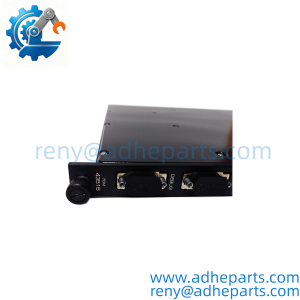
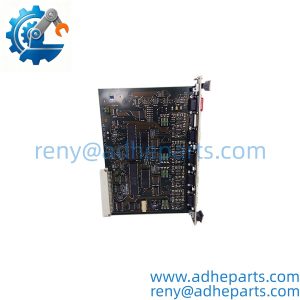
RX7i systems often require dedicated Ethernet connectivity for programming, HMI/SCADA links, peer-to-peer data exchange, and enterprise integration. The IC698ETM001 is the standalone Ethernet interface module designed for that purpose.
It features two auto-sensing 10/100 Mbps ports with an internal switch, supports SRTP and Modbus TCP, and handles Ethernet Global Data (EGD). Plants that standardized on RX7i keep this module available because loss of the Ethernet interface isolates the controller from the network until a replacement is installed and reconfigured.
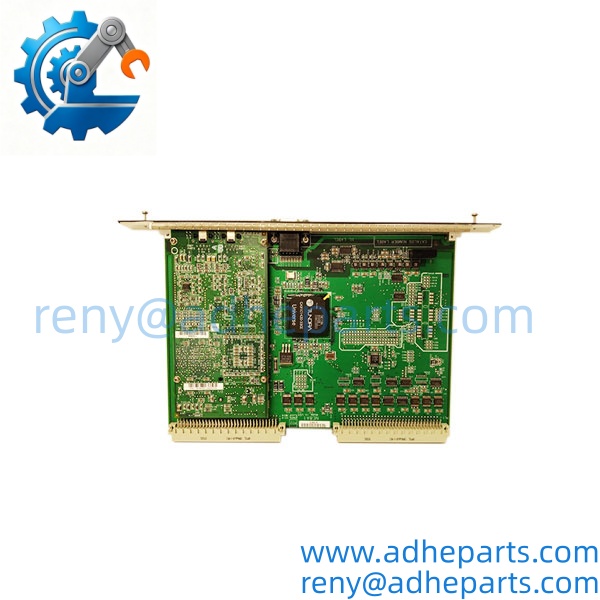
IC698ETM001
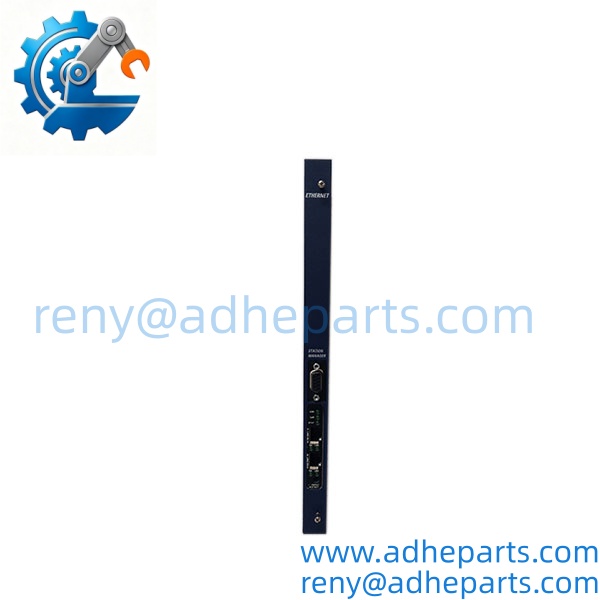
IC698ETM001
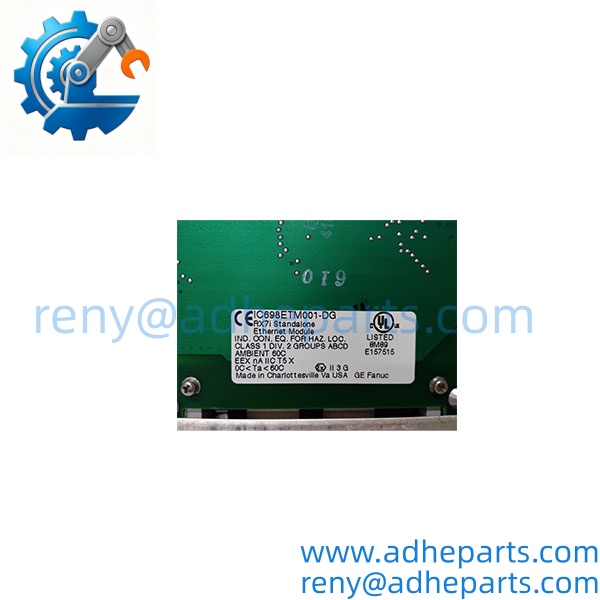
IC698ETM001
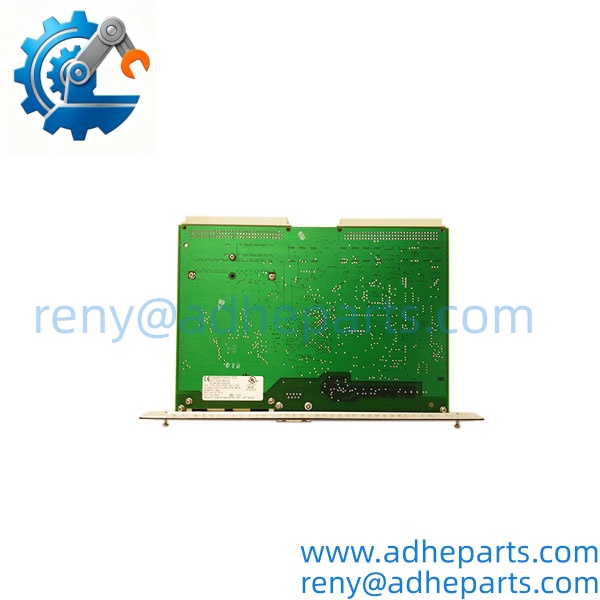
IC698ETM001
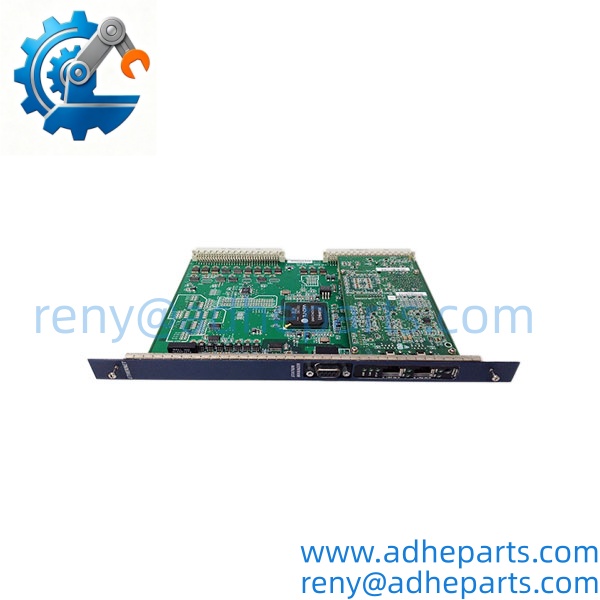
IC698ETM001
4. Key Technical Specifications
| Parameter | Value |
|---|---|
| Part Number | IC698ETM001 |
| Description | Ethernet Interface Module for RX7i |
| Ethernet Processor Speed | 200 MHz |
| Ethernet Ports | Two 10BaseT / 100BaseTX (RJ-45), auto-sensing |
| Internal Switch | Yes (supports daisy-chaining) |
| Protocols | SRTP (Client/Server), Modbus TCP (Client/Server), Ethernet Global Data (EGD Class 2) |
| IP Addressing | One primary IP; redundant IP supported |
| Station Manager Port | RS-232 (9-pin D-sub) |
| Power Requirements | +5 VDC; 1.2 A typical, 1.5 A maximum |
| Operating Temperature | 0°C to 60°C |
| Status LEDs | MODULE OK, LAN ONLINE, STATUS, 100/LINK (P1 & P2) |
5. Field Application & Technical Pitfalls (The Engineer’s Guide)
This module is used to connect RX7i controllers to plant Ethernet networks for programming, operator interfaces, data exchange with other controllers, and higher-level systems. The dual ports and internal switch simplify linear or star topologies without an external switch in many cases.
Three pitfalls appear during replacement:
IP and gateway configuration – incorrect or conflicting IP settings (including redundant IP) prevent network communication even when the module powers up normally.
Firmware compatibility – the module firmware must be compatible with the CPU firmware and the version of the programming software in use.
Cable and link quality – marginal cables or incorrect speed/duplex settings can cause intermittent LAN ONLINE or LINK LED problems.
One plant replaced an ETM001 and could not establish communications. The new module was healthy; the configured gateway address was incorrect for the new network segment. Correcting the gateway restored full connectivity.
6. Quality Control (QC) SOP & Transparency
- Inbound Verification – OEM labeling, part number, and revision are photographed and checked against the packing list; any signs of prior field use are noted.
- Live Rig Testing – module is installed in a known-good RX7i rack, powered, and verified for successful power-up diagnostics (MODULE OK LED).
- Parameter Testing – Ethernet link status and basic Station Manager access are confirmed where test equipment is available.
- Final QA & Packaging – unit is sealed in an anti-static bag with desiccant, fitted with a QC-passed label showing test date and technician ID, then double-boxed for shipment.
7. Frequently Asked Questions (FAQ)
What is the IC698ETM001 used for?
It is the Ethernet interface module for GE Fanuc / Emerson PACSystems RX7i controllers, providing 10/100 Mbps network connectivity.
How many Ethernet ports does it have?
Two auto-sensing 10/100 Mbps RJ-45 ports with an internal switch.
What protocols does it support?
SRTP, Modbus TCP (client and server), and Ethernet Global Data (EGD).
Does it support redundant IP addressing?
Yes. A redundant IP can be configured for use with dual controllers.
What warranty comes with a new-surplus unit?
Twelve months from shipment against defects in materials and workmanship when installed within the published ratings.
How do I confirm the module is healthy after installation?
Install the module, apply power, verify the MODULE OK LED is on, confirm LINK indicators on the connected ports, check that the module appears correctly in the hardware configuration, and verify that programming and data exchange functions operate without faults.