Description
Note: Many products are not yet listed. Please contact us for more product information. Our supply channels are constantly expanding, and we currently have 20 stable shared supply channels. Please confirm the model, product, price, and all other necessary information with customer service before placing an order. We offer new, refurbished, and used products, and prices are adjusted according to the year of the item you require.
3. Key Technical Specifications
Confirm each line against the OEM datasheet and the label on your existing card before ordering. The SST-PFB3 family has multiple revisions, and the -2 suffix defines the channel count and firmware image for this specific build.
| Parameter | Value |
|---|---|
| Model | SST-PFB3-VME-2 |
| Brand | SST (Woodhead Industries) |
| Product Family | SST-PFB3 Profibus VME interface |
| Module Type | VMEbus Profibus DP interface card |
| Host Interface | VMEbus (6U form factor) — verify backplane compatibility and slot assignment |
| Profibus Protocol | Profibus DP — master or slave role configurable via firmware |
| Profibus Connector | 9-pin D-sub (female) — verify pinout on your unit |
| Data Rate | 9.6 kbit/s to 12 Mbit/s — verify supported rates on your firmware |
| Channels | Verify with OEM datasheet — confirm channel count on your unit label |
| VMEbus Data Width | D8/D16/D32 — verify with OEM datasheet |
| VMEbus Address Space | A16/A24/A32 — verify |
| Isolation | 500V AC (Profibus side to VMEbus side) — verify |
| Power Supply | From VMEbus backplane — verify voltage rails and current draw |
| Power Consumption | Verify with OEM datasheet |
| Configuration | Verify — DIP switches, jumpers, or software tool; confirm on your unit |
| Status Indicators | Profibus bus status, channel status, fault — verify LED arrangement |
| Operating Temperature | 0 °C to +55 °C (typical — verify) |
| Storage Temperature | –40 °C to +85 °C (typical — verify) |
| Humidity | 5% – 95% RH, non-condensing |
| Certifications | CE, UL — verify on the specific unit’s label |
4. Product Introduction
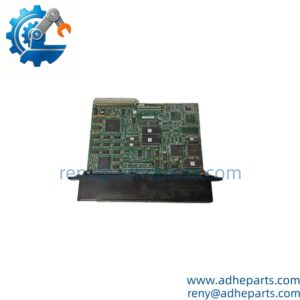
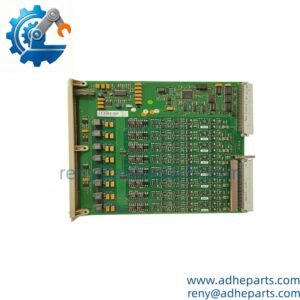
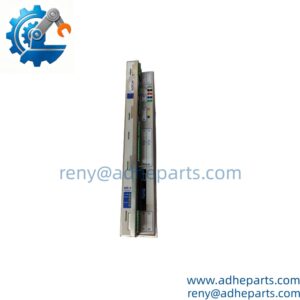
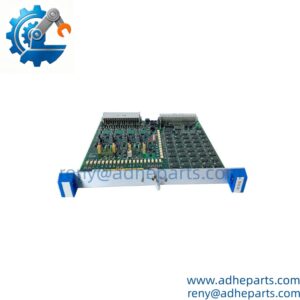
The SST SST-PFB3-VME-2 is a Profibus DP interface card for VMEbus-based control systems. It plugs into a 6U VME chassis and provides a Profibus DP connection — either as a master polling field devices or as a slave responding to a higher-level network. The card handles the Profibus protocol stack internally, so the VME host sees the field data as a block of memory-mapped registers.
The engineering value is the bridge between two architectures. VMEbus systems from the 1990s and early 2000s still run in many industrial and telecom installations, but the field devices have moved to Profibus. This card lets the existing VME host communicate with modern Profibus DP devices without replacing the chassis or the application software. In my experience, the most common integration issue is the firmware revision — the Profibus stack and the VMEbus interface firmware must match the host’s configuration and the network’s baud rate.
Two things decide whether a swap works. First, the firmware revision. The SST-PFB3-VME-2 carries a specific firmware image, and a mismatched revision may not initialize or may not support the baud rate your network uses. Second, the VMEbus slot and address configuration. The card must be set to the correct VMEbus address space and slot assignment, or the host will not see it.
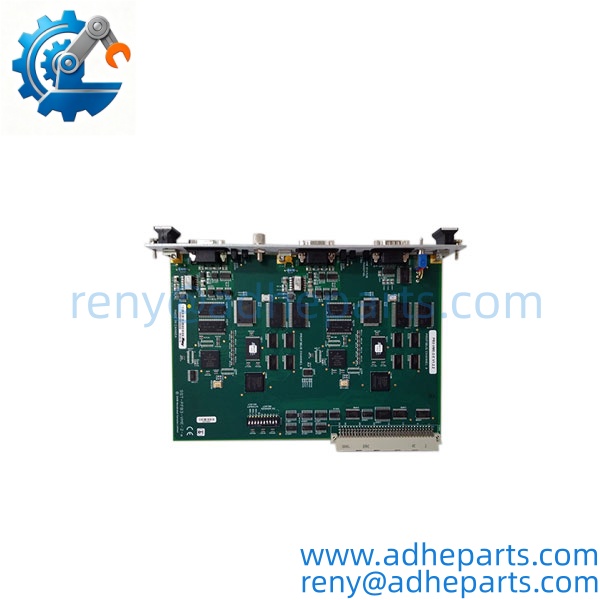
SST-PFB3-VME-2
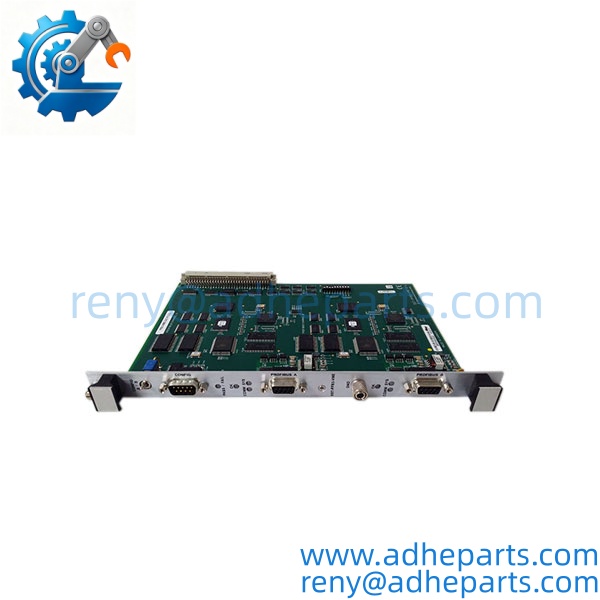
SST-PFB3-VME-2
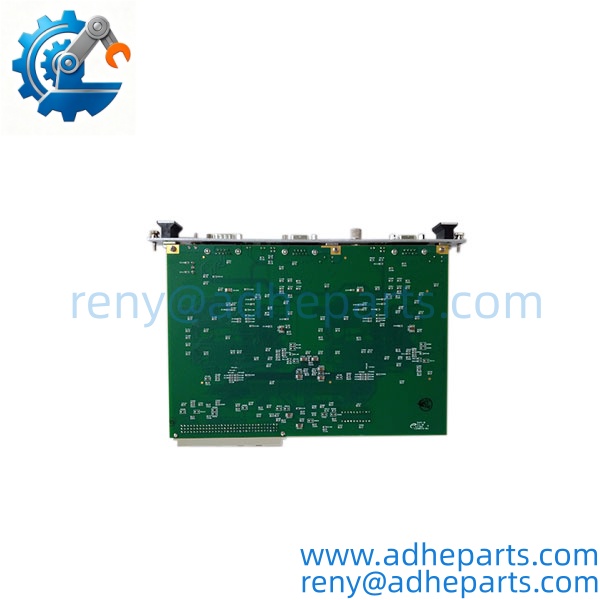
SST-PFB3-VME-2
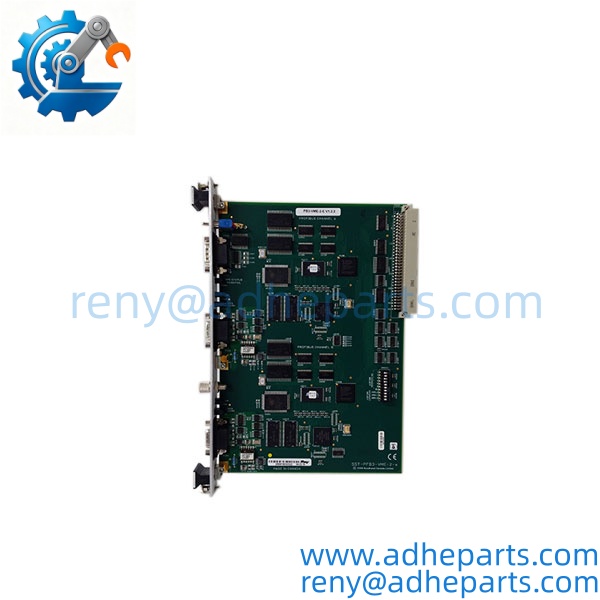
SST-PFB3-VME-2
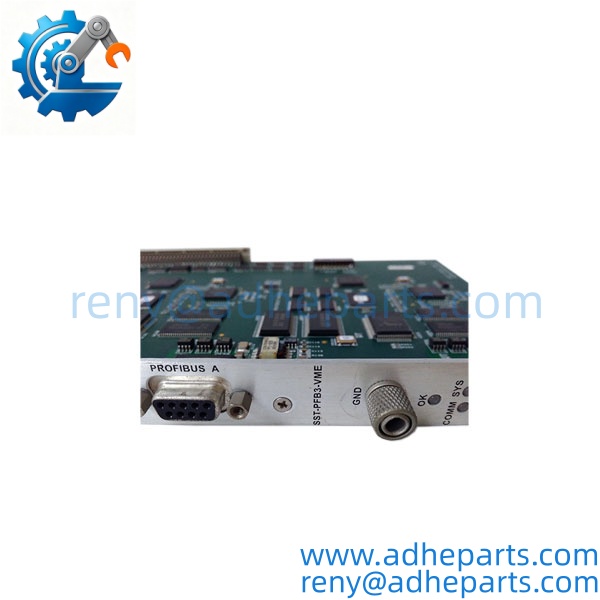
SST-PFB3-VME-2
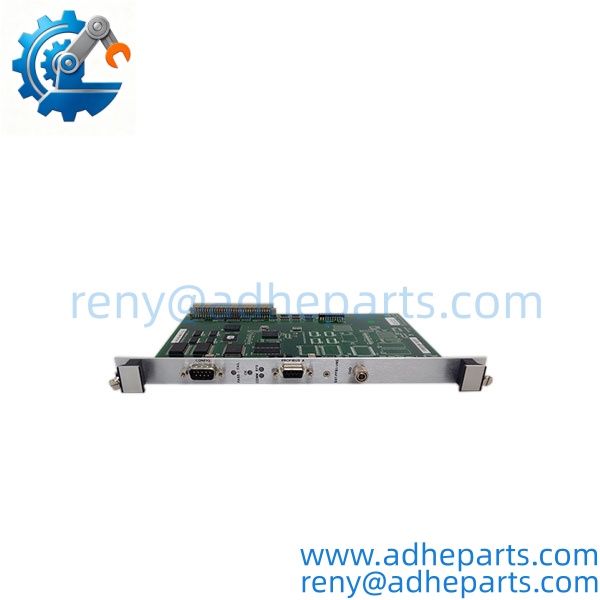
SST-PFB3-VME-2
5. Application Scenarios & Field Experience
Part 1 – Narrative Paragraph
The failure that costs the most downtime on a VME Profibus card is not a dead card — it is a card that passes a self-test and still drops Profibus frames. The VME host is running, the Profibus network is configured, and the diagnostic LEDs show bus activity. What nobody sees is that the card’s Profibus ASIC is dropping frames under high bus load because the firmware is an older revision. I have seen that on a steel mill where the VME-based drive control was losing speed references from a Profibus master. The card was not reporting a fault — it was just slow. When you replace an SST-PFB3-VME-2, verify the firmware revision against your network’s baud rate and device count before you power up.
Part 2 – Numbered List (Application Scenarios)
- Metals – VME Drive Control with Profibus Field Devices – The card connects a VMEbus drive controller to a Profibus DP network of drives and remote I/O. The VME host sends speed references and reads back fault status over the Profibus link.
- Telecom – Central Office Equipment Integration – Used in a VME-based telecom shelf to connect to a Profibus DP monitoring network. The card acts as a slave and reports shelf status to the higher-level network.
- Power Generation – Turbine Auxiliary Control – A VME-based turbine auxiliary controller uses the card to communicate with Profibus DP valve positioners and motor starters. The card’s isolation protects the VME backplane from field transients.
- Test Rigs – VME Data Acquisition with Profibus Sensors – The card adds Profibus DP sensor connectivity to a VME-based test system. The VME host reads pressure, flow, and temperature transmitters over the Profibus network.
Part 3 – Short Field Story
A steel plant in the Midwest had a VME-based drive controller that would lose Profibus communication every time the mill ran at high speed. The crew had replaced the Profibus cable and the repeater. The fault kept coming back. We asked for the card’s firmware revision and the network baud rate. The card was running an older firmware revision that could not keep up with the 1.5 Mbit/s baud rate and the number of devices on the segment. The plant replaced the card with an -VME-2 carrying a newer firmware revision, and the communication faults stopped. The original card had been fine at low speed — it just could not handle the high-speed load.
6. Standard Operating Procedure (SOP) for Quality Control
- Visual & Origin Inspection – We verify the SST marking, the -VME-2 model string, and the date code. We inspect the VMEbus P1/P2 connectors for bent pins and the Profibus D-sub for damage. A card with a damaged connector or evidence of moisture ingress is rejected.
- Revision and Firmware Documentation – We read and photograph the full model string, the firmware revision, and any DIP switch or jumper settings. That record ships with the card so you can compare it against the unit you are replacing.
- VMEbus Fit Verification – Each card is seated in a 6U VME test chassis to confirm the connector engages fully and the retention mechanism holds. A card that fits loosely will cause intermittent backplane faults.
- Power-Up Self-Test – The card is powered in a live VME chassis and we verify it completes its boot sequence and that the host recognizes the card type.
- Profibus Communication Test – We connect the card to a Profibus DP test network with a known master and slave. We verify data exchange at multiple baud rates and confirm the card reports bus diagnostics correctly.
- Isolation Test – We apply the rated isolation voltage between the Profibus side and the VMEbus side. Leakage current must stay below the datasheet limit.
- Connector Integrity Test – We mate and unmate the VMEbus connector and the Profibus D-sub ten times to confirm the contacts do not deform and the retention mechanism holds.
- ESD-Safe Packaging – The card is wrapped in anti-static film, seated in a conductive foam insert with the connectors protected by rigid shrouds, and packed in a double-wall carton with static warning labels.
7. Frequently Asked Questions (FAQ)
Q1: What does the -2 suffix mean?
A: The -2 suffix identifies the specific build of the -VME interface. On this family, the suffix typically denotes the channel count, the firmware image, or a connector variant. I cannot confirm the exact meaning from the model number alone. Read the full label on your existing card and compare it character for character before you order. If you send us a photo of the label, we will confirm the match.
Q2: Can this card act as both a Profibus DP master and a slave?
A: The family supports both master and slave roles, but the role is determined by the firmware image and the configuration. A card built for one role may not support the other without a firmware change. Verify the role against the OEM documentation and the label on your unit before you order.
Q3: What is the warranty on this card?
A: We offer a 12-month warranty from the ship date. It covers component failure, VMEbus connector failure, Profibus connector failure, and isolation breakdown under normal operating conditions. It does not cover damage from hot-swapping the card with the VME chassis energized, bent pins from forced insertion, or ESD damage from handling without a wrist strap. We test every card on a live VME chassis and a Profibus network before it ships.
Q4: Do you have this exact model in stock?
A: SST VME interface inventory moves and varies by firmware revision. Confirm availability before you plan an outage. If we are out of the -2 variant, we will tell you what we actually have and whether a different build would suit your VME host and Profibus network.
Q5: Any installation pitfalls I should watch for?
A: Four. First, power down the VME chassis before inserting or removing the card — these cards are not hot-swap capable. Second, record the firmware revision and the VMEbus address configuration from the old card before you remove it. Third, verify the Profibus baud rate and the device count on your network match the card’s capabilities. Fourth, after the swap, verify the Profibus communication and the VME host’s access to the card before you return the system to service. A card that powers up is not necessarily exchanging data with the field.