Description
Note: Many products are not yet listed. Please contact us for more product information. Our supply channels are constantly expanding, and we currently have 20 stable shared supply channels. Please confirm the model, product, price, and all other necessary information with customer service before placing an order. We offer new, refurbished, and used products, and prices are adjusted according to the year of the item you require.
3. Key Technical Specifications
The Kinetix 6000 series was built in several power ratings and voltage classes. Confirm the continuous and peak current ratings on the label of your existing module and against the OEM datasheet before ordering. The ratings below that are marked for verification cannot be decoded from the catalog number alone.
| Parameter | Value |
|---|---|
| Model | 2094-BM01-S |
| Brand | Allen-Bradley |
| Product Family | Kinetix 6000 |
| Module Type | Single-axis servo drive module |
| Input Voltage Class | 460V AC three-phase — verify range on the unit label |
| Axis Count | 1 |
| Safe Torque Off (STO) | Yes — the -S suffix denotes the safe-off option |
| Communication Interface | SERCOS fiber-optic ring — verify the SERCOS rate and the host controller |
| Continuous Output Current | Verify with OEM datasheet — confirm on the module label |
| Peak Output Current | Verify with OEM datasheet — confirm on the module label |
| Continuous Output Power | Verify with OEM datasheet |
| Compatible Motors | Verify — Kinetix 6000 supports specific motor families and feedback types |
| Feedback Support | Verify — confirm the feedback type on your motor and the drive configuration |
| Power Rail | Mounts on the Kinetix 6000 power rail — verify the rail and the power supply module part numbers |
| Required Power Supply | A 2094 power supply module is required in the same cluster — verify the model and sizing |
| Line Interface Module | Verify — confirm whether your cluster uses a LIM and which part number |
| Backplane / Rail Current | Verify with OEM datasheet — confirm the cluster power budget |
| Status Indicators | Drive status, fault, SERCOS, and STO status LEDs — verify arrangement |
| Operating Temperature | 0 °C to +50 °C (typical — verify with derating curve) |
| Storage Temperature | –40 °C to +85 °C (typical — verify) |
| Humidity | 5% – 95% RH, non-condensing |
| Certifications | UL 508, CSA C22.2, CE, TÜV (STO function) — verify on the specific unit’s label |
4. Product Introduction
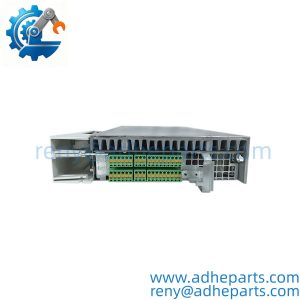
The Allen-Bradley 2094-BM01-S is a single-axis servo drive module from the Kinetix 6000 family. It mounts on the Kinetix 6000 power rail alongside a power supply module and other axis modules, and it drives one servo motor over a SERCOS fiber-optic network. The -S suffix identifies the Safe Torque Off option, which removes drive torque without removing power from the motor.
The engineering value is the modular cluster architecture and the integrated safety function. A Kinetix 6000 cluster shares one power supply across several axis modules, so you add axes by adding modules to the rail rather than adding separate drives with separate supplies. The STO function provides a safety-rated torque removal that can be used in a machine safety circuit without a contactor drop on the motor leads. In my experience, the most common cause of a drive fault on this platform is not a dead axis module — it is a SERCOS fiber connection that has been disturbed, or a power supply that is undersized for the number of axes on the rail. Check the fiber and the cluster power budget before you assume the module is bad.
Two things decide whether a swap works. First, the firmware revision. The axis module firmware must match the version the Logix controller project expects, or the drive will not initialize on the SERCOS ring. Second, the cluster configuration. The module’s node address, the power supply sizing, and the rail position must match the original installation.
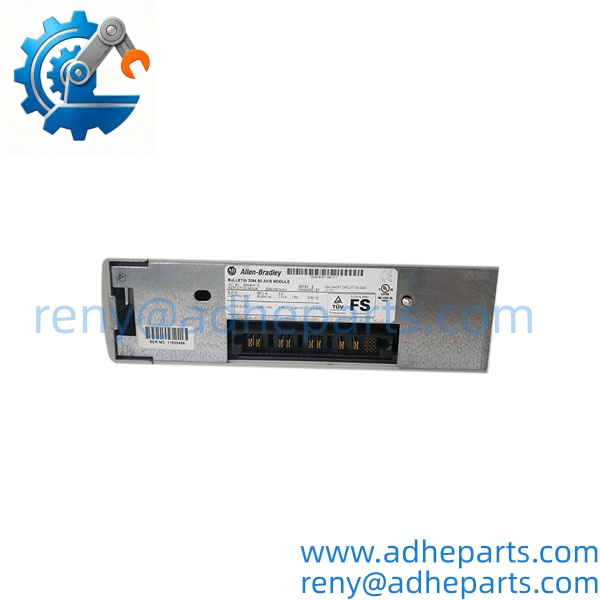
2094-BM01-S
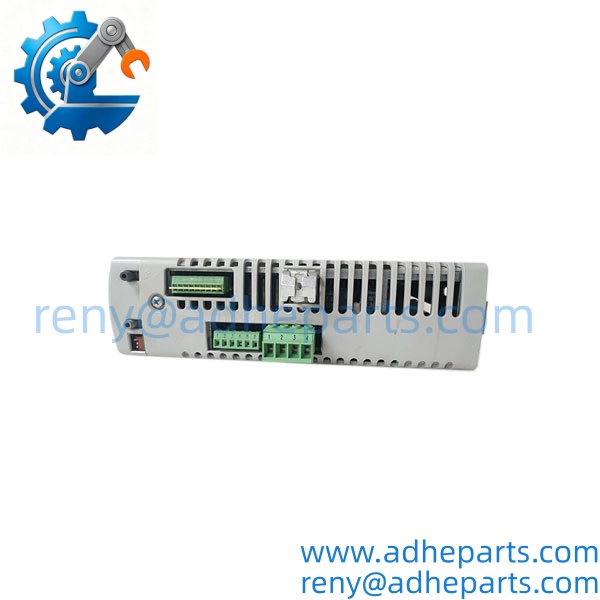
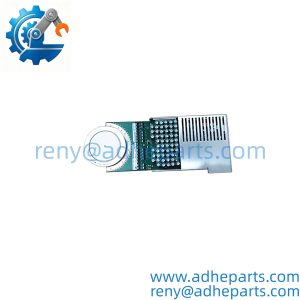
2094-BM01-S
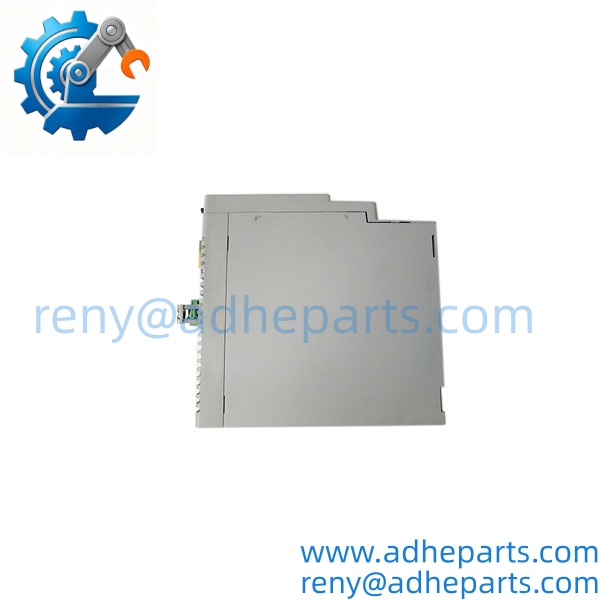
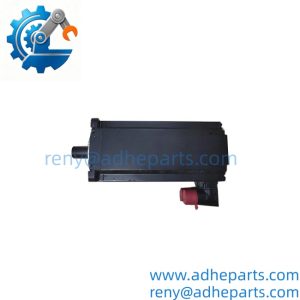
2094-BM01-S
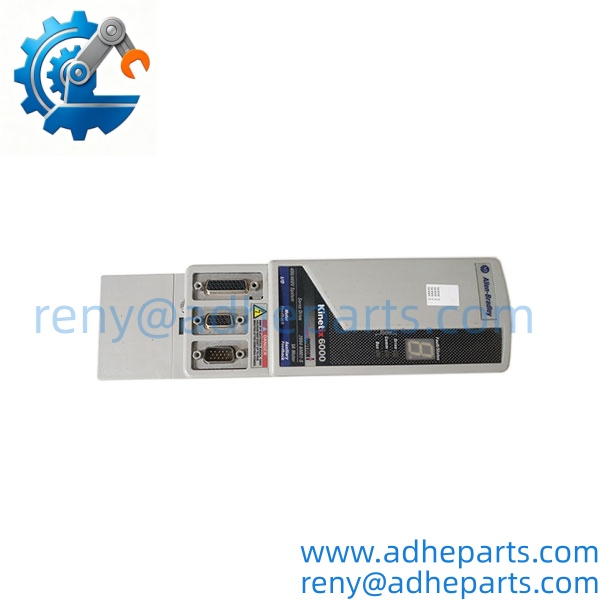
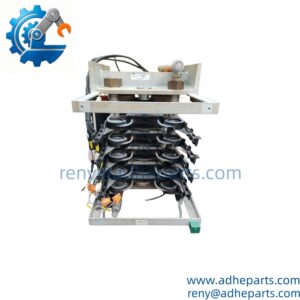
2094-BM01-S
5. Application Scenarios & Field Experience
Part 1 – Narrative Paragraph
The failure that stops a Kinetix 6000 machine is often not the axis module — it is a SERCOS ring that has lost a node because a fiber connector was bumped during a panel modification. The controller faults, the machine stops, and the maintenance team replaces the drive. I have seen that movie twice. The drive was fine; the fiber connector at the next module was half-seated. Before you order a replacement module, check the fiber connectors at both ends, the SERCOS node address, and the cluster fault log. A new module with the same fiber problem will fault the same way.
Part 2 – Numbered List (Application Scenarios)
- Packaging Machinery – Multi-Axis Form-Fill-Seal – The module drives one axis on a machine with several servo axes sharing a Kinetix 6000 cluster. The STO function is wired into the guard-door safety circuit, so opening the guard removes torque without dropping the main power.
- Material Handling – Conveyor and Gantry Axes – Used on a gantry or conveyor system where several axes share one power rail. The single-axis module adds one motion axis without a separate drive enclosure.
- Machine Tools – Feed Axis Control – Drives a feed axis on a machining center. The SERCOS interface carries the position command and the feedback, and the STO function supports the machine’s safety circuit.
- Converting – Web Handling Axes – Used on a converting line where the axis module controls a tension or pull roll. The cluster architecture keeps the panel compact and the wiring short.
Part 3 – Short Field Story
A packaging plant had a Kinetix 6000 machine that would fault on “SERCOS communication loss” every few shifts. The maintenance team replaced the axis module and the fault came back. We asked them to check the fiber connectors and the node addresses. One fiber connector at the adjacent module had a latch that was broken, and the cable was backing out under vibration. They replaced the fiber cable and the fault stopped. The original axis module had been fine.
6. Standard Operating Procedure (SOP) for Quality Control
- Visual & Origin Inspection – We verify the Allen-Bradley marking, the 2094-BM01-S catalog number, and the date code. We inspect the power rail connector, the SERCOS fiber ports, and the motor/feedback connectors for damage. A module with a cracked connector or evidence of moisture ingress is rejected.
- Revision and Firmware Documentation – We read and photograph the full catalog number, the firmware revision, the node address setting, and the date code. That record ships with the module so you can compare it against the unit you are replacing.
- Power Rail Fit Verification – Each module is seated on a Kinetix 6000 test rail to confirm the connector engages fully and the retention mechanism holds. A module that fits loosely will cause intermittent rail faults.
- Power-Up Self-Test – The module is powered in a live cluster with a known-good power supply and controller. We verify it initializes on the SERCOS ring and that the controller recognizes the module without a fault.
- SERCOS Communication Test – We verify the fiber-optic ring communication at the configured rate and log any dropped frames or ring faults.
- STO Function Test – We verify the Safe Torque Off input removes torque and that the module reports the STO status correctly. This is a safety function, and it does not ship untested.
- Motor and Feedback Verification – Where a test motor is available, we verify the drive runs the motor in both directions and reads the feedback correctly. If no motor is available, we verify the feedback input with a simulator.
- ESD-Safe Packaging – The module is wrapped in anti-static film, seated in a conductive foam insert with the connectors protected, and packed in a double-wall carton with static warning labels.
7. Frequently Asked Questions (FAQ)
Q1: What does the -S suffix mean on this drive?
A: The -S suffix denotes the Safe Torque Off (STO) option. It is a safety-rated input that removes drive torque without removing power from the motor. The STO function must be wired into your machine safety circuit and configured in the controller project. If your existing drive does not have the STO option, verify that your safety circuit and wiring support it before you substitute an -S module.
Q2: Can I replace just one axis module in a Kinetix 6000 cluster?
A: Yes, but the module must match the cluster’s voltage class and the controller project’s firmware revision. Power down the cluster before removing or inserting the module. After the swap, verify the SERCOS ring initializes and the node address matches the original. Do not hot-swap the module on a live rail.
Q3: What is the warranty on this module?
A: We offer a 12-month warranty from the ship date. It covers power stage failure, SERCOS communication failure, STO circuit failure, and connector failure under normal operating conditions. It does not cover damage from incorrect input voltage, a shorted motor winding, a feedback cable fault, or operation beyond the rated current. We test every module in a live cluster and verify the STO function before it ships.
Q4: Do you have this exact module in stock?
A: Kinetix 6000 inventory moves and varies by build. Confirm availability before you plan an outage. If we are out of the 2094-BM01-S variant, we will tell you what we actually have and whether a different rating would suit your motor and cluster. Do not assume any 2094-BM01 will substitute — the current rating and the STO option matter.
Q5: Any installation pitfalls I should watch for?
A: Four. First, power down the entire cluster and let the DC bus discharge before inserting or removing the module — the bus capacitors hold a lethal charge. Second, verify the SERCOS fiber connectors are clean and fully latched at both ends; a half-seated connector causes intermittent ring faults that look like a bad module. Third, record the node address and firmware revision from the old module before you remove it. Fourth, after the swap, verify the SERCOS ring initializes and the STO function operates before you return the machine to production. A module that powers up is not necessarily communicating on the ring or executing the safety function correctly.