Description
Note: Many products are not yet listed. Please contact us for more product information. Our supply channels are constantly expanding, and we currently have 20 stable shared supply channels. Please confirm the model, product, price, and all other necessary information with customer service before placing an order. We offer new, refurbished, and used products, and prices are adjusted according to the year of the item you require.
3. Key Technical Specifications
Confirm each line against the OEM datasheet and the label on your existing module before ordering. The 3503E family was built in several builds, and the N suffix identifies a specific configuration. The terminal panel part number and the input voltage range must be verified for your application.
| Parameter | Value |
|---|---|
| Model | 3503EN |
| Brand | Triconex |
| Product Family | Tricon v9 / v10 |
| Module Type | Digital Input Module (DIM) |
| Input Points | Verify with OEM datasheet — 3503E family is 32-point class; confirm on the module label |
| Input Voltage | 24V DC nominal — verify range on the unit label |
| Input Type | Sourcing or sinking — verify against your field wiring configuration |
| Input Current | Verify with OEM datasheet |
| Architecture | Triple Modular Redundant (TMR) |
| Safety Integrity Level | SIL 3 capable when configured in a compliant Tricon system |
| Diagnostics | Input loopback and stuck-on/stuck-off detection — verify firmware support |
| Isolation | Field side to logic side — verify isolation voltage |
| Backplane Interface | Tricon chassis backplane — verify slot assignment |
| Terminal Panel | External terminal panel required — verify the correct part number for your chassis and marshalling |
| Compatible Chassis | Tricon main and expansion chassis — verify chassis model and revision |
| Hot Swap | Supported in redundant configuration — follow the OEM procedure; do not pull under load without verifying |
| Status Indicators | Module health and point status LEDs — verify arrangement |
| Operating Temperature | 0 °C to +60 °C (typical — verify) |
| Storage Temperature | –40 °C to +85 °C (typical — verify) |
| Humidity | 5% – 95% RH, non-condensing |
| Weight | Verify with OEM datasheet |
| Certifications | TÜV SIL 3, CE, UL — verify on the specific unit’s label |
4. Product Introduction
The Triconex 3503EN is a digital input module for the Tricon safety system. It acquires 24V DC field signals — limit switches, pressure switches, pushbuttons, relay contacts, and detector outputs — from a triple-modular-redundant architecture that keeps the reported state correct even when one of the three internal channels faults. It is the module that tells the safety controller what the field devices are doing.
The engineering value is the TMR input voting. Each input point has three independent acquisition circuits, and the module votes the result before it passes the state to the controller. If one channel reads a false state, the other two carry the correct value and the module reports the degraded channel. That is what allows a Tricon system to reach SIL 3 without a shutdown for every single internal fault.
Two things decide whether a swap works. First, the terminal panel. The 3503EN does not land field wiring directly — it mates with an external terminal panel that carries the marshalling and the field connections. If the panel is wired for a different module type or a different point count, the replacement will not work. Second, the chassis revision. Verify the chassis supports the module revision before you install it.
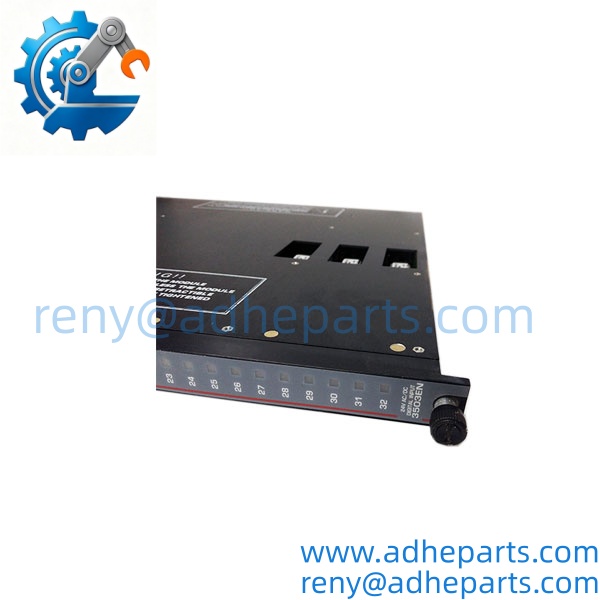
3503EN
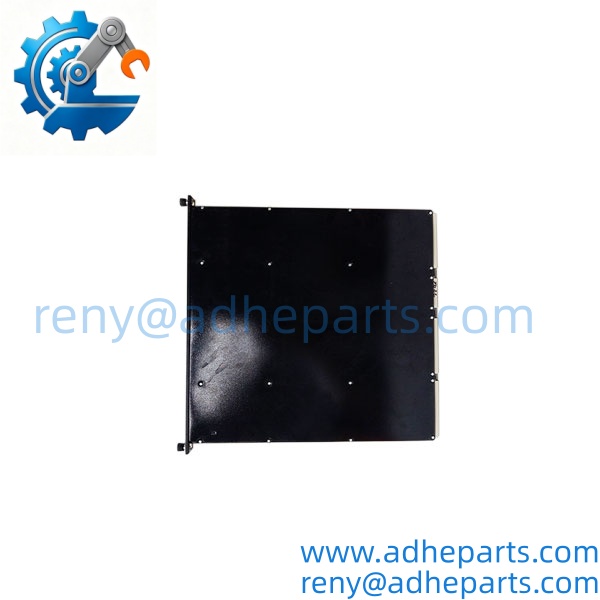
3503EN
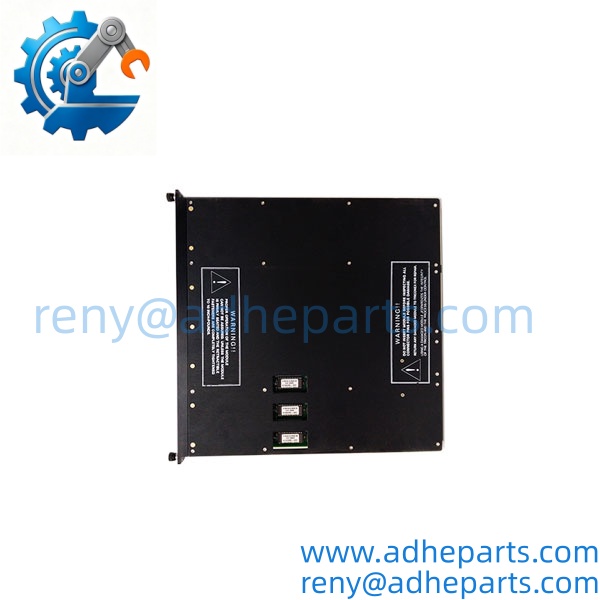
3503EN
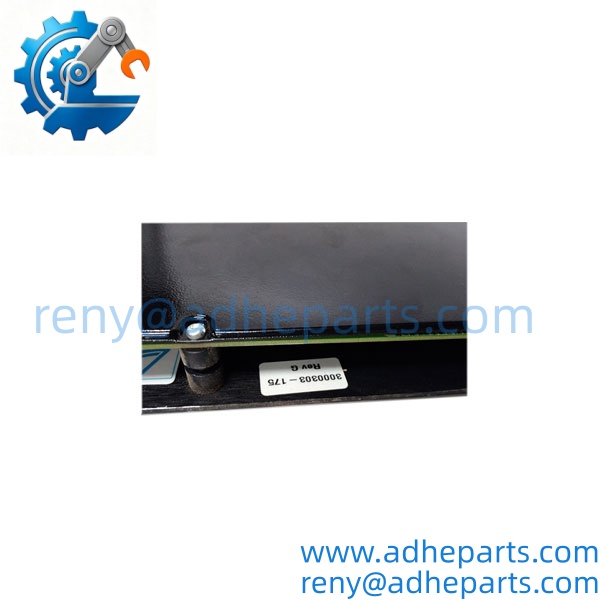
3503EN
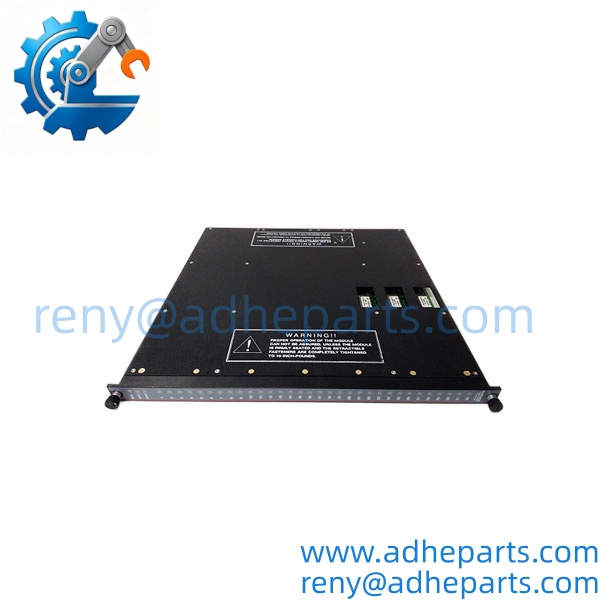
3503EN
5. Application Scenarios & Field Experience
Part 1 – Narrative Paragraph
The failure that hurts most on a safety input module is not a dead channel — it is a channel that reads a false “safe” state. The field switch is open, the module reports closed, and the safety logic believes the interlock is satisfied when it is not. I have seen that on a pressure switch circuit where the input channel had a stuck-on failure and the module’s diagnostic circuit could not see it because the field voltage was within the module’s test window. On a safety system, that is the failure that defeats the entire loop. When you replace a Tricon input module, verify each channel with a known open and a known closed field condition at the terminal — not just at the module — before you return the loop to service.
Part 2 – Numbered List (Application Scenarios)
- Oil & Gas – Emergency Shutdown Switch Monitoring – The module reads ESD pushbuttons, gas detector contacts, and valve position limit switches. The TMR architecture keeps the input state correct through a single channel fault, and the diagnostics report the degraded channel.
- Chemical – Reactor Interlock Inputs – Used to monitor temperature switches, pressure switches, and level switches on exothermic reactor systems. The stuck-on and stuck-off detection helps isolate a failed input before it defeats the safety function.
- Power Generation – Burner Management System Inputs – Reads flame scanner contacts, fuel pressure switches, and limit switches on the burner front. The SIL 3 rating meets the burner management safety requirements.
- Pipeline – Compressor Station Shutdown Inputs – Monitors shutdown switches and detector contacts at remote compressor stations. The module’s diagnostics log the fault to the safety controller for maintenance follow-up.
Part 3 – Short Field Story
A Gulf Coast refinery had an ESD loop that would not trip during a proof test. The controller commanded the trip, the logic executed, and the shutdown valve did not move. The maintenance team replaced the solenoid and the valve still would not close. We asked them to check the input module’s channel state with the field switch manually opened. The channel showed closed. The input circuit had a stuck-on failure, and the controller believed the interlock was satisfied when the switch was actually open. The plant replaced the 3503EN module, re-ran the proof test, and the loop tripped correctly. The module had been reporting a false safe state the entire time.
6. Standard Operating Procedure (SOP) for Quality Control
- Visual & Origin Inspection – We verify the Triconex marking, the 3503EN model string, and the date code. We inspect the backplane connector for bent pins and the module housing for cracks or moisture ingress. A module with a damaged connector or evidence of rework is rejected.
- Revision and Firmware Documentation – We read and photograph the full model string, the firmware revision, and the module revision letter. That record ships with the module so you can compare it against the unit you are replacing.
- Chassis Fit Verification – Each module is seated in a Tricon test chassis to confirm the connector engages fully and the retention mechanism holds. A module that fits loosely will cause intermittent backplane faults in the field.
- Power-Up and Self-Test – The module is powered in a live chassis and we verify it completes its boot sequence and that the controller recognizes the module type without a fault.
- Input Channel Verification – We apply a known open and a known closed condition to each input point and verify the module reports the correct state. We test at the rated input voltage and at the low end of the input range to catch a marginal threshold.
- Stuck-State Diagnostic Test – We simulate a stuck-on and a stuck-off input and verify the module reports the fault to the controller. A module that reads inputs correctly but does not report faults is not acceptable for safety service.
- Isolation Test – We apply the rated isolation voltage between the field side and the logic side. Leakage current must stay below the datasheet limit.
- ESD-Safe Packaging – The module is wrapped in anti-static film, seated in a conductive foam insert with the connectors protected by rigid shrouds, and packed in a double-wall carton with static warning labels.
7. Frequently Asked Questions (FAQ)
Q1: Does the 3503EN include the terminal panel?
A: No. The 3503EN is the module only. Field wiring lands on an external terminal panel that mates with the module through the chassis. The terminal panel is a separate part number, and you must verify it matches your module type, point count, and chassis. If you send us the terminal panel part number and the chassis model, we can confirm the match before you order.
Q2: Can I hot-swap the 3503EN in a running Tricon system?
A: The Tricon architecture supports module replacement in a redundant configuration, but you must follow the OEM procedure exactly. Do not pull the module under load without verifying the system is in the correct state and the associated input circuits are in a safe condition. On a safety system, an incorrect hot-swap can drop the input and trip the process. Read the OEM procedure for your specific chassis and revision before you touch the module.
Q3: What is the warranty on this module?
A: We offer a 12-month warranty from the ship date. It covers input circuit failure, backplane connector failure, and diagnostic circuit failure under normal operating conditions. It does not cover damage from hot-swapping outside the OEM procedure, bent pins from forced insertion, or field wiring faults that cause an input to fail. We test every module in a live Tricon chassis across all input points before it ships.
Q4: Do you have this in stock?
A: Triconex inventory moves quickly, and stock varies by revision. Confirm availability before you plan an outage. If we are out of the revision you need, we will tell you what we actually have rather than quote a date we cannot hold.
Q5: Any installation pitfalls I should watch for?
A: Four. First, verify the terminal panel part number matches the module and the chassis before you install. Second, verify the field voltage against the module’s input range — a 48V DC field circuit on a 24V DC module will damage the input. Third, check the field wiring for a short or a ground fault before you install the replacement; a field fault will damage the new module. Fourth, after the swap, verify each input at the field terminal with a known open and a known closed condition, and run a proof test of the safety function before you return the loop to service. A module that reports healthy is not necessarily reading the field correctly.