Description
Note: Many products are not yet listed. Please contact us for more product information. Our supply channels are constantly expanding, and we currently have 20 stable shared supply channels. Please confirm the model, product, price, and all other necessary information with customer service before placing an order. We offer new, refurbished, and used products, and prices are adjusted according to the year of the item you require.
3. Key Technical Specifications
Confirm each line against the OEM datasheet and the label on your existing terminal before ordering. Display type and memory size vary across the PanelView 600 family.
| Parameter | Value |
|---|---|
| Model | 2711-K6C15 |
| Brand | Allen-Bradley |
| Product Family | PanelView 600 (Standard) |
| Input Type | Keypad (K) — function keys plus numeric keypad |
| Display Size | 6-inch class — verify active area on your build |
| Display Type | Color (C) — verify display technology on the unit label |
| Display Resolution | Verify with OEM datasheet |
| Backlight | Verify type and replacement interval |
| Touch Screen | No — this is the keypad variant |
| Communication Ports | DH-485 + RS-232 (DF1) — the 15 suffix denotes this port configuration |
| Configuration Software | PanelBuilder32 — verify supported version |
| Application Memory | Verify with OEM datasheet |
| Power Supply | 24V DC nominal — verify input range on the label |
| Power Consumption | Verify with OEM datasheet |
| Enclosure Rating | NEMA Type 4X / 12 / 13, IP65 — verify on the unit label |
| Mounting | Panel mount with gasket — verify cutout dimensions |
| Operating Temperature | 0 °C to +55 °C (typical — verify) |
| Storage Temperature | –20 °C to +60 °C (typical — verify) |
| Humidity | 5% – 95% RH, non-condensing |
| Weight | Verify with OEM datasheet |
| Certifications | UL 508, CSA C22.2, CE — verify on the unit label |
4. Product Introduction
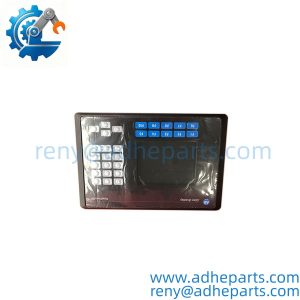
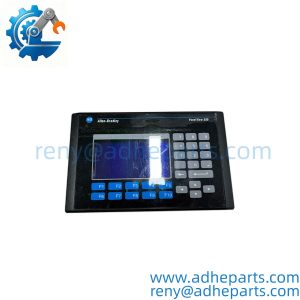
The Allen-Bradley 2711-K6C15 is a PanelView 600 standard operator terminal — a panel-mount HMI with a color display and keypad input. It connects to a controller over DH-485 or RS-232 (DF1) and displays machine status, accepts operator commands, and logs alarms. It is configured with PanelBuilder32, not the newer FactoryTalk View software.
The engineering value is the protocol coverage. The 2711-K6C15 speaks both DH-485 and DF1, which means it can sit on an older SLC network or connect point-to-point to a controller’s serial port. In my experience, that flexibility is what keeps these terminals in service long after newer HMIs have replaced them on the plant floor — they drop into a panel where the network already exists, and the application file transfers without a rewrite.
Here is the catch: PanelView 600 terminals are legacy hardware, and the configuration software is no longer in active development. If you are replacing a failed unit, pull the application file from the old terminal before you remove it. Without that file, you are rebuilding the screens from scratch.
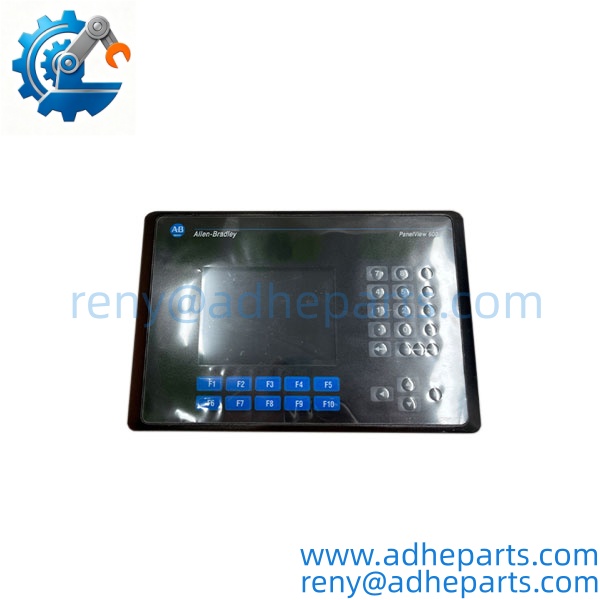
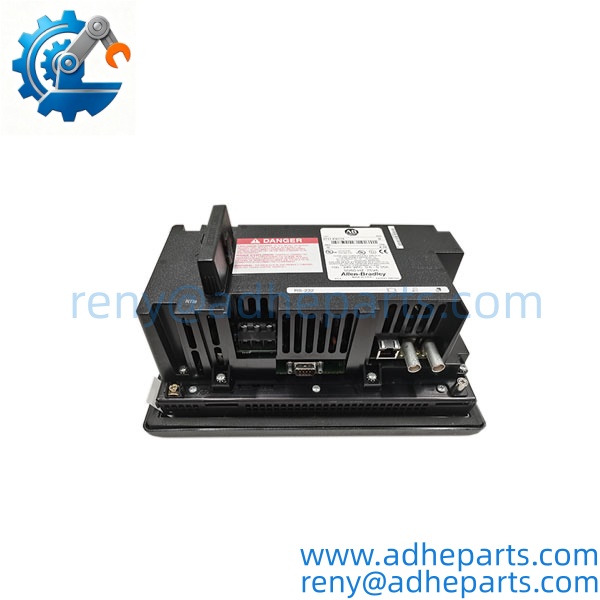
2711-K6C15
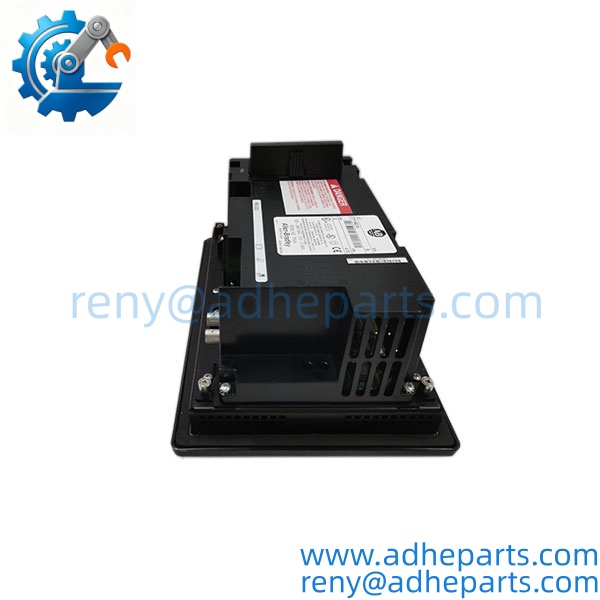
2711-K6C15
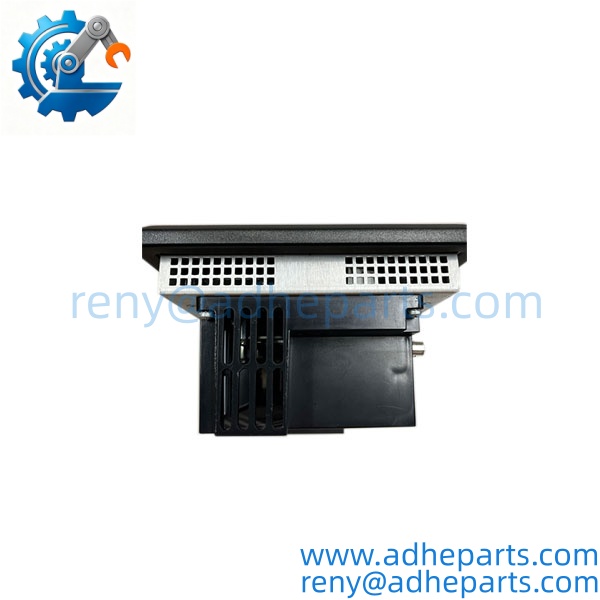
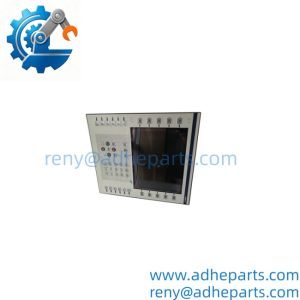
2711-K6C15
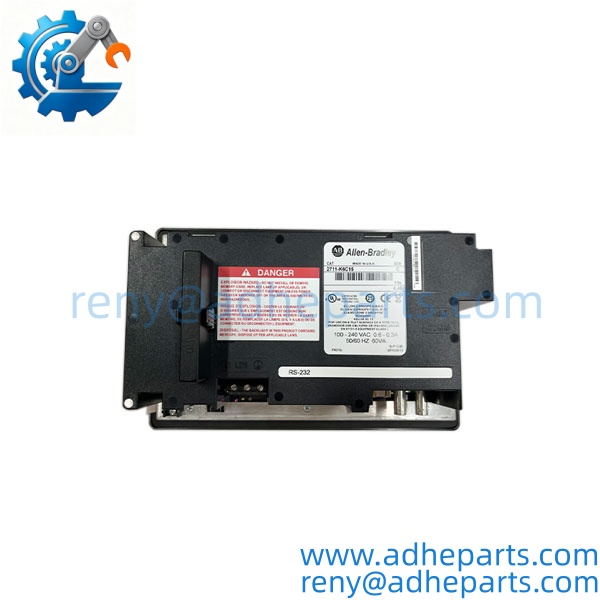
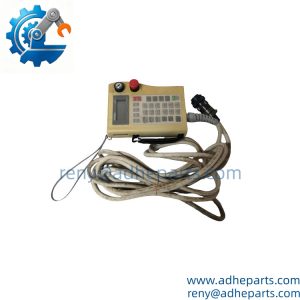
2711-K6C15
5. Application Scenarios & Field Experience
Part 1 – Narrative Paragraph
The failure that stops a line on a PanelView terminal is not always a dead display — it is a backlight that has dimmed to the point where the operator cannot read the screen in plant lighting. The terminal still communicates, the application still runs, but the operator is squinting at a washed-out display and making mistakes. I have seen that traced to a backlight at end of life, not a failed board. Before you replace the whole terminal, check whether the backlight is the problem. On this generation of hardware, the backlight is a known wear item.
Part 2 – Numbered List (Application Scenarios)
- Packaging Machinery – Line Status and Recipe Selection – The terminal displays line status, fault messages, and recipe selection for a form-fill-seal machine. The keypad input lets the operator enter setpoints without a touch screen that could be activated by a stray glove.
- Material Handling – Conveyor Zone Control – Used on SLC-controlled conveyor systems to display zone status and accept manual jog commands. The DH-485 port connects to the existing SLC network without additional hardware.
- Water Treatment – Pump Station Monitoring – The terminal displays pump status, tank levels, and alarm history at a remote station. The NEMA 4X rating handles washdown and humid environments.
- Machine Tools – Operator Interface – Displays axis position, tool offsets, and fault codes. The keypad is preferred over a touch screen in environments where coolant or chips are present.
Part 3 – Short Field Story
A bottling plant in the Midwest had a PanelView 600 on a case packer that had become hard to read — the display was dim and washed out. The maintenance team assumed the terminal was failing and ordered a replacement. Before installing it, we asked them to check the backlight setting in the configuration menu. The backlight was at end of life, but the terminal itself was fine. They replaced the backlight, restored the brightness, and the original terminal went back into service. The replacement unit went on the shelf as a spare. Checking the backlight first saved them a full terminal swap.
6. Standard Operating Procedure (SOP) for Quality Control
- Visual & Origin Inspection – We verify the Allen-Bradley marking, the 2711-K6C15 catalog number, and the date code. We inspect the display for cracks or dead pixels and the keypad for worn or non-responsive keys. A terminal with a damaged display or a failed keypad is rejected.
- Revision and Firmware Documentation – We read and photograph the full catalog number, the firmware revision, and the terminal’s configuration. We extract and archive any existing application file before shipping. That record ships with the terminal so you can compare it against the unit you are replacing.
- Power-Up Self-Test – The terminal is powered at rated voltage. We verify it completes its boot sequence, the display initializes, and the configuration menu is reachable.
- Display Verification – We display a test pattern and check for dead pixels, uneven backlighting, and color accuracy. A display with multiple dead pixels or a noticeably dim backlight is rejected.
- Keypad Verification – We exercise every key and verify the terminal registers each input correctly.
- Communication Port Test – We connect the terminal to a test controller over DH-485 and over RS-232 and verify it exchanges data without error. We also verify the configuration port.
- Backlight Check – We measure the backlight brightness against the OEM minimum. A terminal below the threshold is either rejected or noted for backlight replacement before shipping.
- ESD-Safe Packaging – The terminal is wrapped in anti-static film, seated in a fitted foam insert with the display protected by a rigid shroud, and packed in a double-wall carton with handling labels.
7. Frequently Asked Questions (FAQ)
Q1: What is the difference between the 2711-K6C15 and the 2711-K6C5?
A: The two-digit suffix indicates the communication port configuration. The 15 suffix on the 2711-K6C15 denotes DH-485 plus RS-232 (DF1). The 5 suffix typically denotes DH-485 only. Verify the suffix on your existing terminal and match it before ordering — the port configuration determines what network the terminal can connect to.
Q2: Will my existing application file load into this terminal?
A: Only if the firmware revision and the application memory size match or are compatible. PanelView 600 application files are tied to the terminal’s firmware version. Pull the application file from your old terminal before you remove it — that file is your recovery path. If the replacement has a different firmware revision, you may need to rebuild the application in PanelBuilder32.
Q3: What is the warranty on this terminal?
A: We offer a 12-month warranty from the ship date. It covers display failure, keypad failure, communication port failure, and power supply input failure under normal operating conditions. It does not cover damage from incorrect supply voltage, moisture ingress, or physical damage to the display. The backlight is a wear item and is not covered, but we verify its condition before shipping and note any terminal that is below the brightness threshold.
Q4: Do you have this in stock?
A: PanelView 600 terminals are legacy hardware and available only through surplus and refurbished channels. Stock varies week to week. Confirm availability before you plan an outage. If we are out, we will tell you what we actually have rather than quote a date we cannot hold.
Q5: Any installation pitfalls I should watch for?
A: Four. First, power down the panel before connecting or disconnecting the terminal — the communication ports are not hot-swap capable. Second, verify the supply voltage on the label matches your panel supply; connecting 24V AC to a DC-input terminal will damage the power board. Third, back up the application file before you remove the old terminal. Fourth, verify the communication port configuration matches your network before you power up — a DH-485 terminal will not communicate on a DF1 network, and the mismatch shows up as a silent failure with no obvious error.